
This article is for administrators who deployed the Sigilium add-in a long time ago. It explains how to redeploy the add-in available from the Microsoft Store.
This can help fix bugs and then allows for more automated updating of the add-in by Sigilium.
This one-time operation may result in the loss of signatures for 24 hours for some users. Please let them know in advance.
This operation is done in two steps (deletion, then reinstallation 6 hours later). We recommend that you perform the first operation in the early afternoon and then reinstall before leaving the office. This will limit the interruption of signatures.
Go to the list of deployed applications here:
https://admin.cloud.microsoft/?#/Settings/IntegratedApps
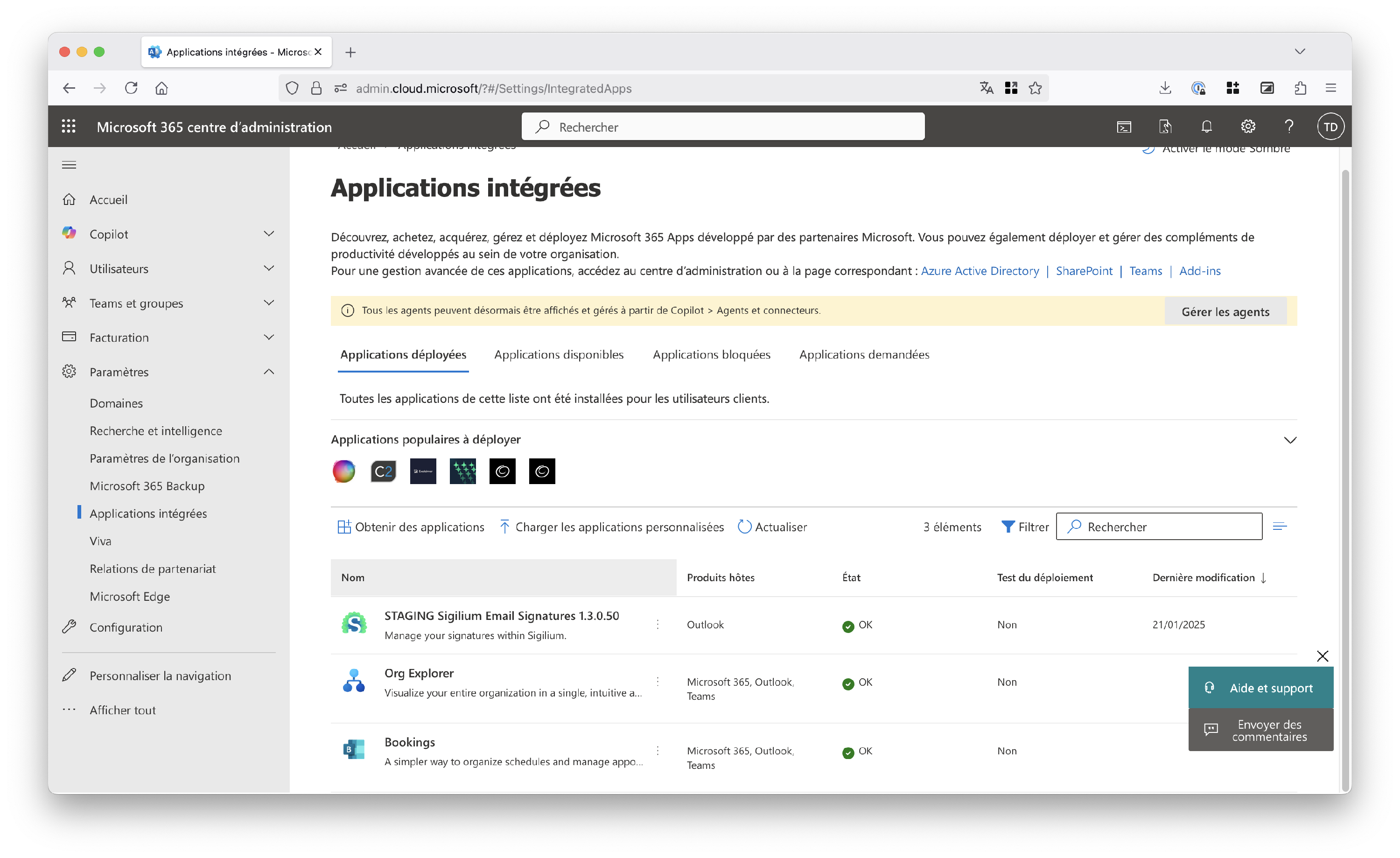
Find Sigilium, click on it, and click Remove application.
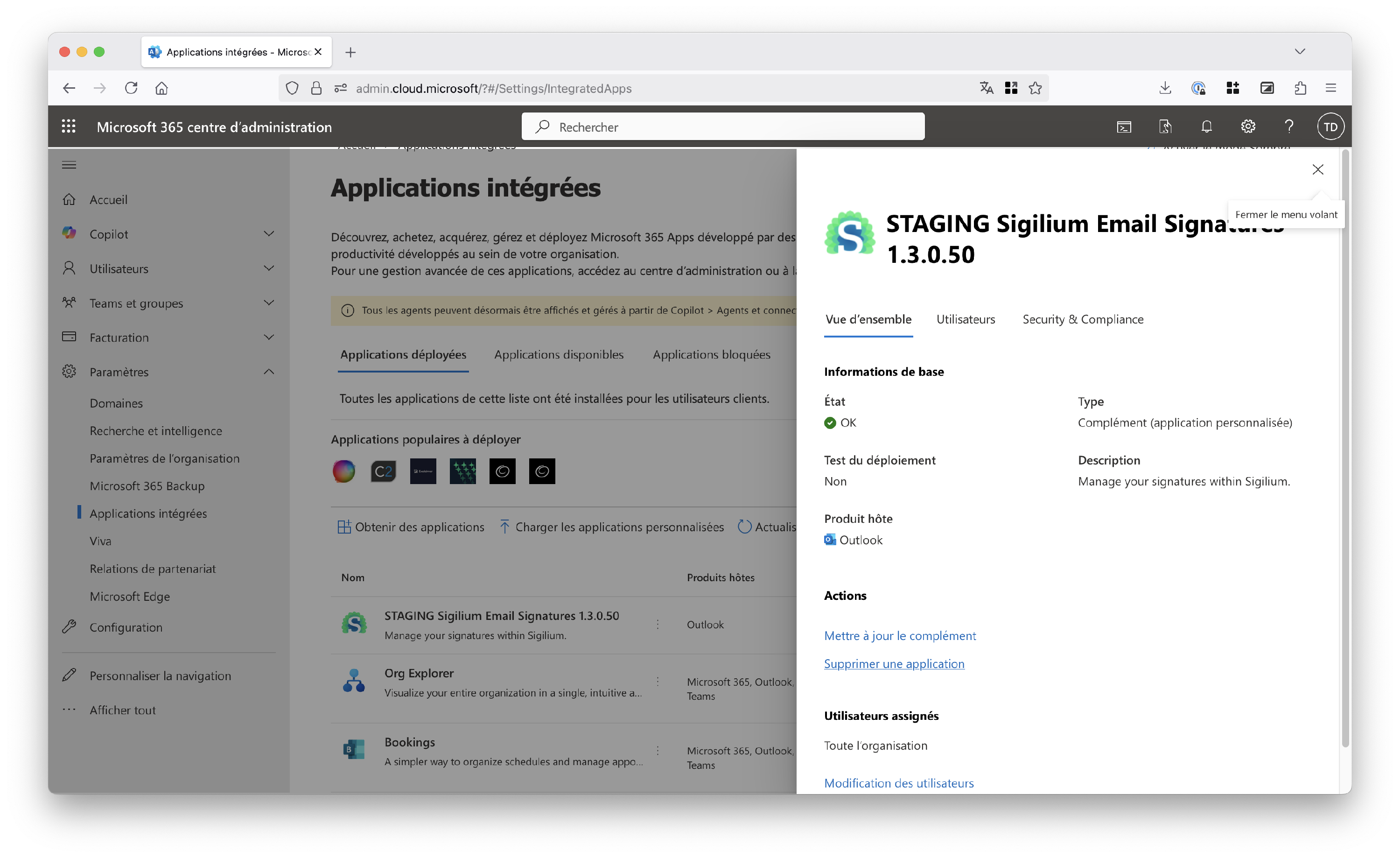
Check “Yes, I am sure I want to delete...” and click Delete.
The application will be deleted from client workstations within 6 hours.
Wait 6 hours before proceeding to the next step.
Once 6 hours have passed, you can install the application from the store by following these instructions:
Deploy the Sigilium addin on Microsoft 365
Here's how to deploy email signatures on Outlook 365, centrally.
Any questions ?
You can describe your problem orally in a few seconds leaving a message on the
+33 1 83 64 02 13
You would rather write it down? We are happy to help in response to your email at