
To know the MacOS version you use, and adapt the installation of your email signature, follow these simple steps
Click on the Apple menu on the top left corner of your Mac
Choose About this Mac
A window appears with the information : MacOS (+name of the version)
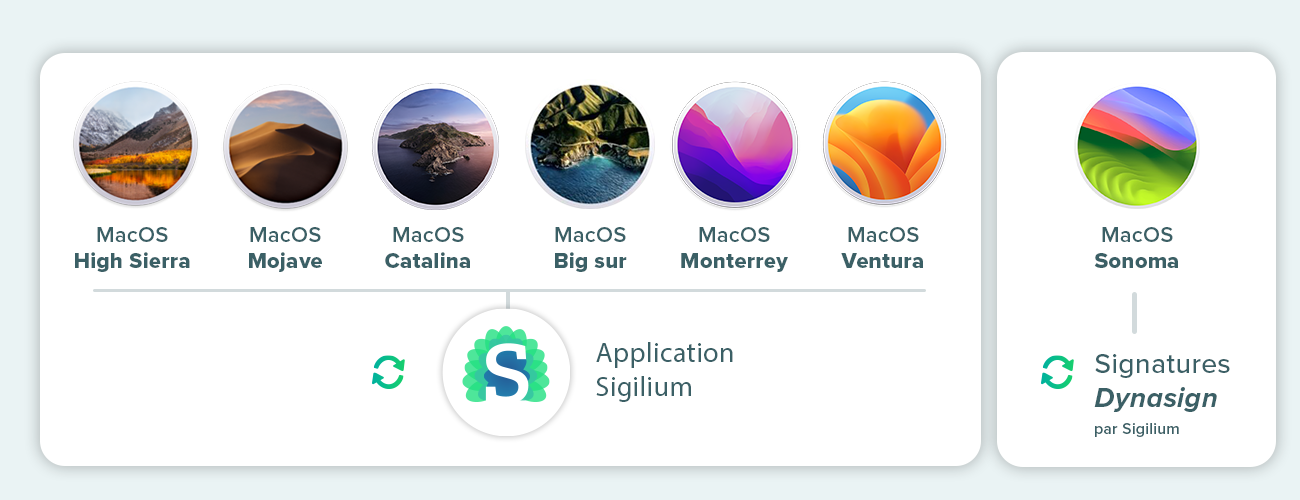
If you are using a version anterior to MacOS Sonoma, the classic app Sigilium works for all versions since High Sierra. It synchronizes the email signatures in mail Mac Automatically.
If you are using macOS Sonoma (released in September 2023), the Mail plugin architecture has been completely redesigned. Sigilium offers a new approach to signature synchronization with its DynaSign system. The application used in previous versions is no longer necessary. Follow the installation instructions in your Sigilium account.
⚠️ Please make sure you select the new email signature as your default for new messages and Reply/Transfers
Still curious ?
You can describe your problem orally in a few seconds leaving a message on the
+33 1 83 64 02 13
You would rather write it down? We are happy to help in response to your email at