Par défaut dans les templates disponibles, une fonction appelle les réseaux sociaux et affiche l'icone et son lien associé lorsque celui ci est renseigné au niveau de l'organisation.
<table>
<tbody>
<tr>
{% assign social_network_index = 0 %}
{% for social_network in social_networks %}
{% if social_network_index == max_social_networks %}
{% break %}{% endif %}
{% if social_urls[social_network]
{% assign social_network_index = social_network_index | plus: 1 %}
<td style='padding-left: 5px;'>
{% social_icon social_network, inline: true, circle_width: 1, color: colors.base, inverse: true, size: 20 %}</td>{% endif %}
{% endfor %}
</tr>
</tbody>
</table>
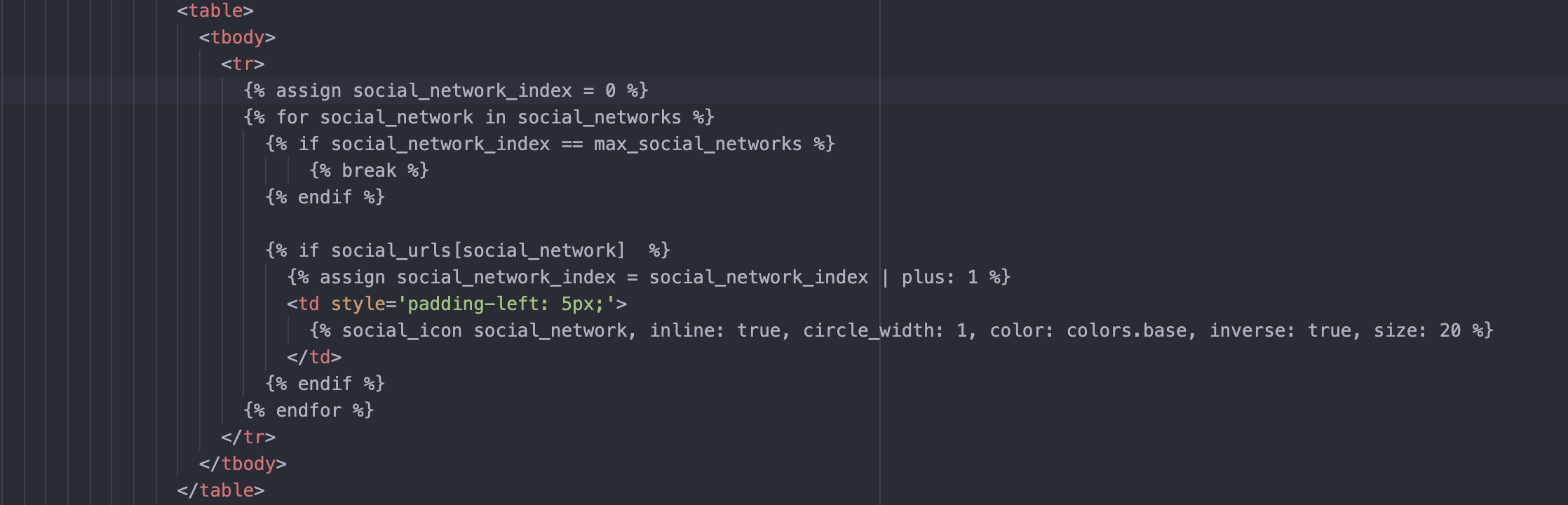
Pour afficher d'autres icônes custom il est possible d'appeler seulement certains réseaux sociaux, comme suit :
Exemple pour un site web :
<tr>
  <td style="padding: 3px;">
     <a href="{{ social_urls.website }}">{% custom_image "(nom de l'image)", width: "18", height: "18" %}</a>
  </td>
</tr>
Variables pour les organisations :
organization.facebook
organization.twitter
organization.instagram
organization.twitch
organization.linkedin
organization.xing
organization.viadeo
organization.youtube
organization.dailymotion
organization.tumblr
organization.mastodon
organization.houzz
organization.tiktok
organization.mastodon
organization.pinterest
organization.telegram
organization.discord
organization.medium
organization.vkontakte
organization.whatsapp
organization.wechat
organization.vimeo
Variables réseaux sociaux, au niveau utilisateur :
signature.linkedin
...
exemple :
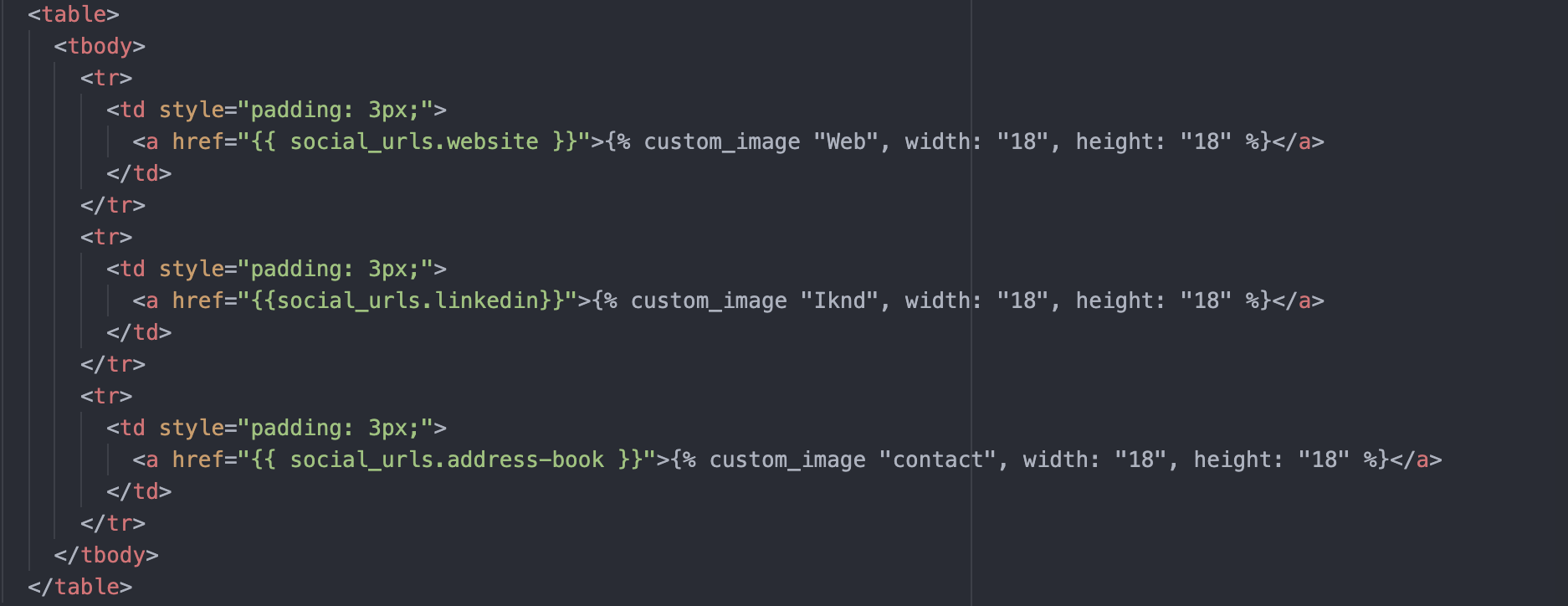
A noter,
l'image du RS a été téléchargée au préalable sur Sigilium
ici les réseaux sociaux s'affichent directement. on peut rajouter des conditions.
Un doute, une question ?
Vous pouvez décrire votre problème à l'oral en quelques secondes en laissant un message au
+33 1 83 64 02 13
Vous préférez l'écrit ? Nous sommes ravis de vous aider en réponse à votre mail au
