
Start by opening the Sigilium app.
Then in the green area, click on the Sigilium app version number, and the app update will start automatically.
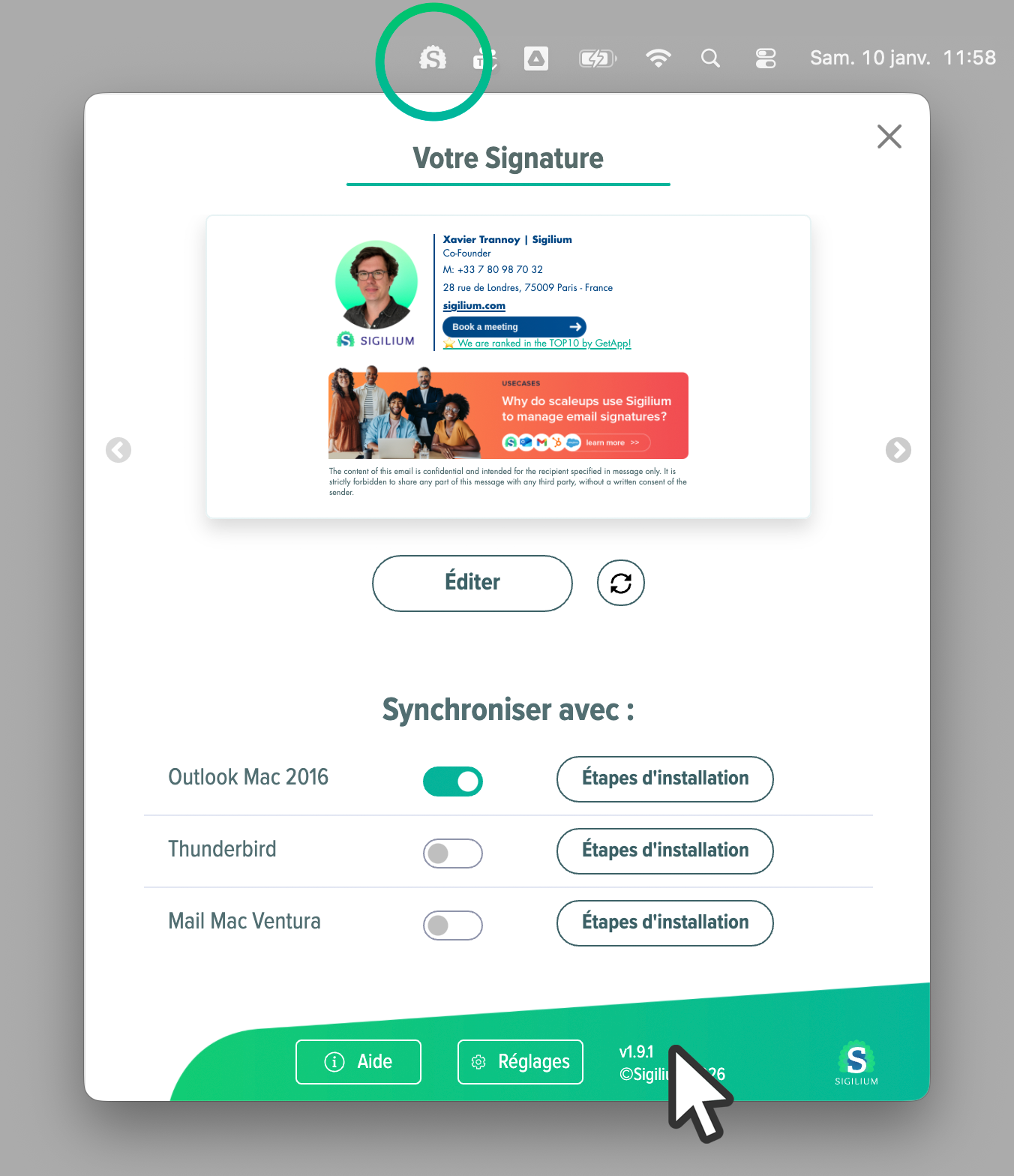
If you can't find your Sigilium app, here's what to do:
Open the Sigilium app from a PC
If the Sigilium icon isn't visible:
Go to the Windows menu
Type "Sigilium" to search for our app
Click on the "Sigilium Email Signatures" app
Go to the taskbar to open the Sigilium app.
Open the Sigilium app from a Mac
Look for the Sigilium icon in the menu bar at the top
If it’s not there, look for Sigilium in your Mac’s Applications folder
Open it and log in
In the green part of the app, click on the version number, the update check will start right away.