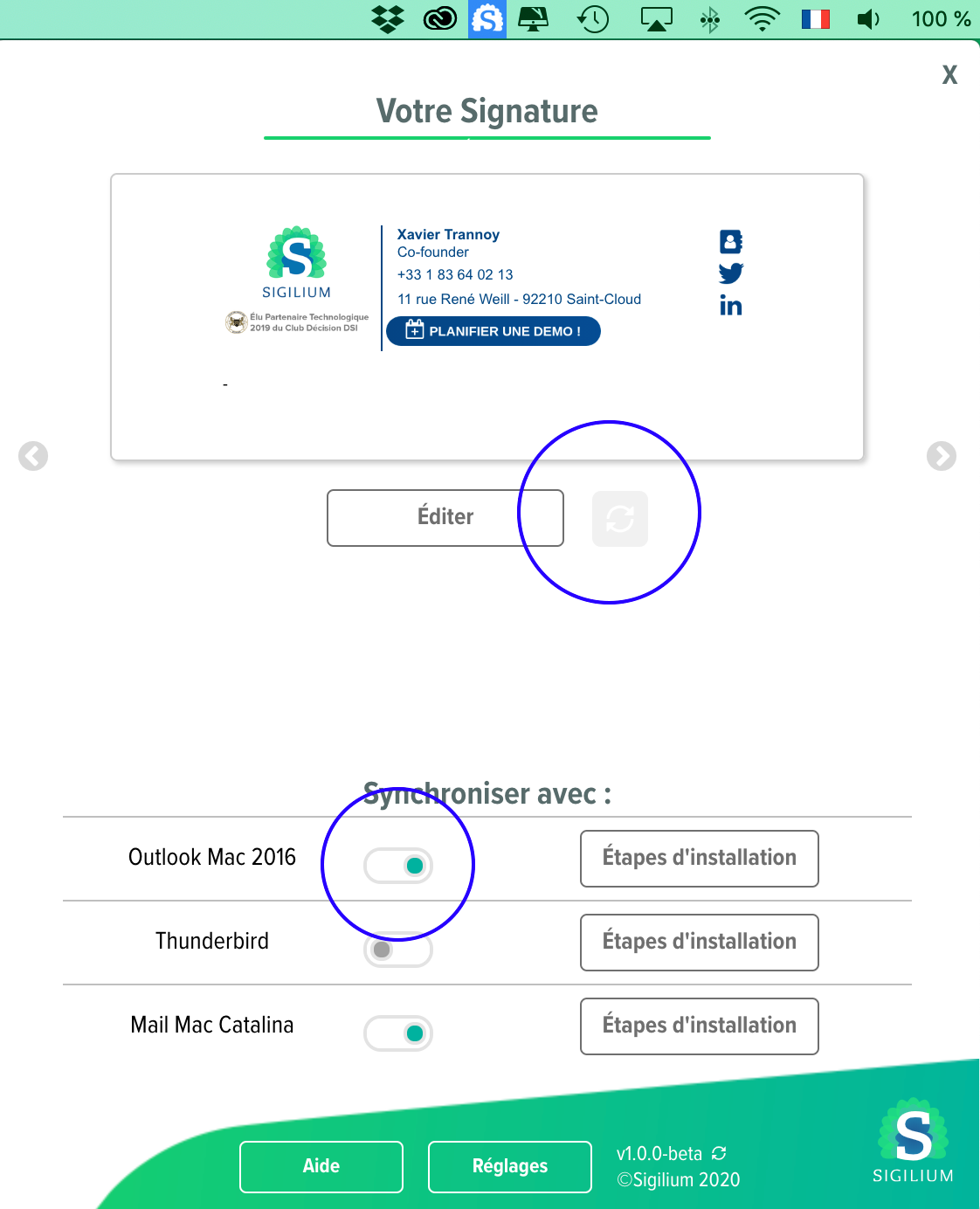
click on the Sigilium's icon
click on refresh button or un-sync and re-sync Sigilium with Outlook
create a new email, the last version of your email signature appears
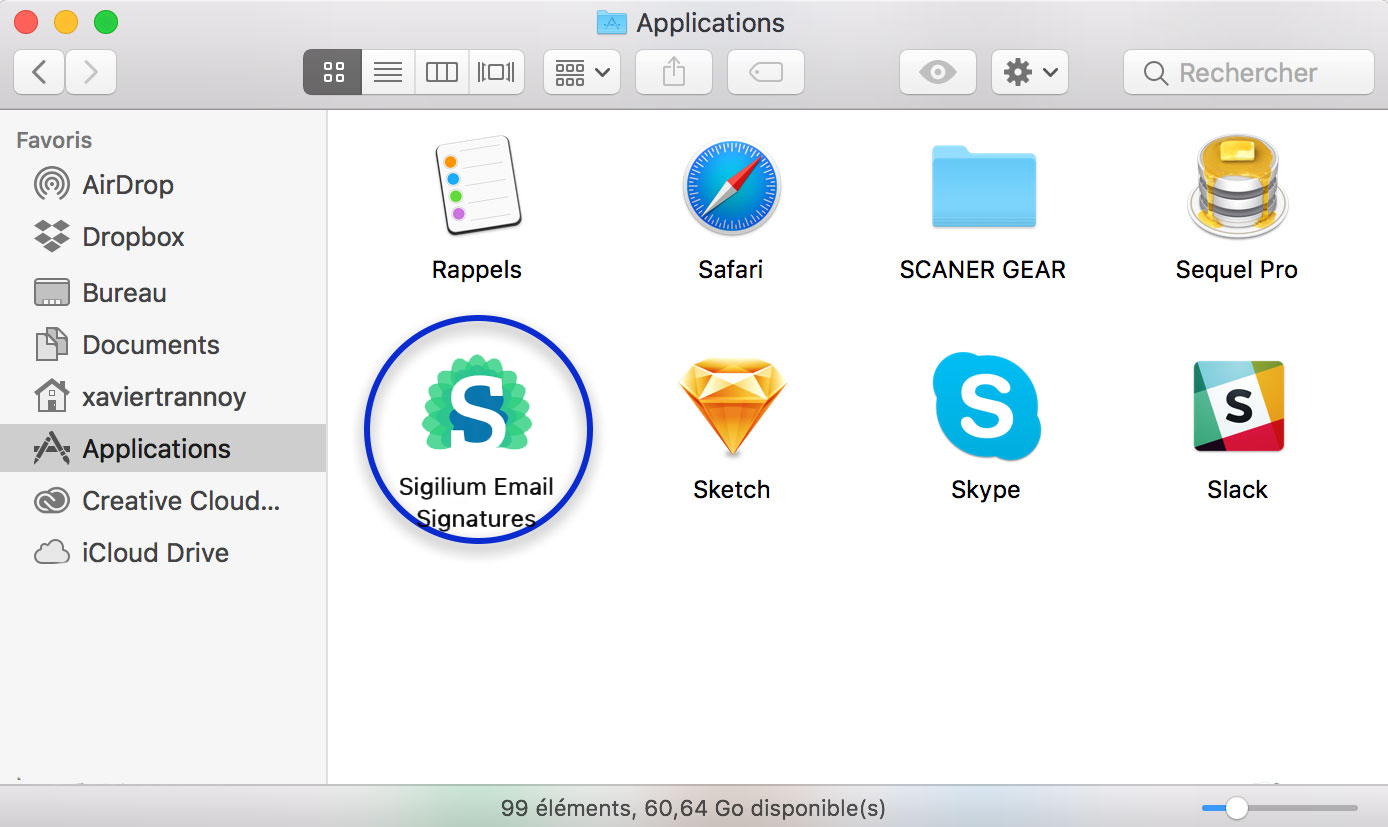
Go to Applications
click on Sigilium's icon > now ot will appear at the top right of your Mac, on the menu
verify if the box Launch Sigilium at start is ticked
click on the Sigilium's icon, and on main window
click on Synchronise my email signature now
create a new email, the last version of your email signature appears
