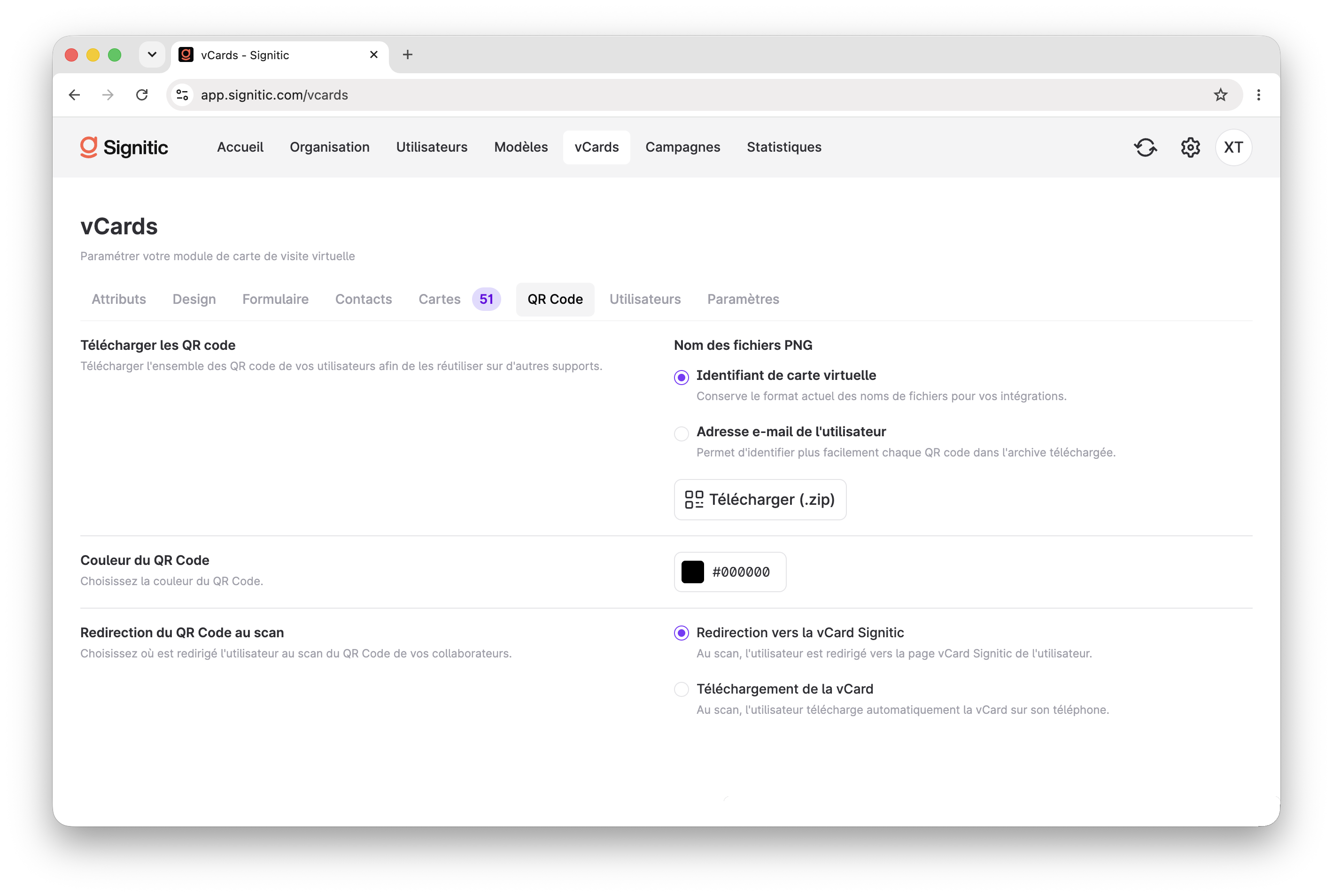
Good news: your interactive business cards created on Sigilium will continue to work with the new Signitic interface! QR codes are tracked. This means that a previously printed card now automatically redirects to the new Signitic Vcard format.
The new Signitic interface has a dedicated menu: Vcard.
It lets you take several actions:
Configure the design of your Vcard page, which your contacts will land on.
Find and manage your QR codes
Manage and assign physical business cards to your teams
Enable a form to collect information from the contacts you meet
Find the list containing your contacts' information
Learn more about the different options.
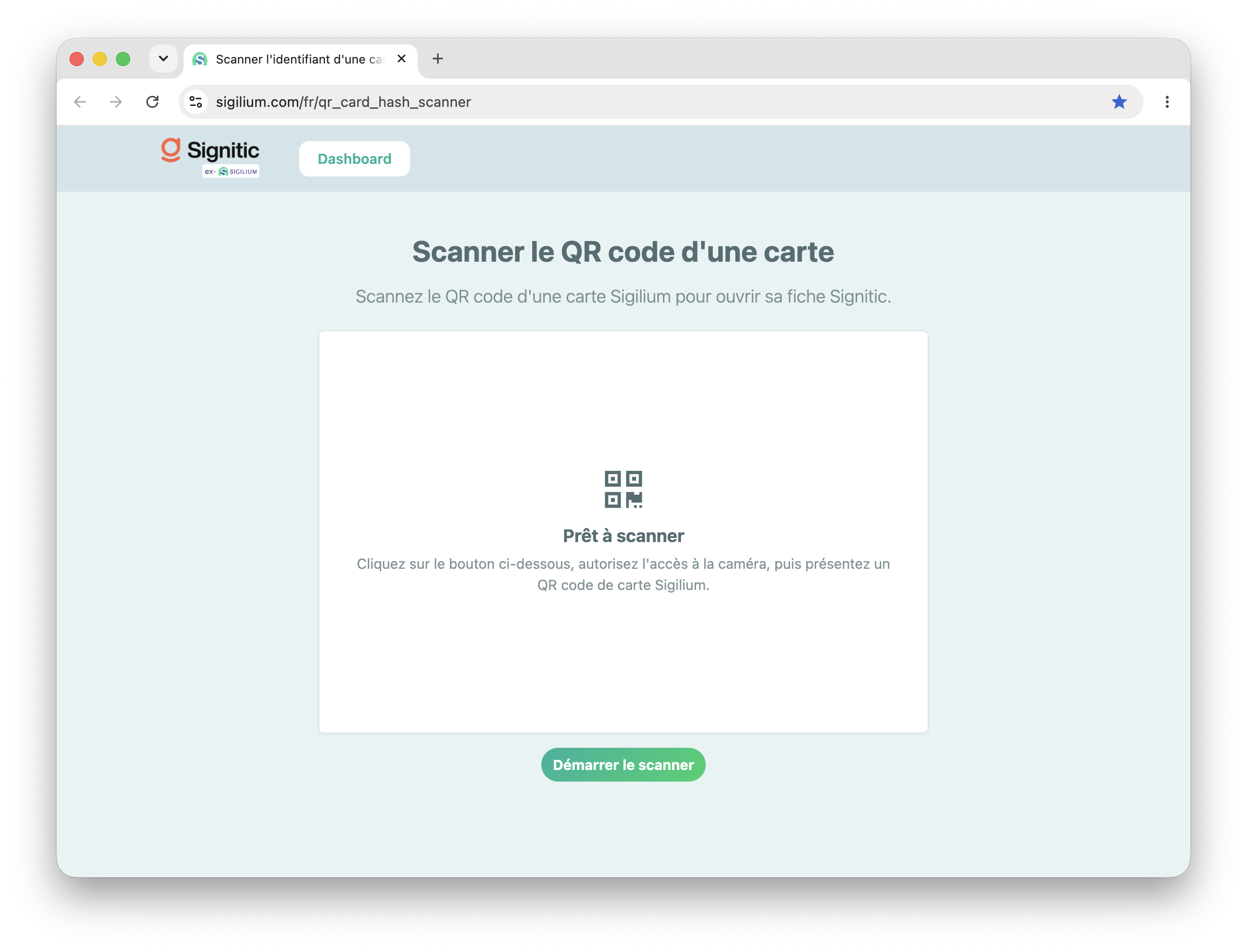
Your physical business cards are also transferred. If you need to reprogram a card, we have created a dedicated page. Go here:
https://sigilium.com/fr/qr_card_hash_scanner
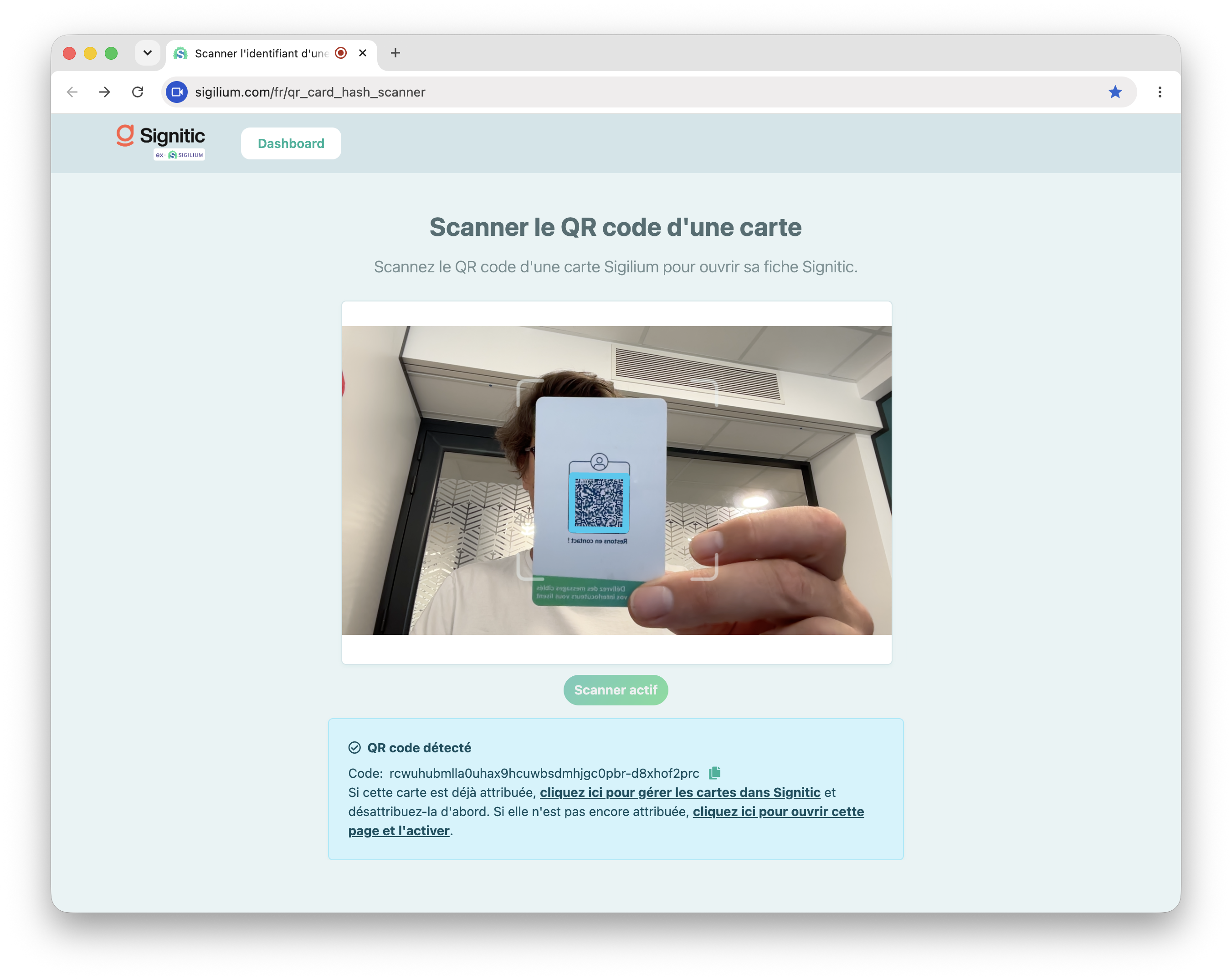
Scan the QR code on your business cards.
You have 2 options:
If the card is already assigned, you can:
Either keep it as is for the current user.
Or reassign it from your Signitic interface using the card ID. The ID is displayed at the bottom of the page.
From the Vcard menu in Signitic, enter it in the search bar, then click the Detach button to unassign it.
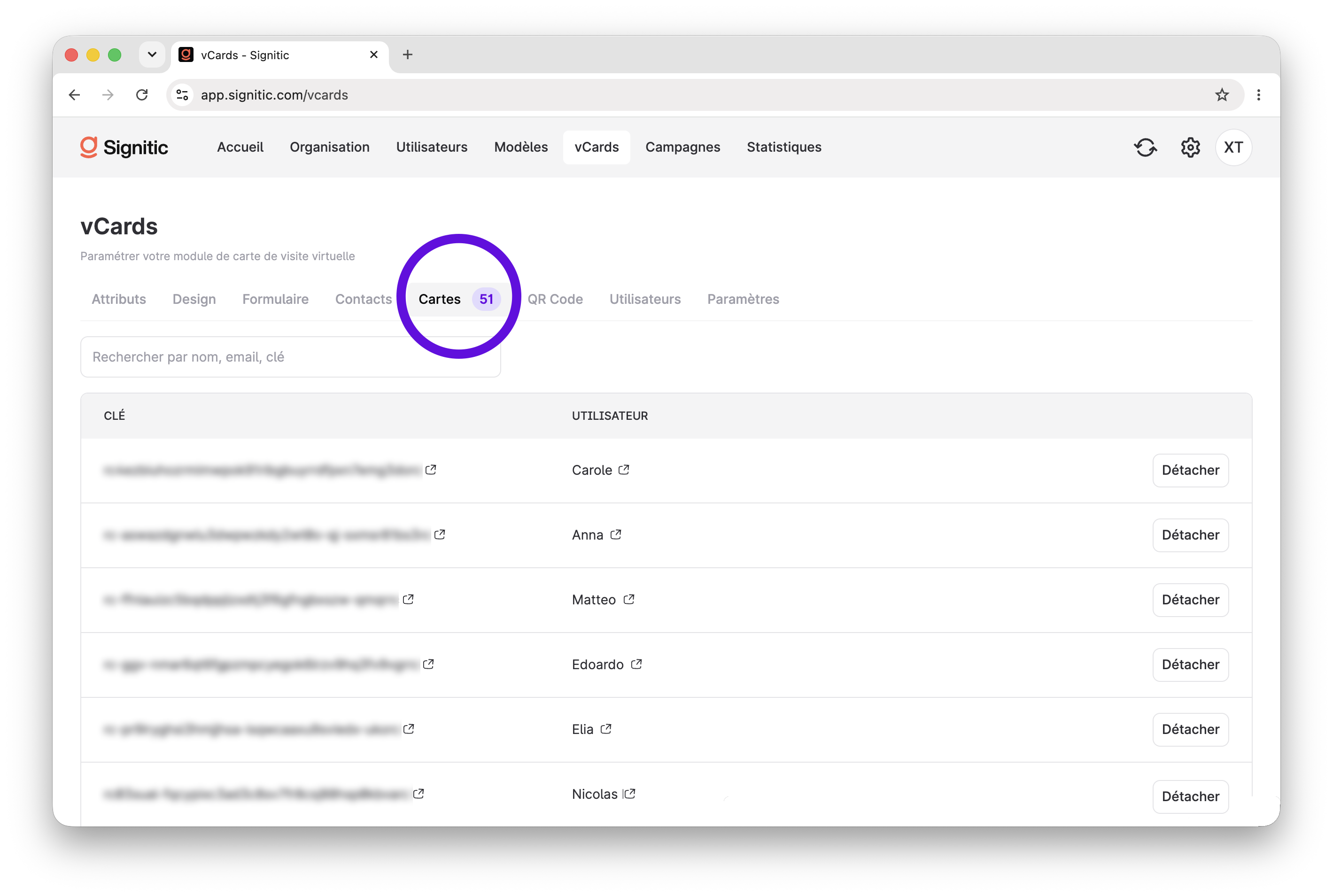
If the card is not assigned, you can activate it for someone on your team.
For cards that are not assigned (available or ones you have detached), you have a list of IDs, each with a link to the QR code
When you click the link icon, the QR code appears.
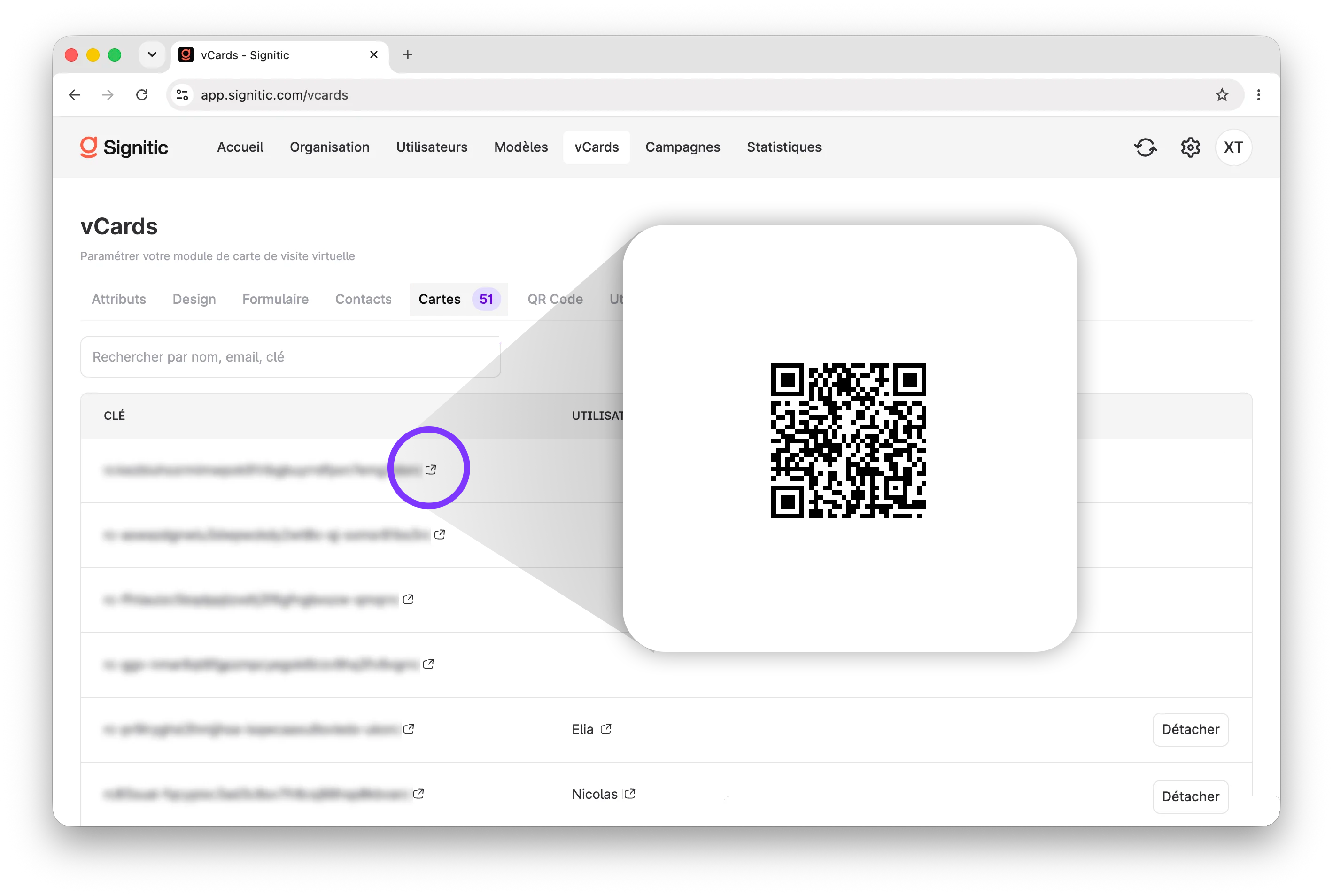
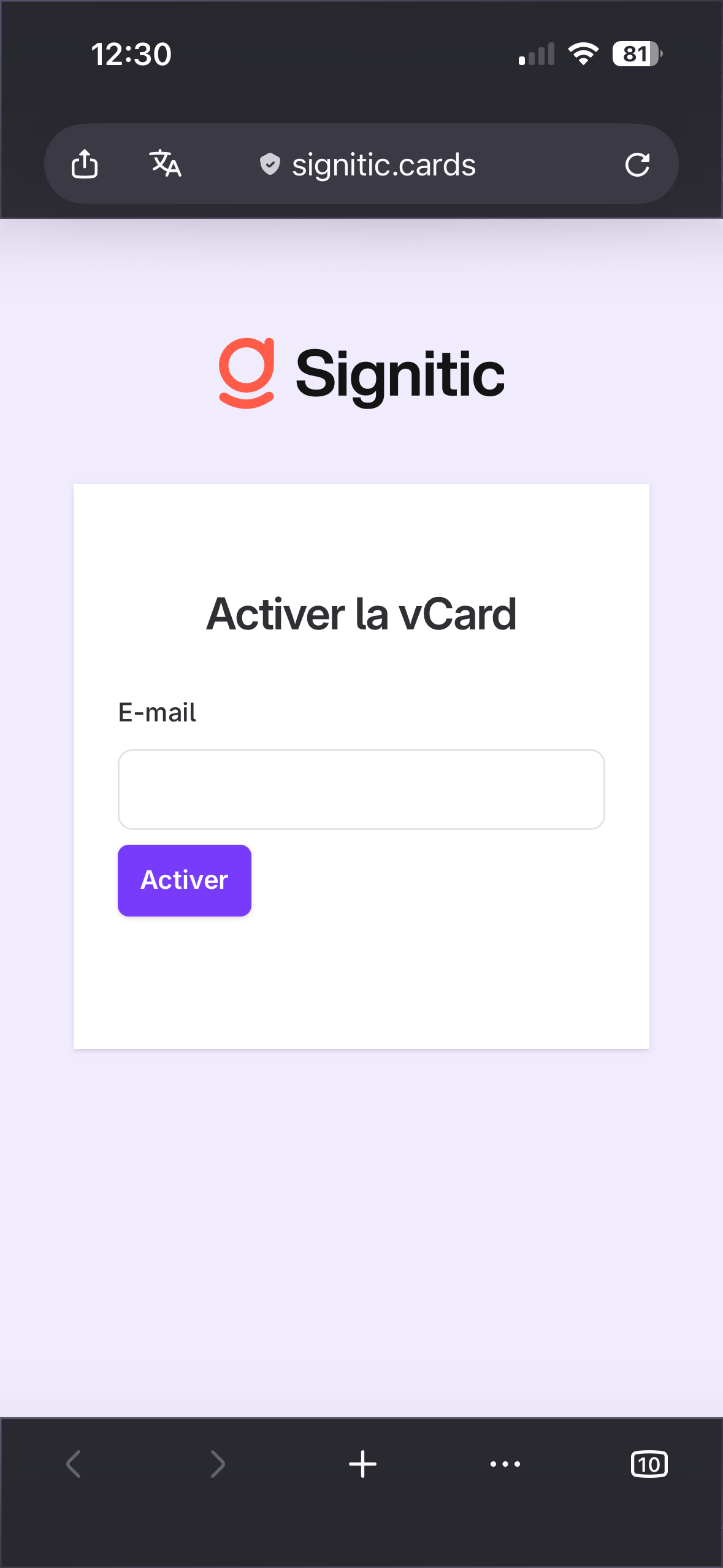
Scan it with your phone, and activate the card by entering the user's email address.
They will be notified by email.