
Once Signitic is in place, you can remove the Sigilium connectors.
Under Microsoft 365
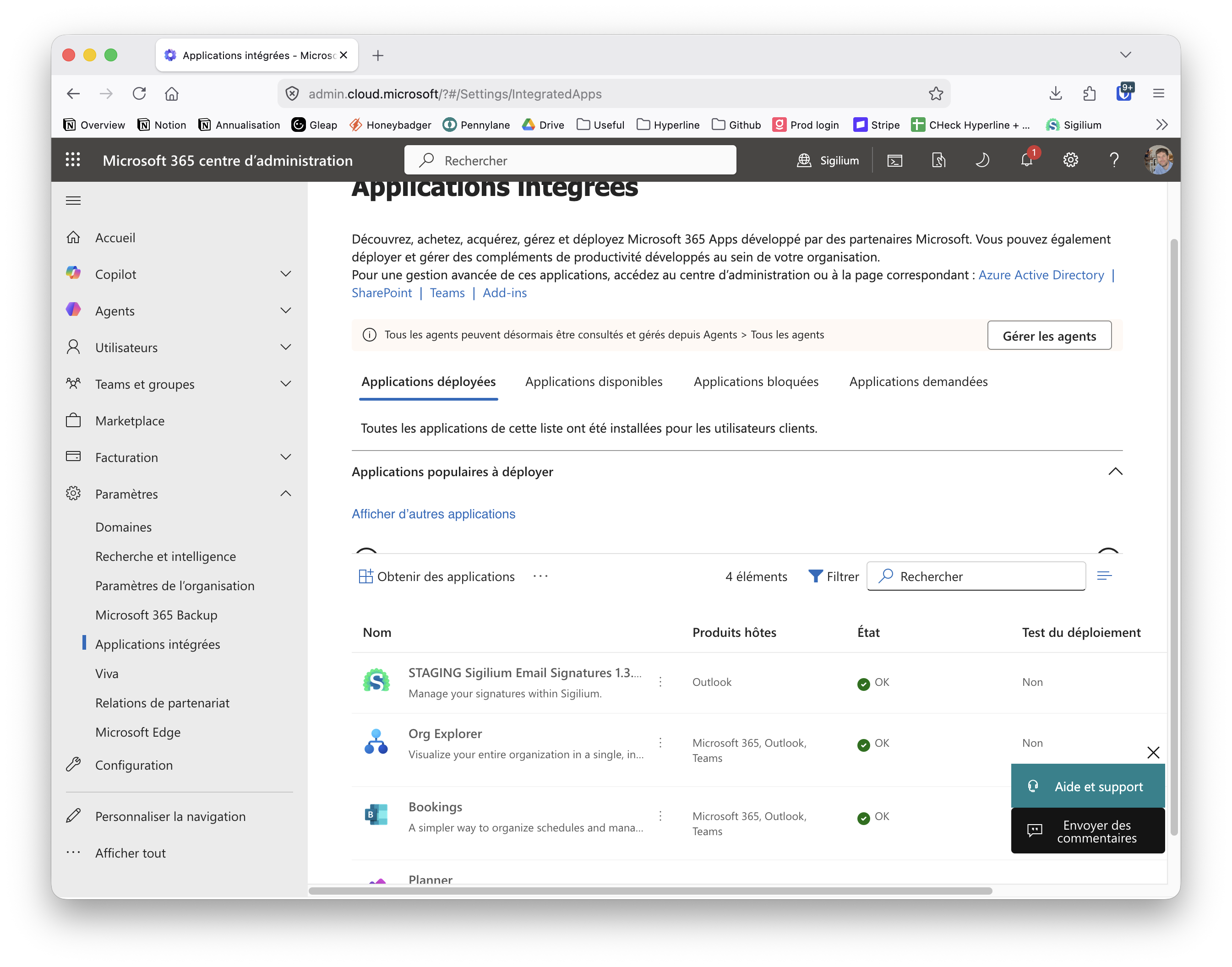
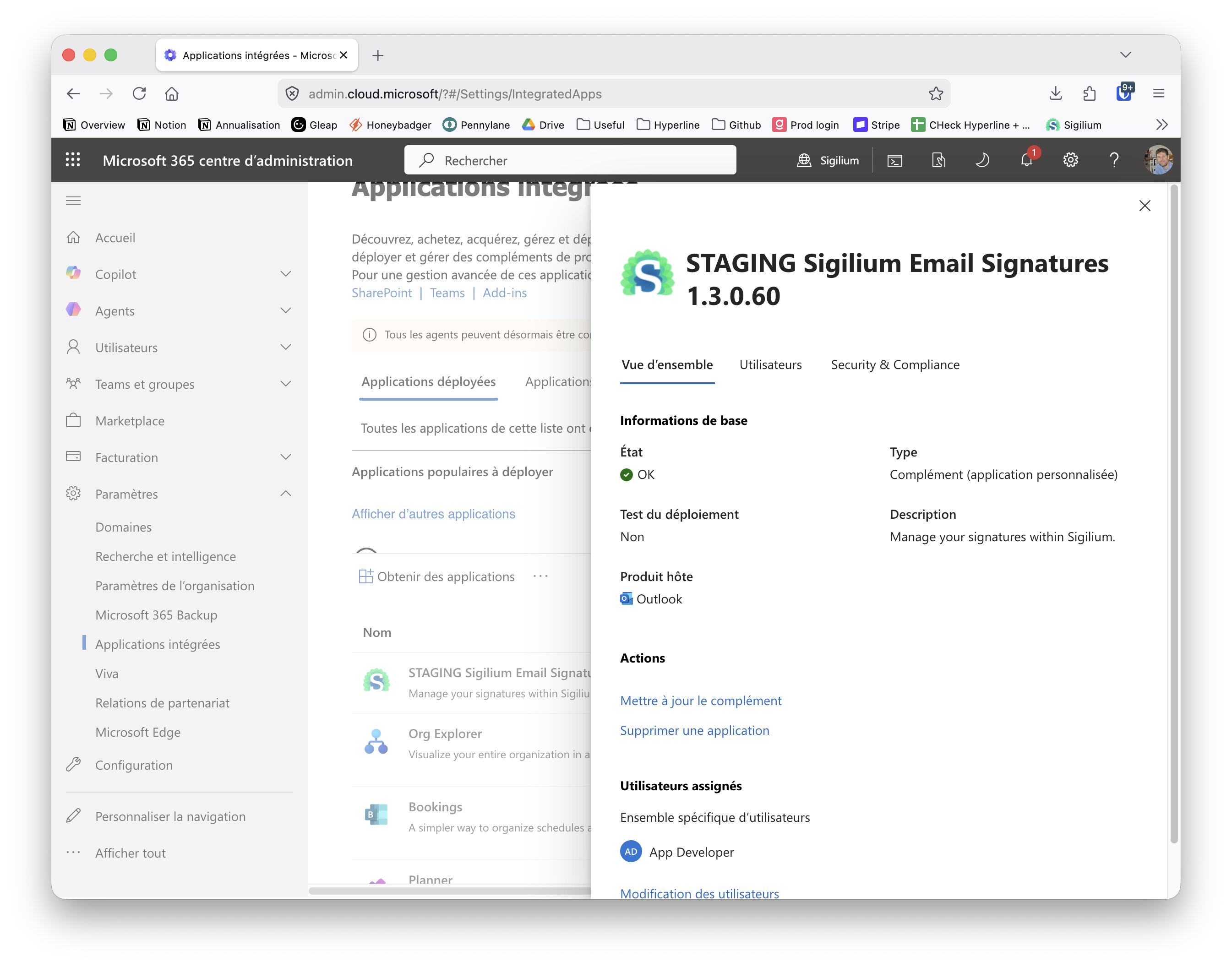
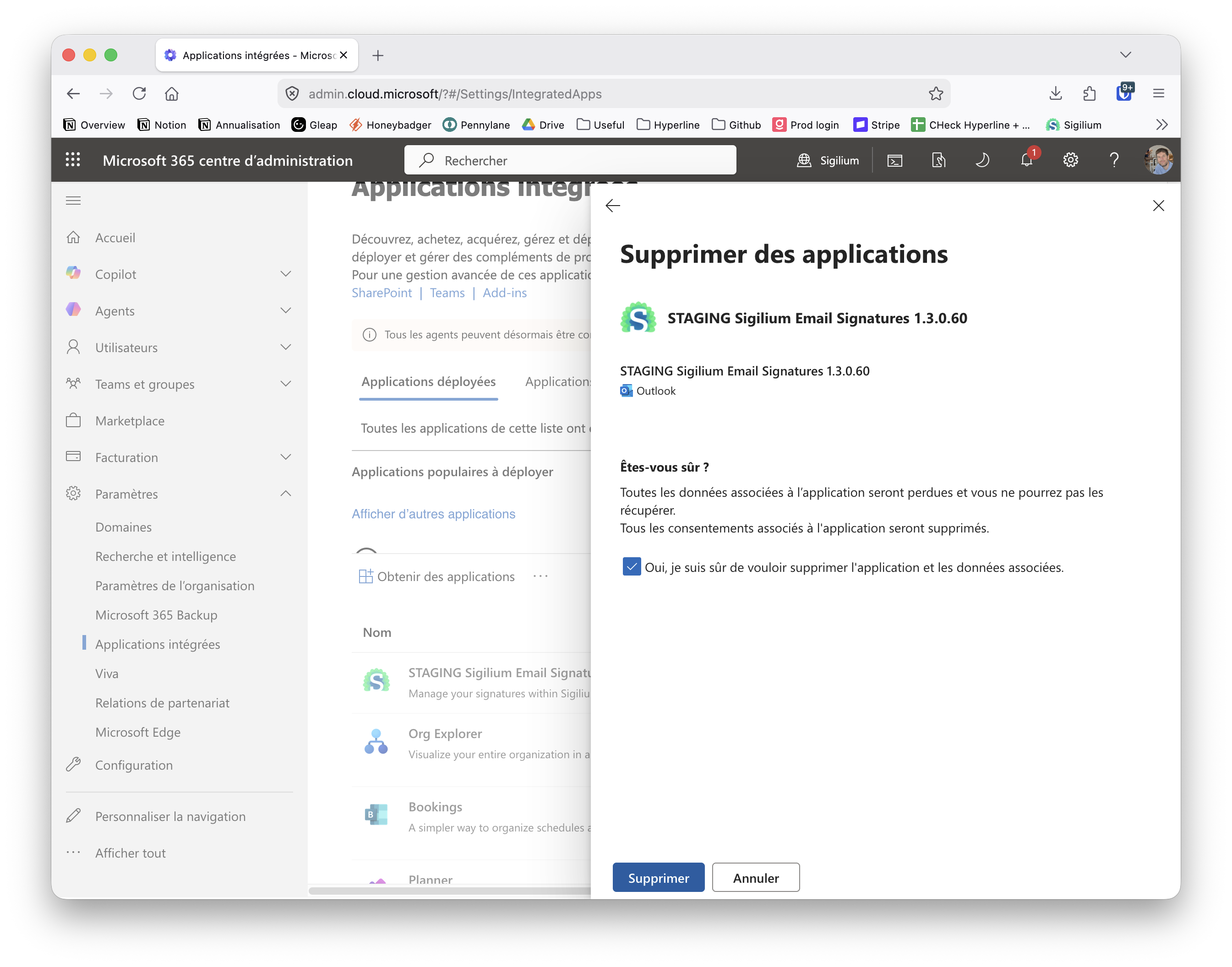
From this page you can remove the Sigilium Add-in (your collaborators will no longer see the Sigilium icon in Outlook):

Since the Signitic add-in now synchronizes email signatures, you must disable the old Sigilium add-in on your 365 tenant.
As the 365 account administrator, remove the Sigilium application from this page:
https://admin.cloud.microsoft/#/Settings/IntegratedApps/:/Redirect/Store/WA200006845/fr-FR
To uninstall the directory and Oauth authorizations
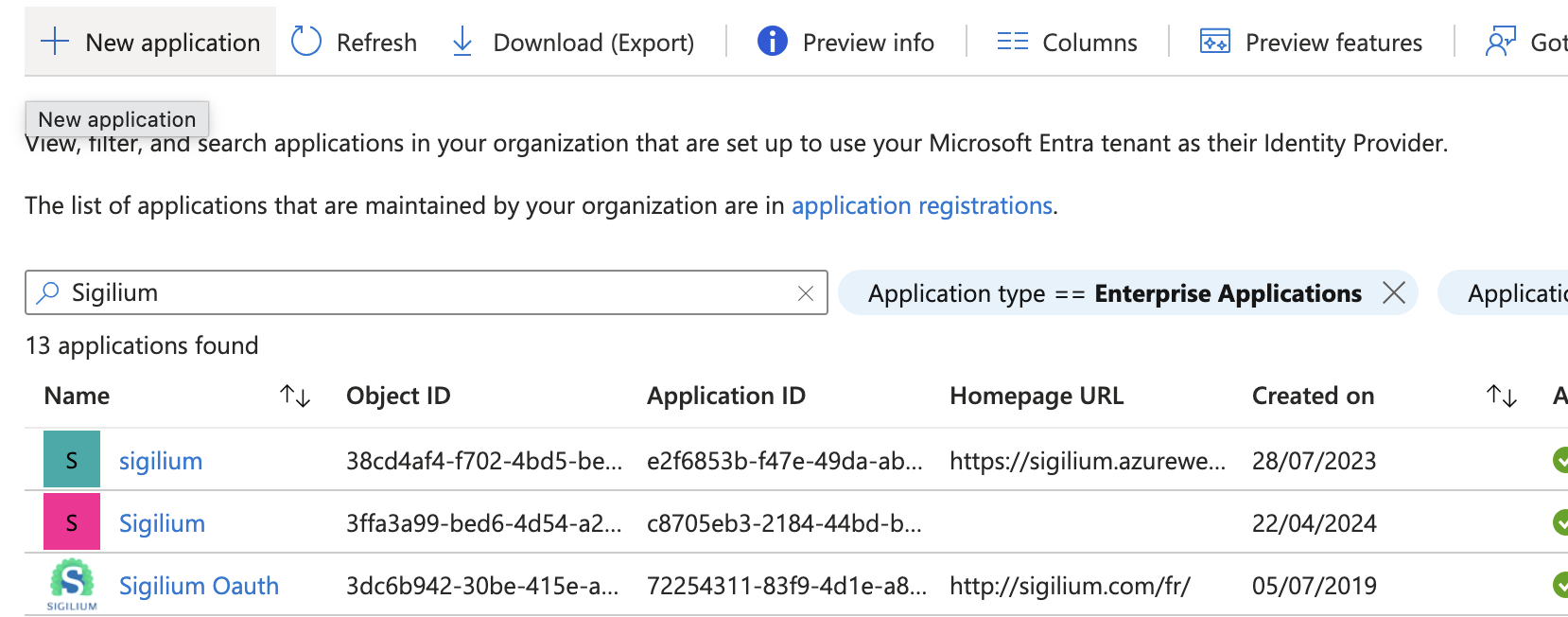
If you have also synchronized your directory information, you can remove the permissions from this page:
https://portal.azure.com/#view/Microsoft_AAD_IAM/StartboardApplicationsMenuBlade/~/AppAppsPreview
You can delete all applications that contain Sigilium in their name.
✅ Congratulations, it's done. You are on the latest version of the add-in! Your colleagues' email signatures are synchronized and the operation was seamless for them.