We recommend that you re-enable email signature synchronization with the Signitic Google Workspace connector.
From the menu bar, go to the Settings (cog wheel) page > Connectors
direct link: https://app.signitic.com/settings/connectors
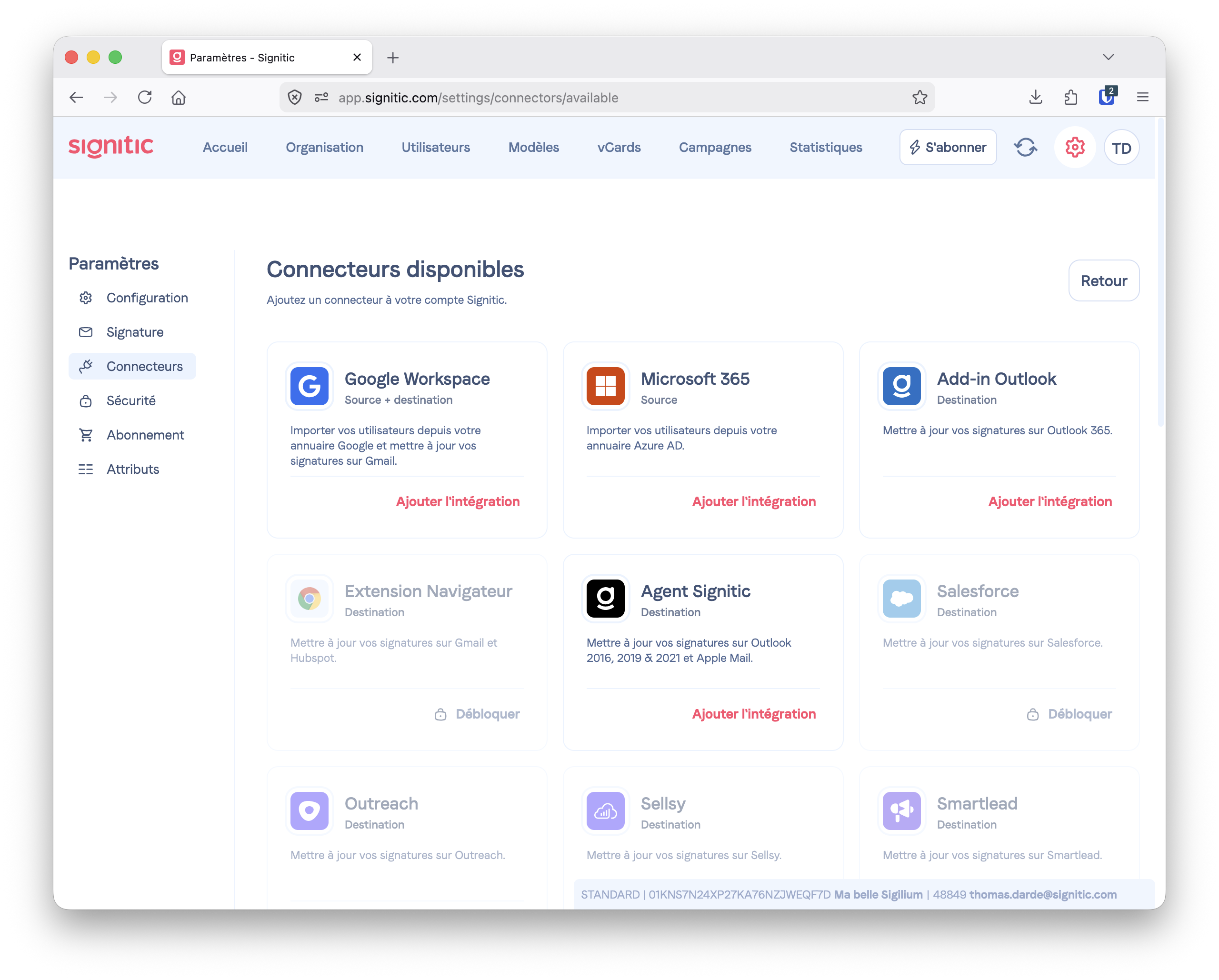
Enable the Google Workspace Connector.
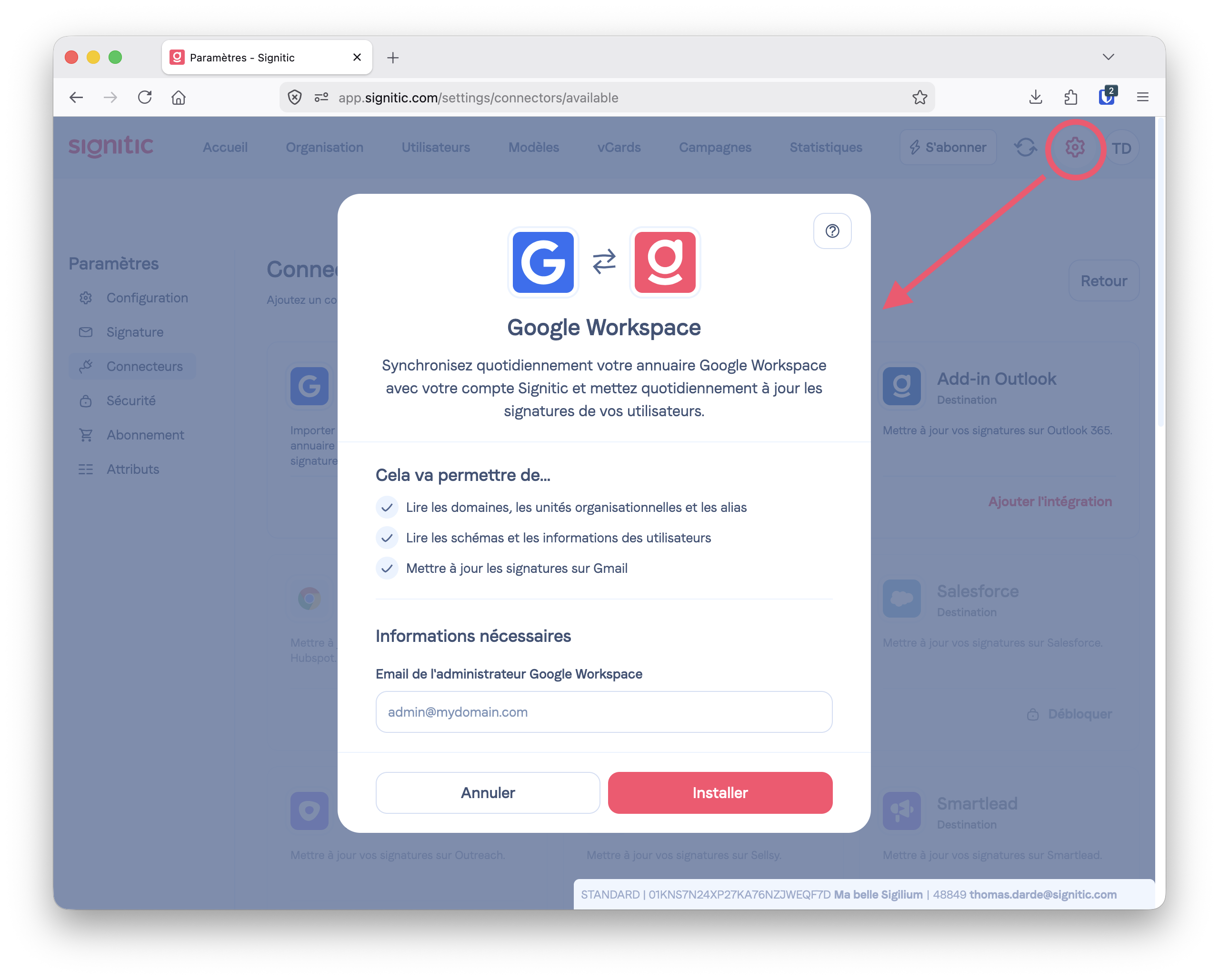

Choose the users to sync.
By default, syncing users (listed in the Workspace account) and signatures in Gmail isn’t enabled.
To actually enable syncing of signatures in Gmail with the Signitic connector, choose … in the sync options panel.

To edit their signature, they just need one click. This short article you can share with them explains how it works: Manage my signature in Gmail
To take advantage of multi-signature syncing in Gmail and let your users choose their signature from several you’ve prepared, or have a different signature for internal and external emails, enable the Signitic Chrome extension for Gmail.
Here’s the Signitic article dedicated to this connector:
Install the Signitic Chrome extension for Gmail