Just a reminder, campaigns used to be managed from the Campaigns tab and the steps were grouped together in a form.
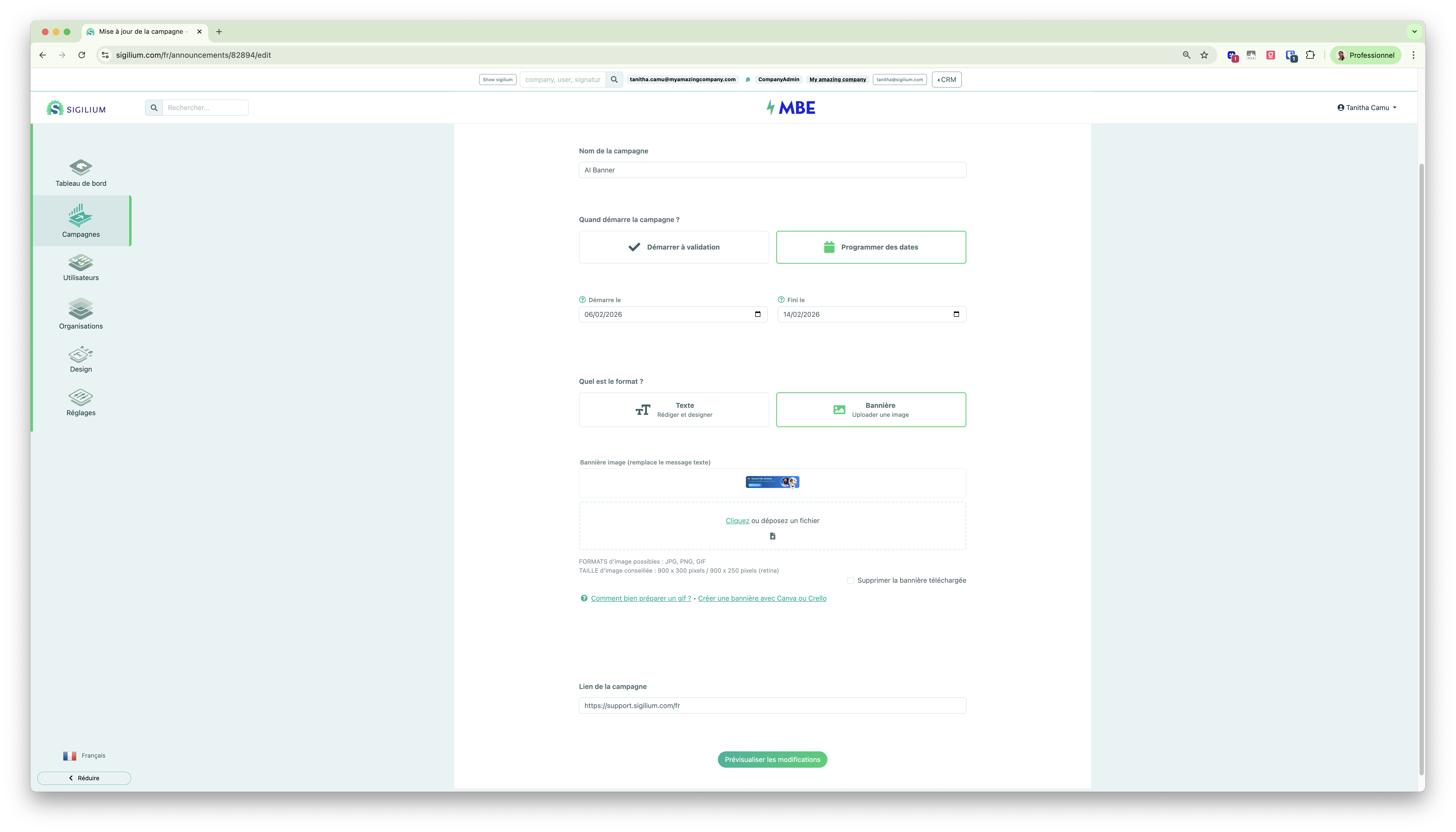
Previewing and assigning campaigns was then done on 2 other pages.
Everything is now gathered on a single page.
The steps are organized in drawers and each of them will be explained in dedicated videos.
💡 The differences compared to Sigilium:
a clear indication of the weight of your images chosen for your campaigns
a native integration with Canva to create and import a visual
customization of the height and width of your image
a very precise preview tool with different possible scenarios (new/reply - internal/external)

👉 Alt text simply lets you describe the image for visually impaired people.
💡 Difference with Sigilium:
The start date AND end date are required to schedule a campaign
The start date only or the end date only are no longer enough to schedule a campaign.
Still curious ?
Describe your problem leaving a message on the +33 1 83 64 02 13
You would rather write it down? send us an email at [email protected]
