
Everything explained in a video
Sigilium
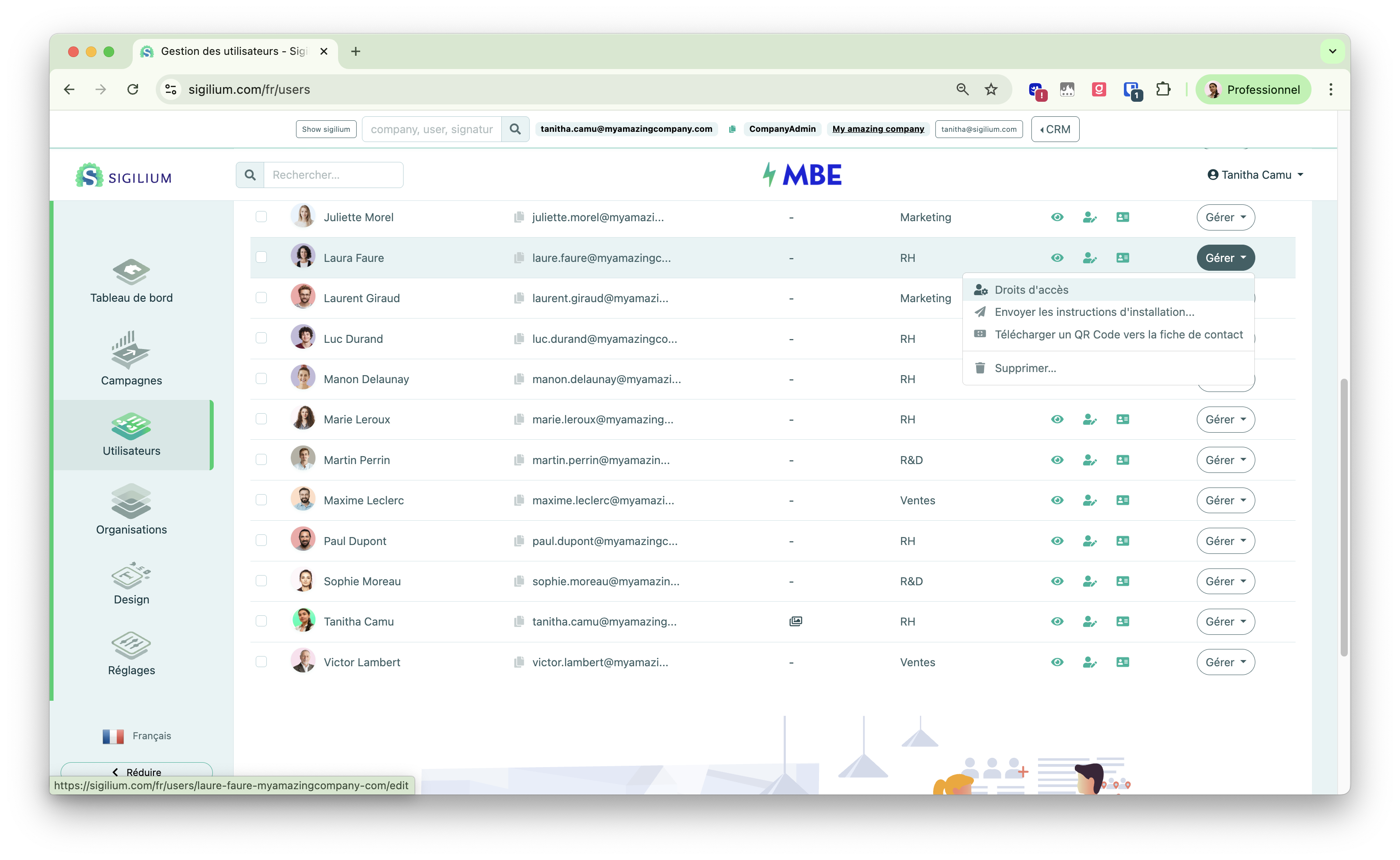
As a reminder, on Sigilium, access rights were managed individually from the Users tab.
Signitic
They are now managed from the Settings section of the platform.
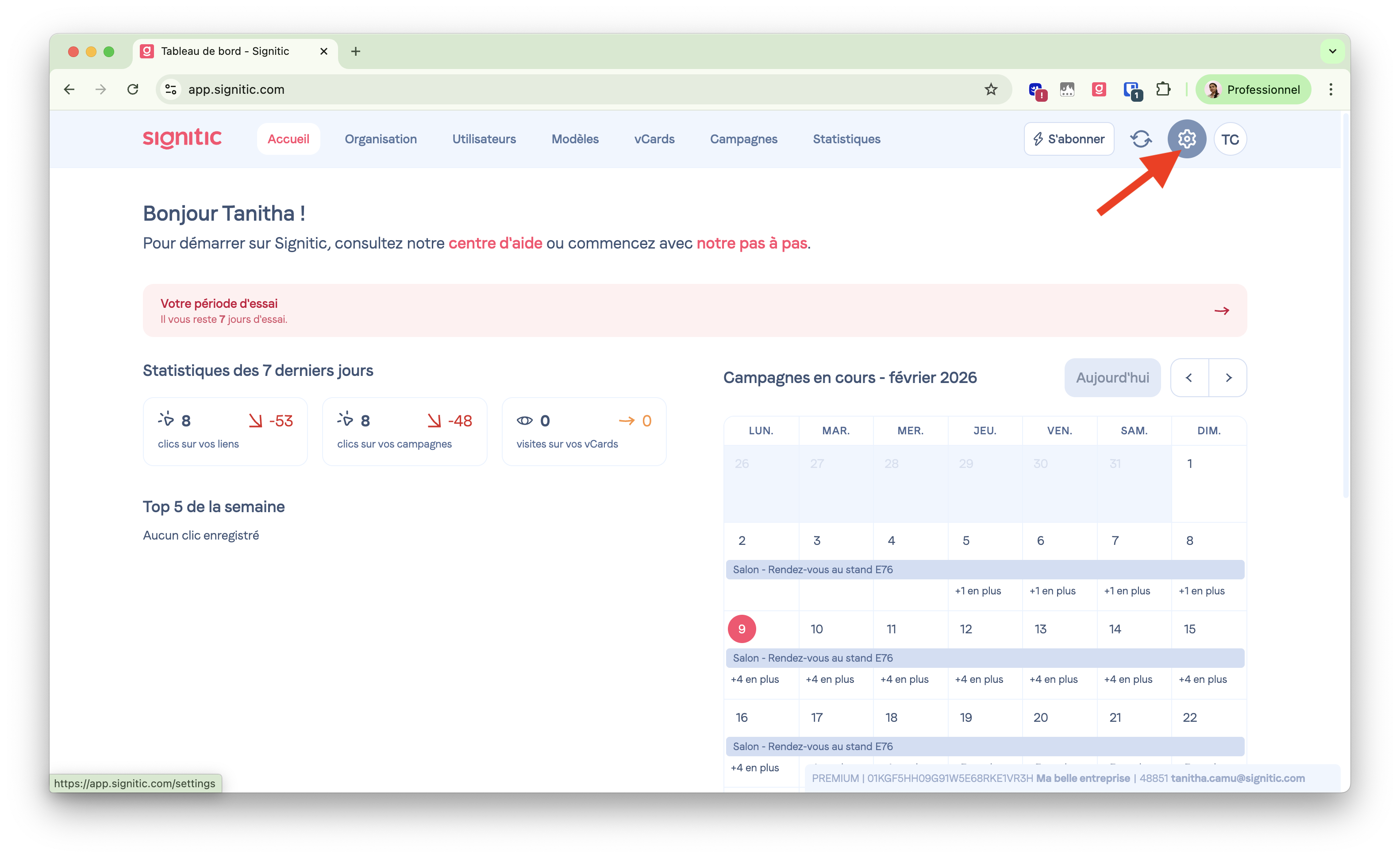
There, you’ll find predefined roles to safely delegate the management of email signatures.
You can then assign the predefined role to users by clicking on View.
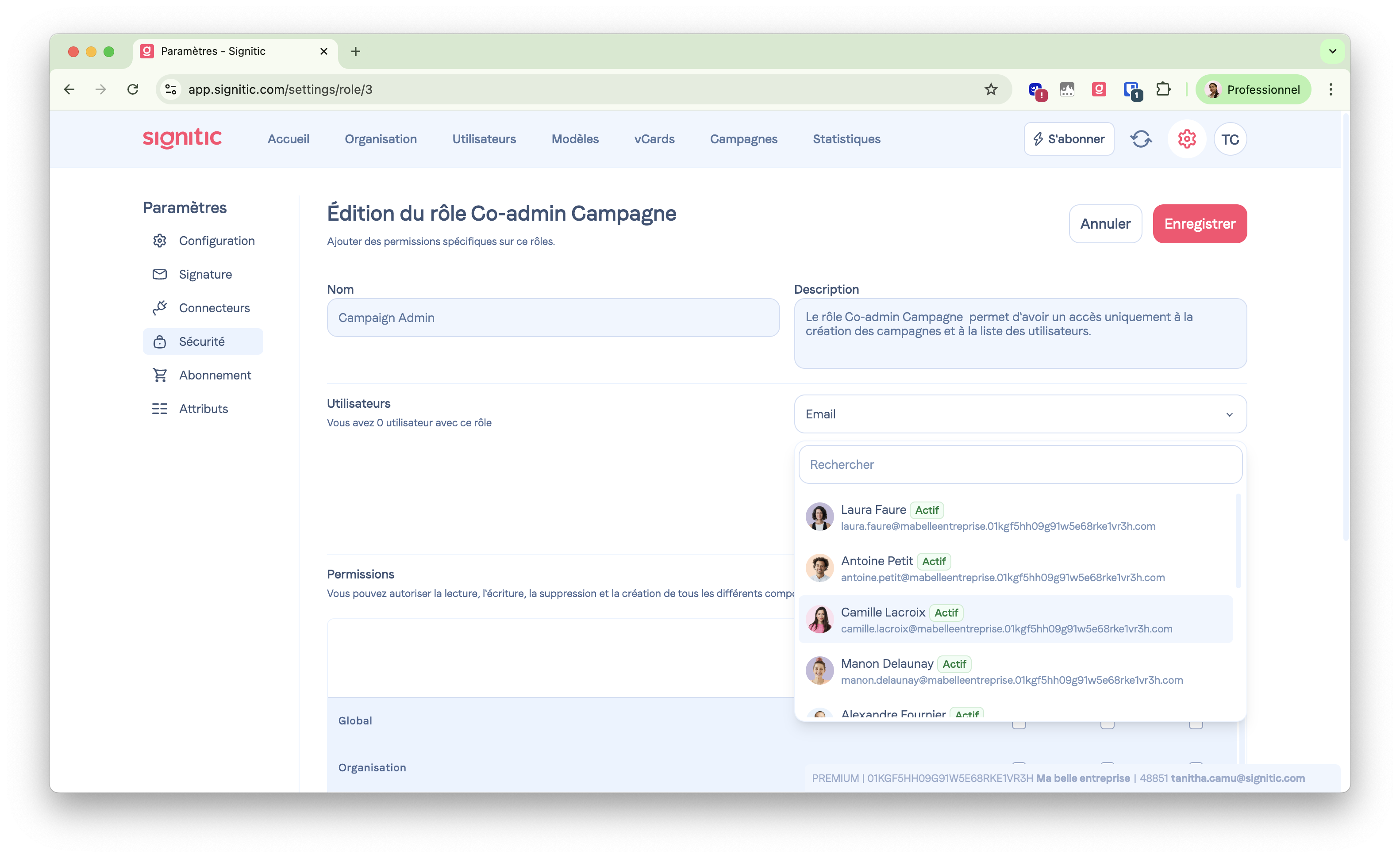

Predefined roles cannot be modified.
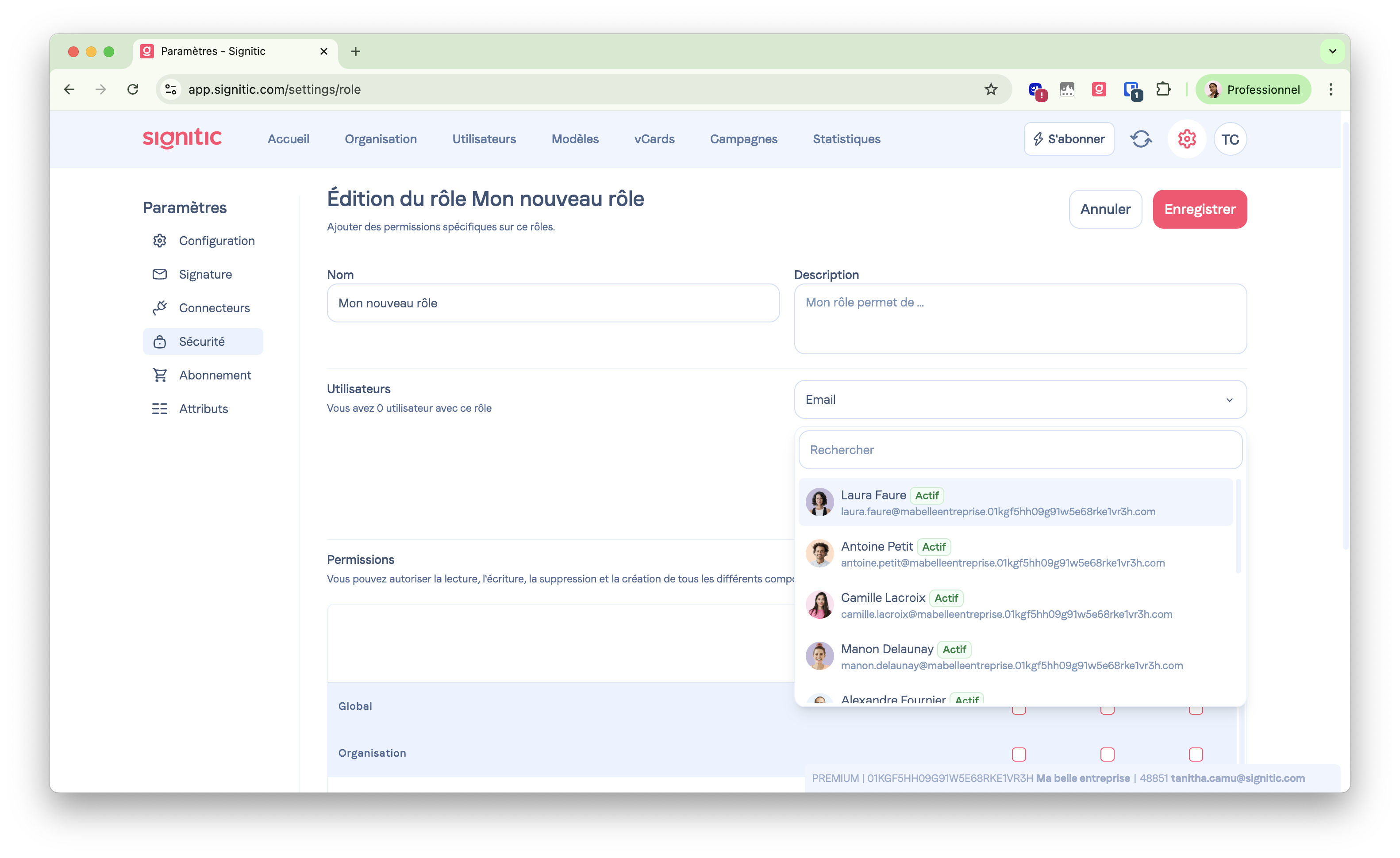
👉 If none of the predefined roles match your needs, you can create a new one and manually tick each access right.
You can assign them to the users of your choice on this same page.
A doubt, a question?
You can describe your problem out loud in a few seconds by leaving a message at
+33 1 83 64 02 13
Do you prefer writing? We’re happy to help by replying to your email at