
Since early January 2026, access to the Sigilium platform has been unified on the Signitic portal.
Your access details remain the same:
if you previously logged in with a password, the password remains unchanged
if you used Google, Microsoft, or SSO authentication, the authentication details remain the same
This video shows you how to log in from start to finish :
Authentification via Google
Go to : https://app.signitic.com/login
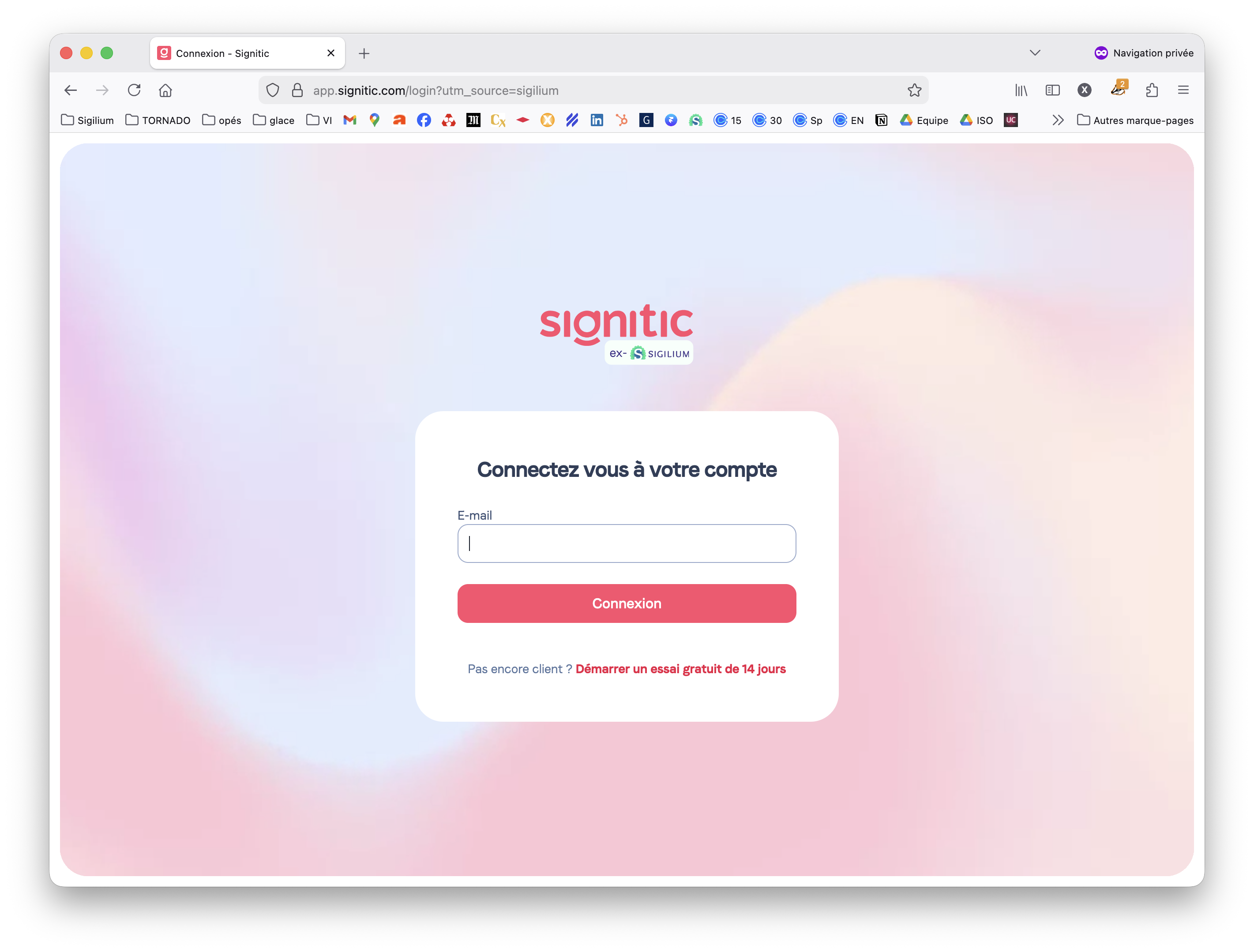
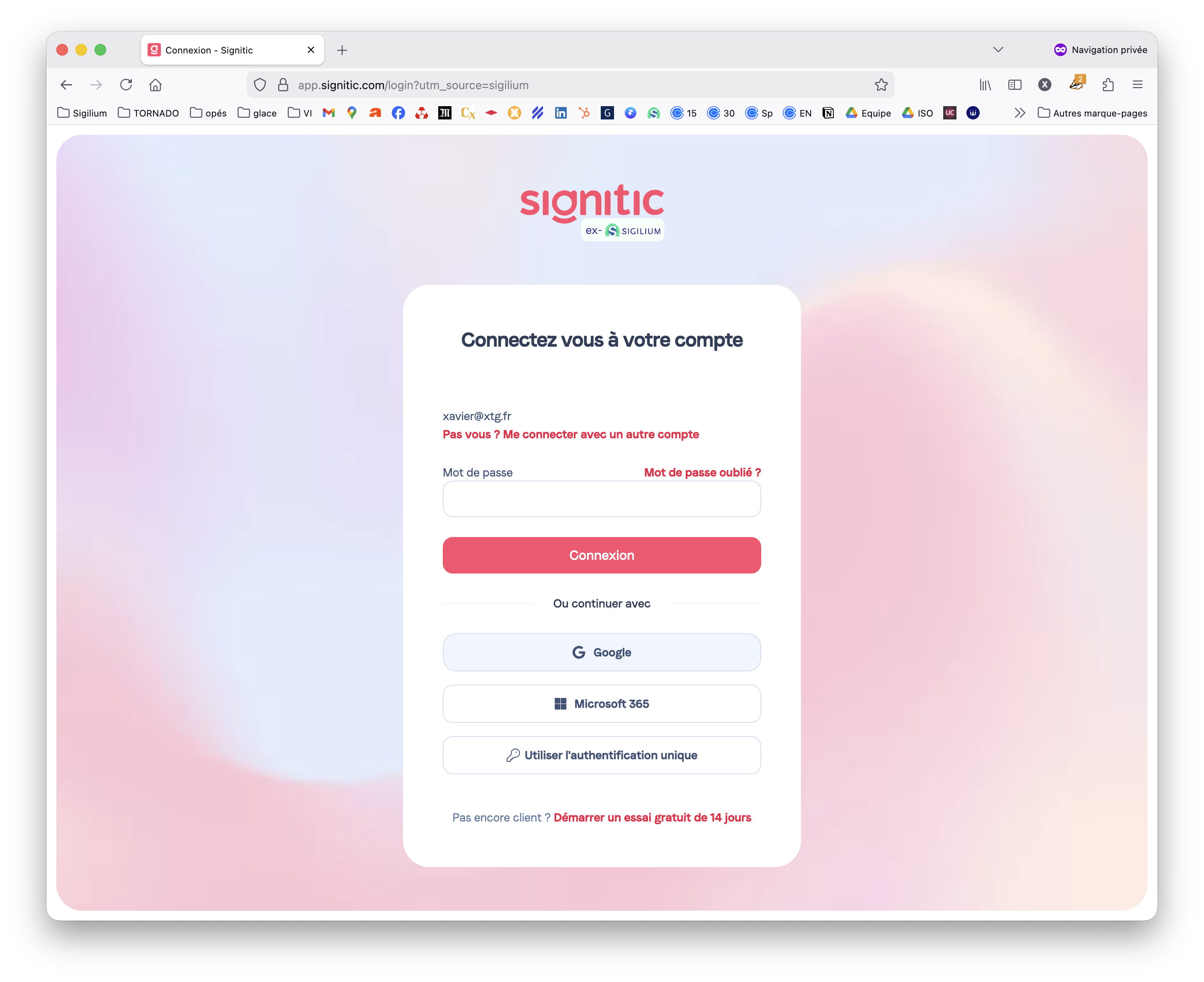
Enter your email address and proceed to the next steps by clicking Sign In and selecting Google.
You will be redirected to the Sigilium portal to confirm authentication.
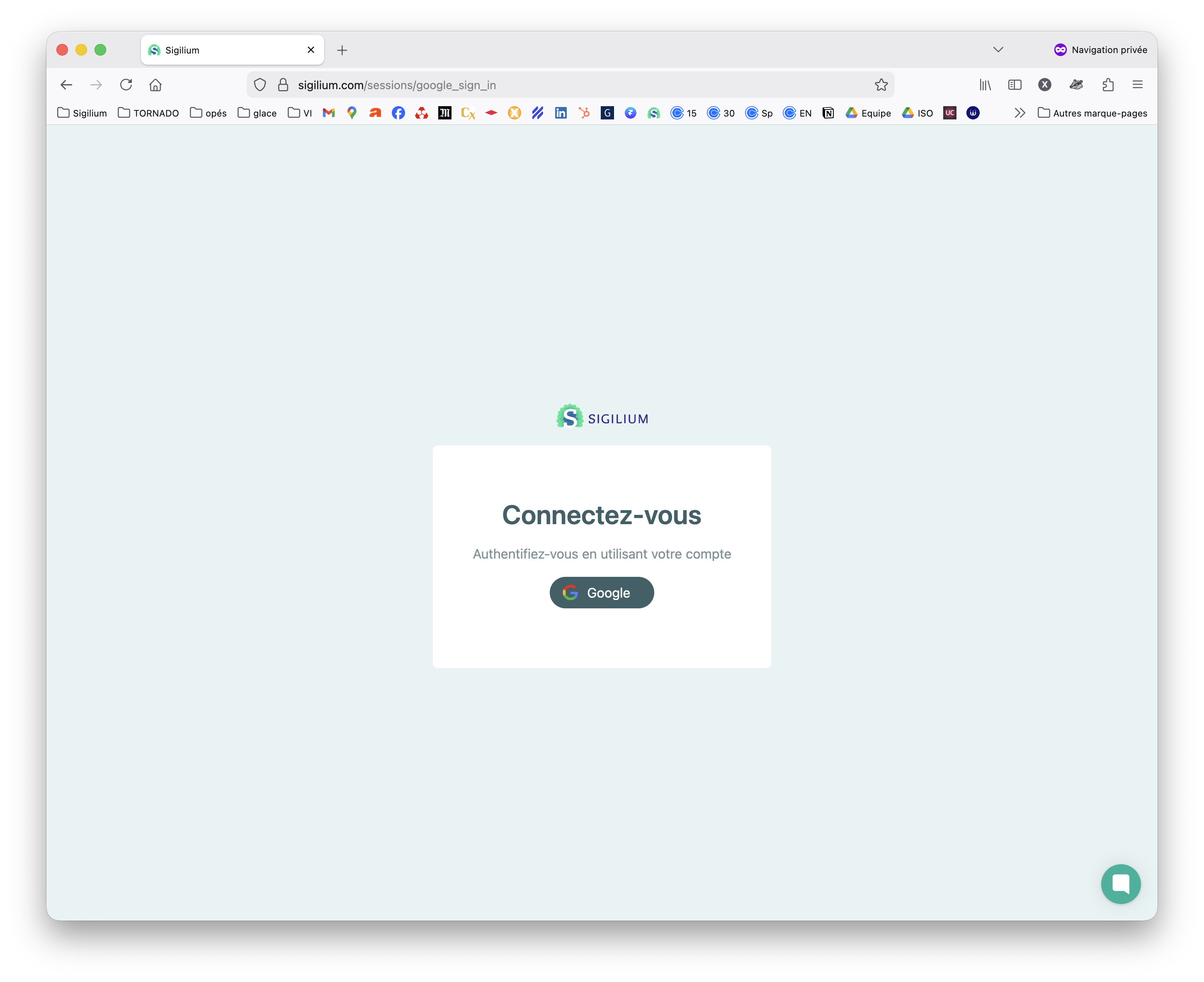
You must click on Google to enter the email address for your Google account on the next page.
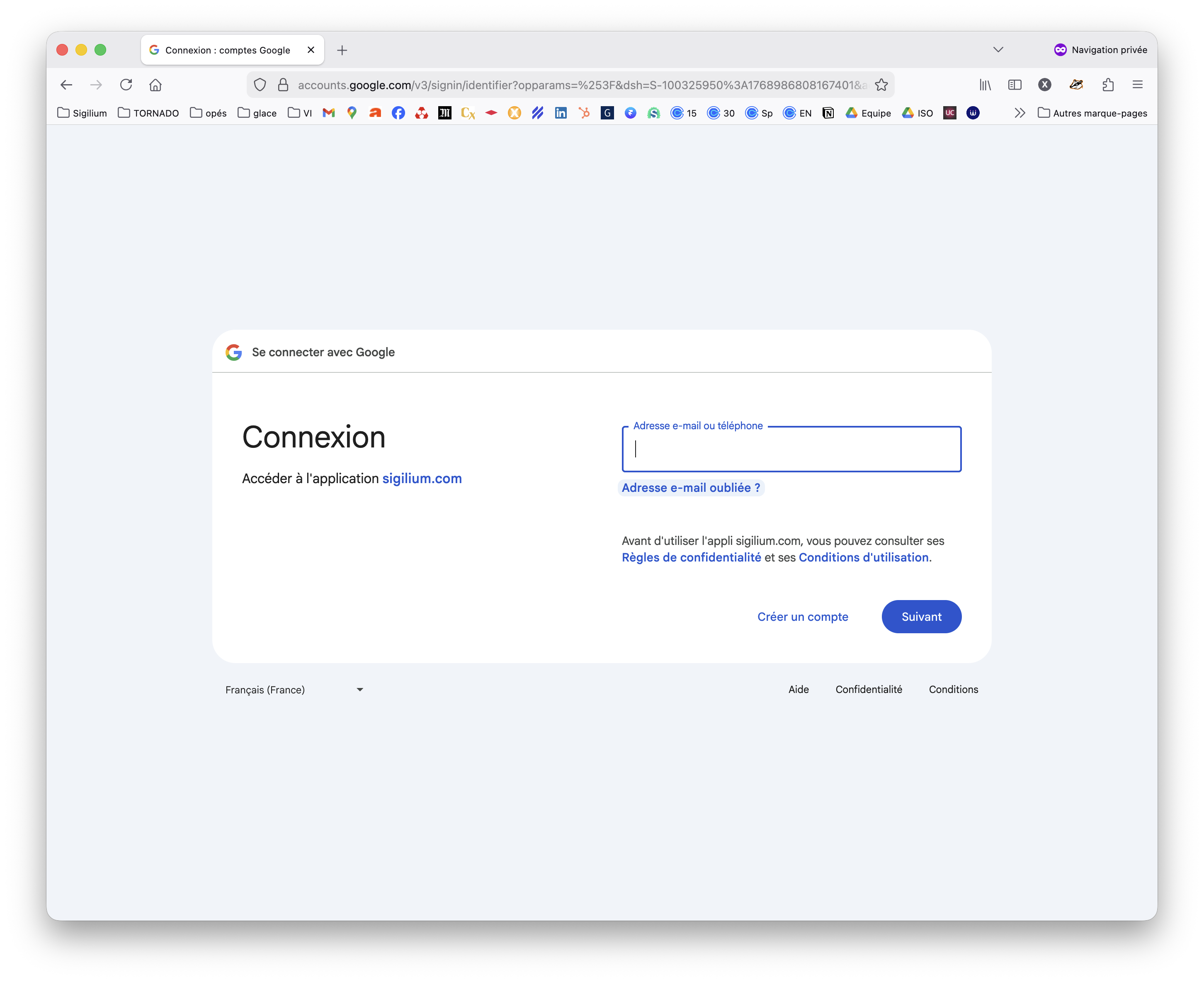
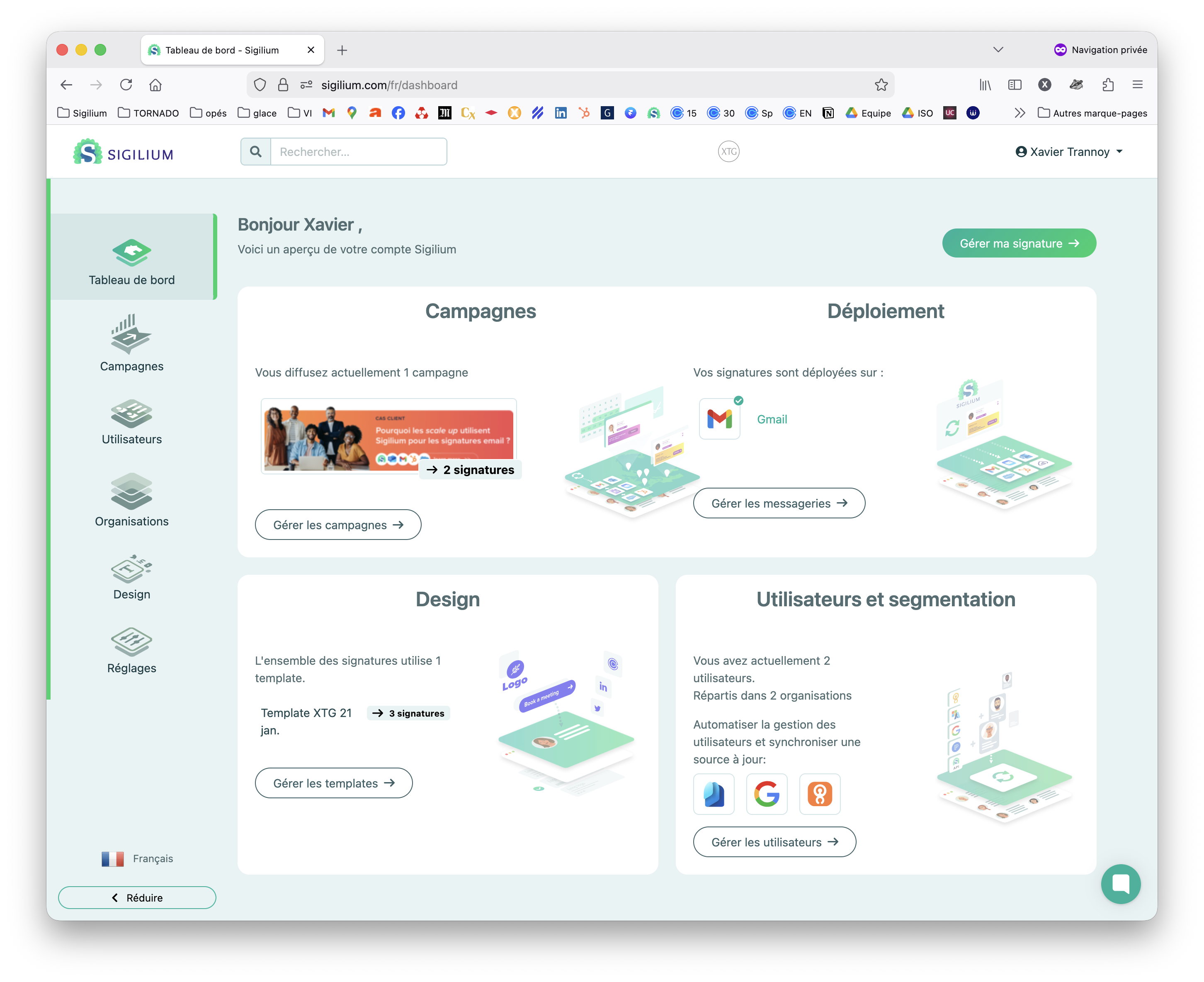
Authentication is complete, you are now logged in to your Sigilium account!
Any questions ?
You can describe your problem orally in a few seconds leaving a message on the
+33 1 83 64 02 13
You would rather write it down? We are happy to help in response to your email at