
Introduction
Find out how to assign secondary campaigns to your Outlook 365 users.
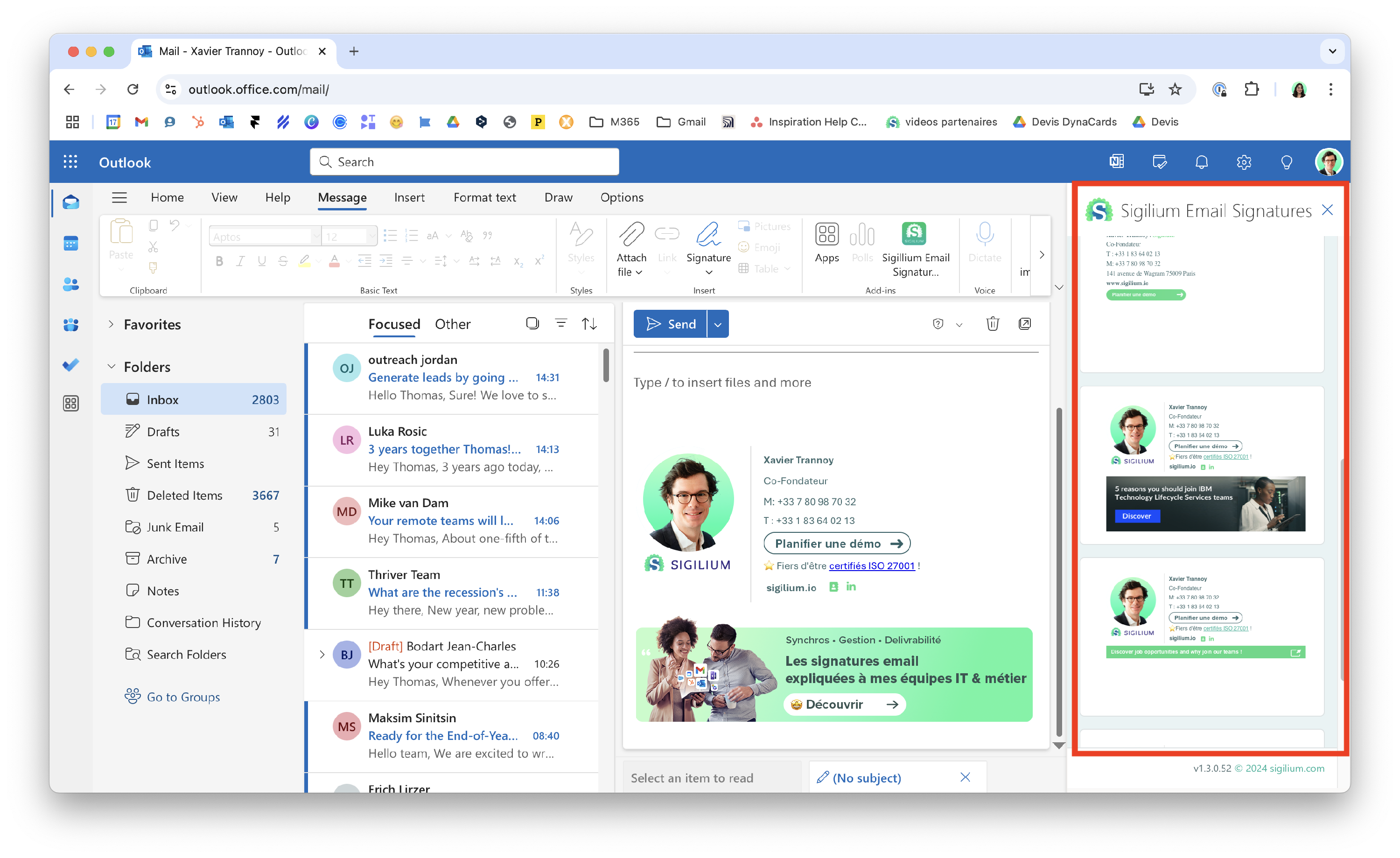
Your sales teams will be able to tailor their marketing communications to their exchanges and recipients! ✅
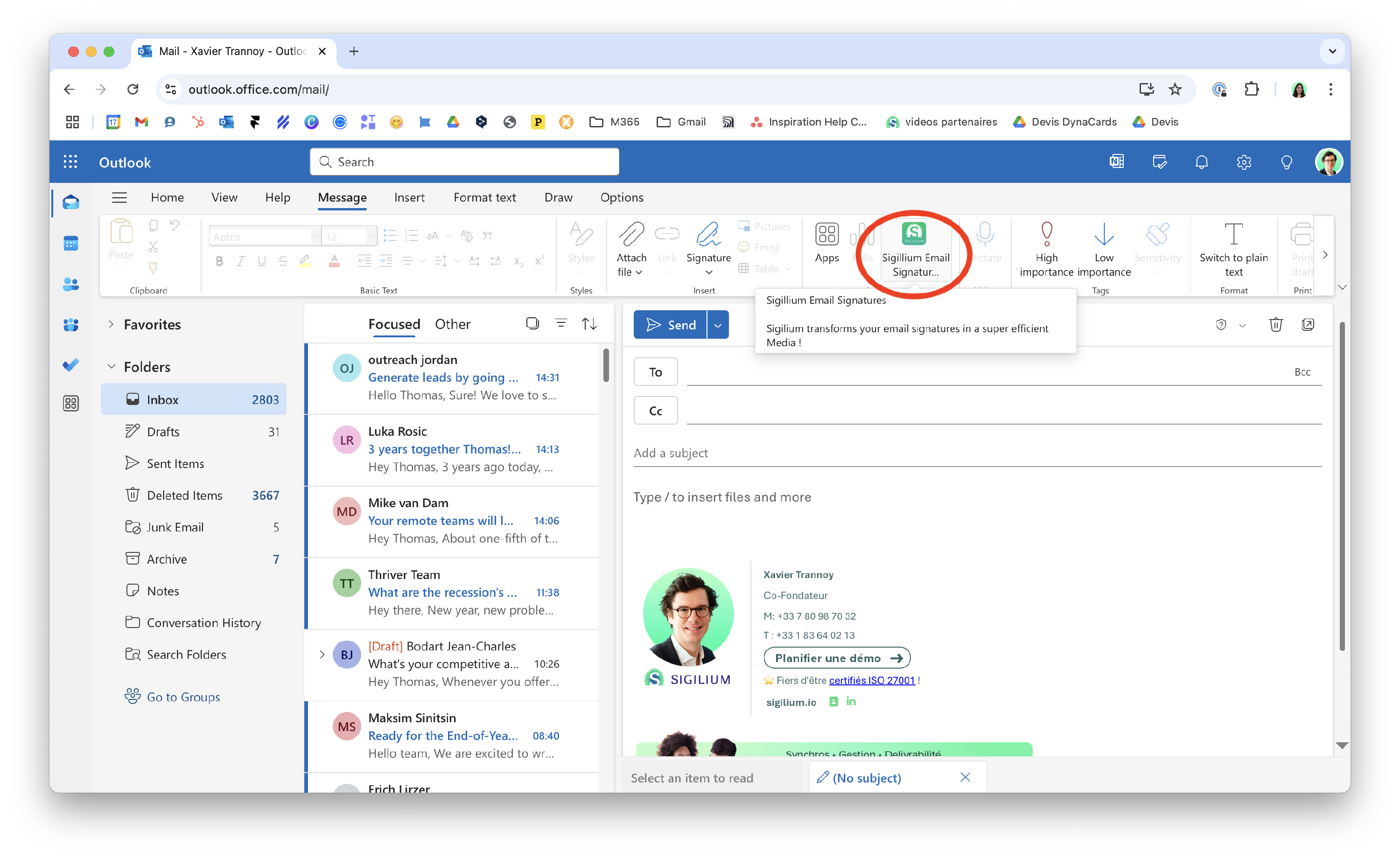
This video provides step-by-step guidance for administrators on how to set up secondary banners; your teams will be able to switch between signatures with a single click from a drop-down menu directly in Outlook.
💡 Implement a powerful tool to capture upselling opportunities
Here is how
(English version of the video upcoming soon)
Results
Any questions ?
You can describe your problem orally in a few seconds leaving a message on the
+33 1 83 64 02 13
You would rather write it down? We are happy to help in response to your email at