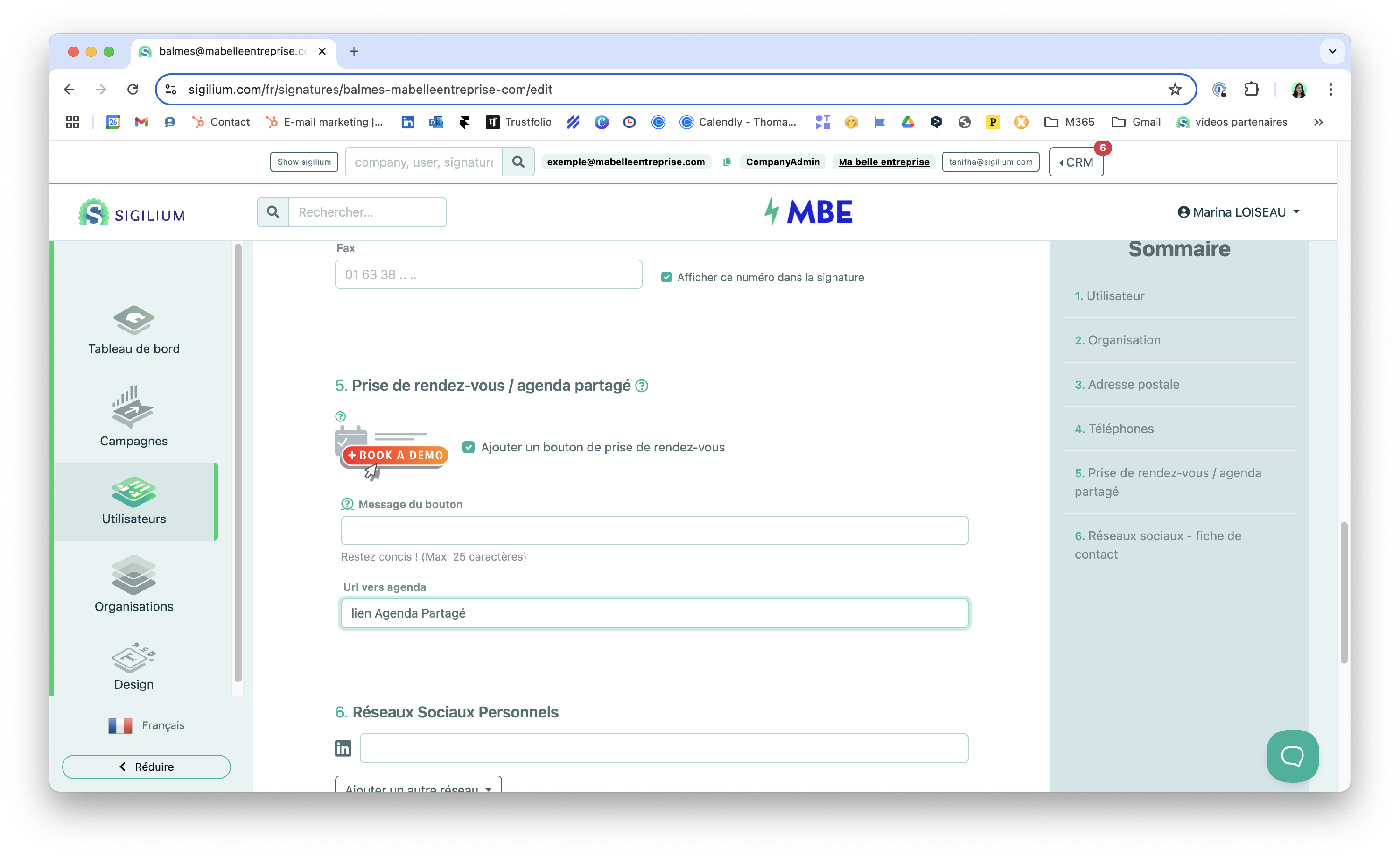
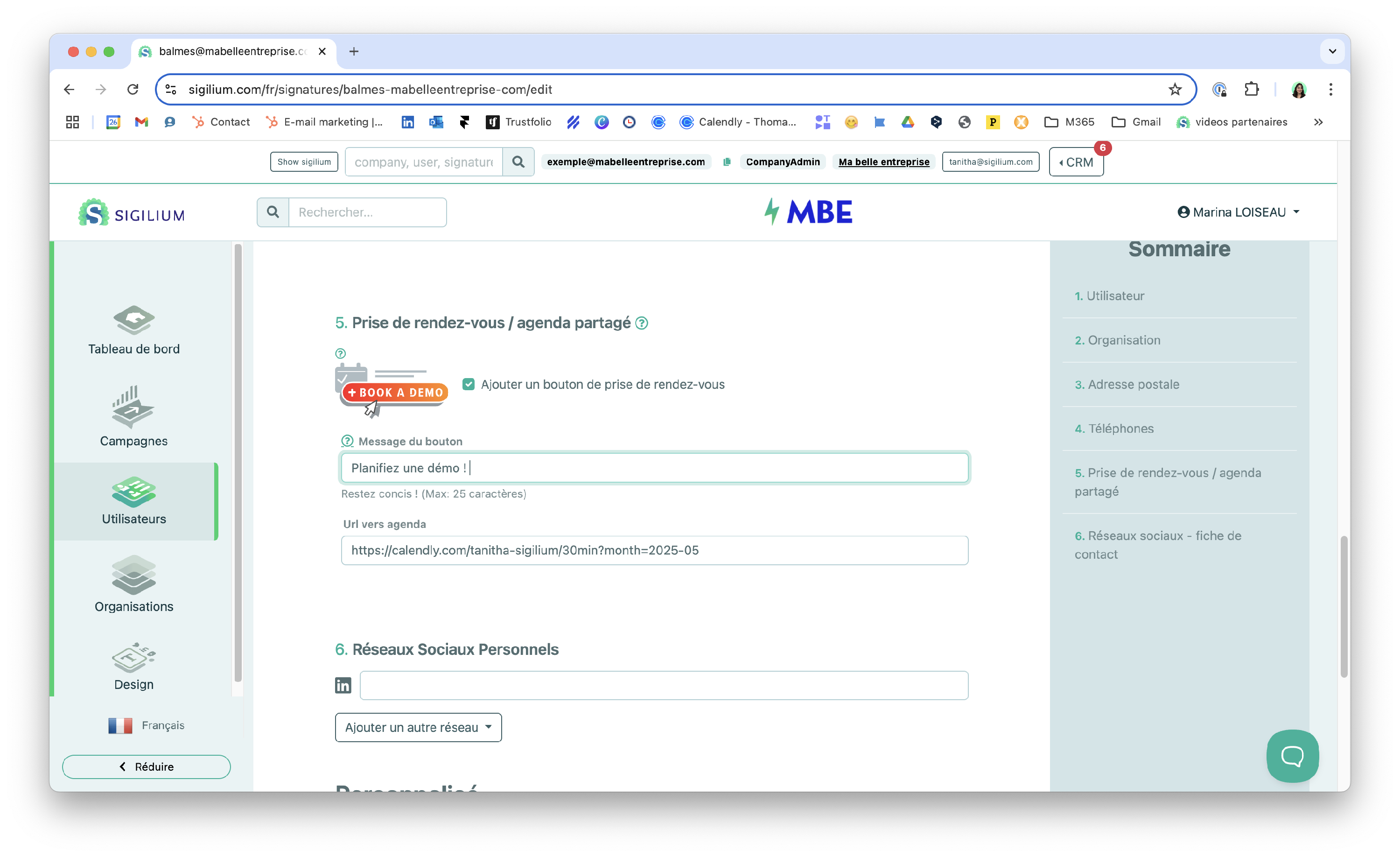
If you have a shared calendar (Calendly, Booking 365, etc.), you can synchronize it with Sigilium.
This is an excellent way to make it easier to schedule appointments with your customers and prospects.
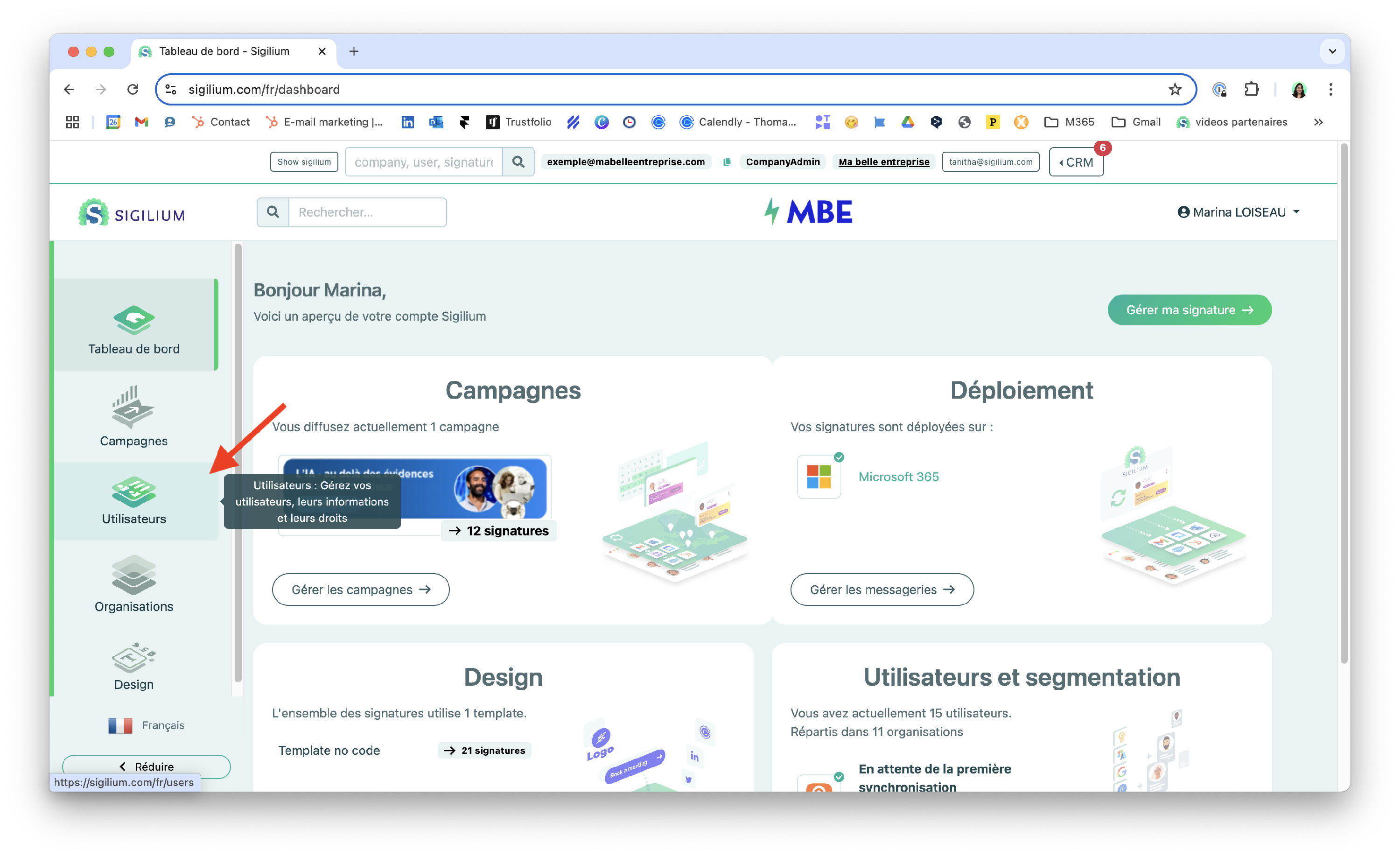
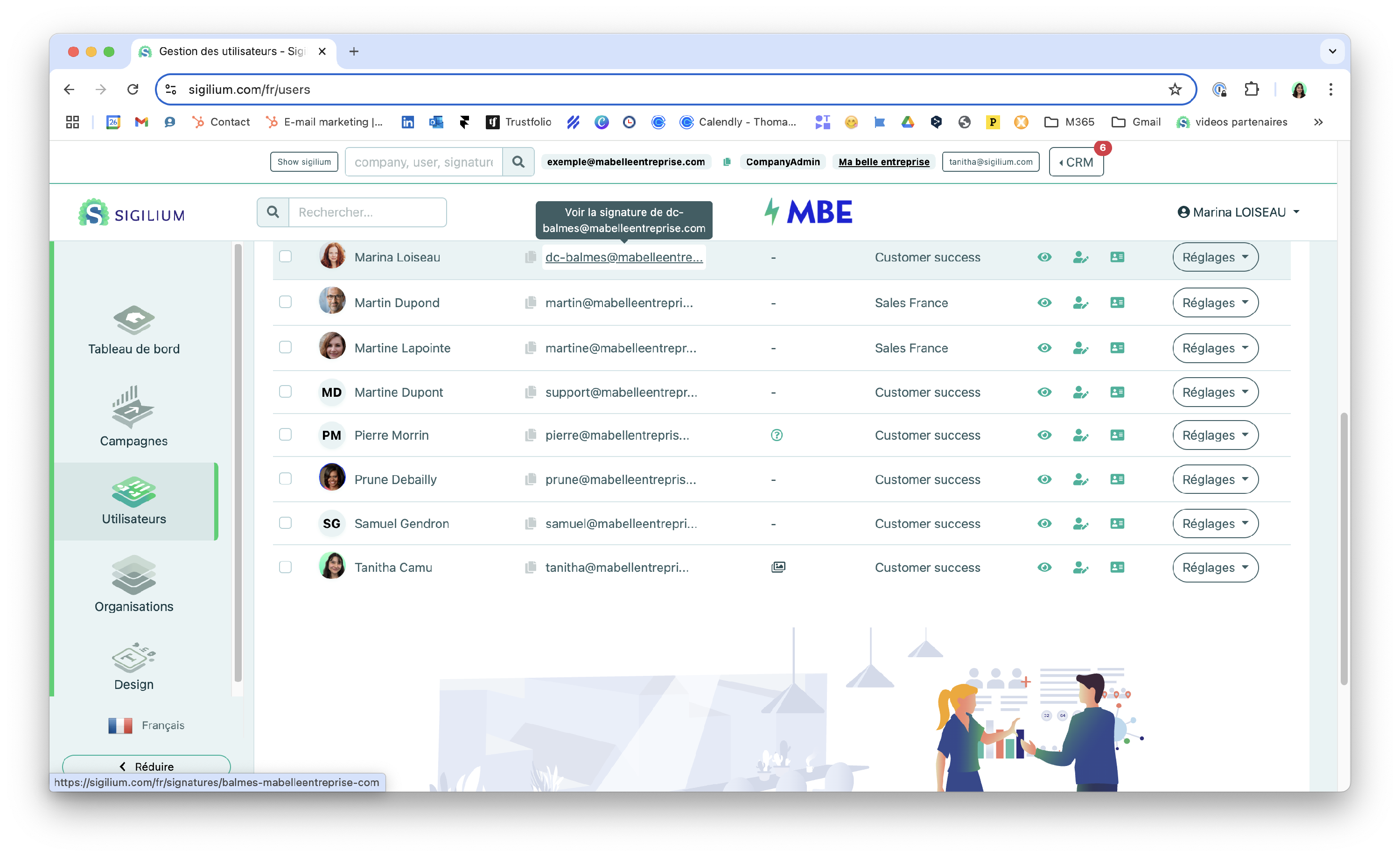
1 / From the Dashboard, find the relevant user and their form.
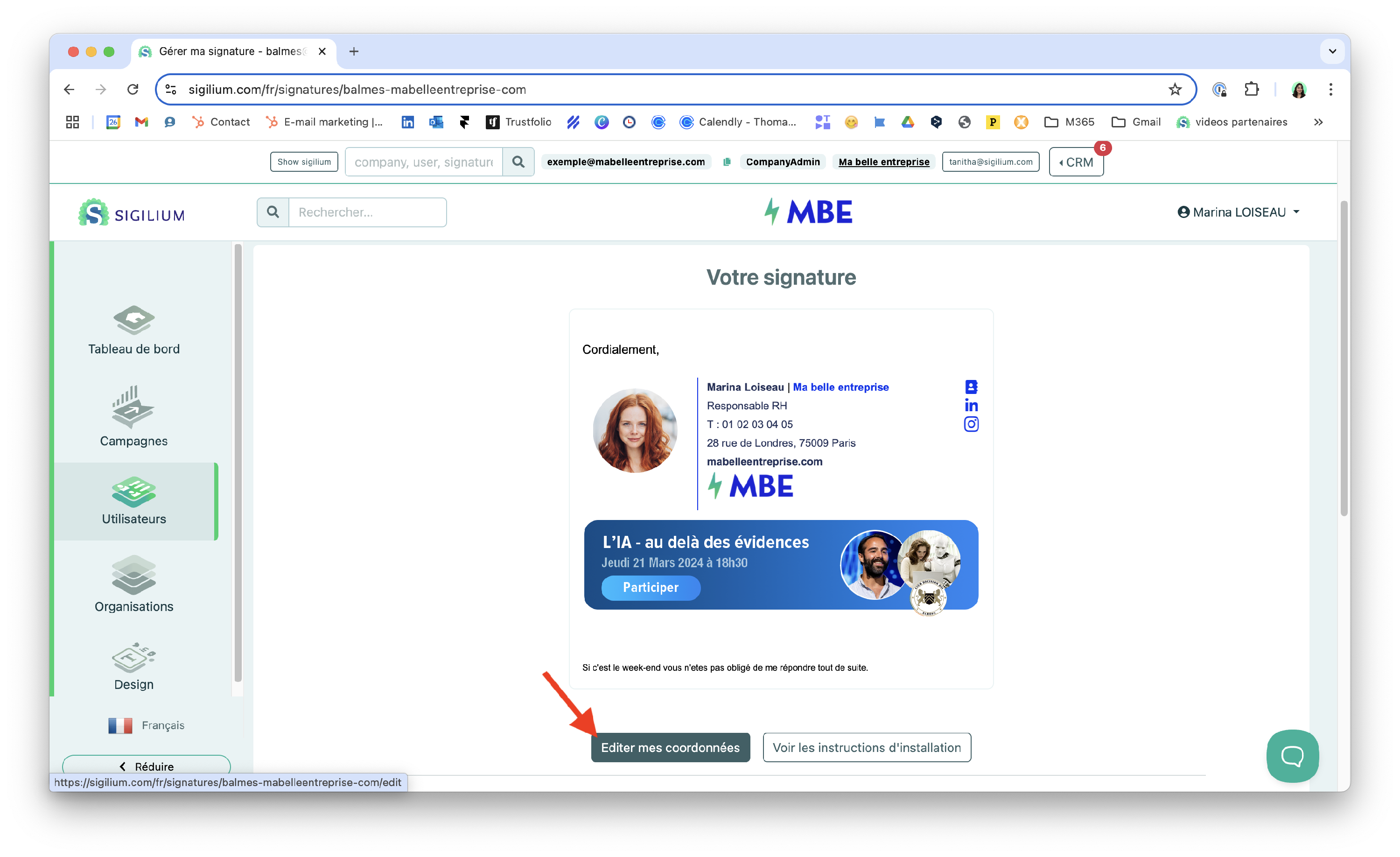
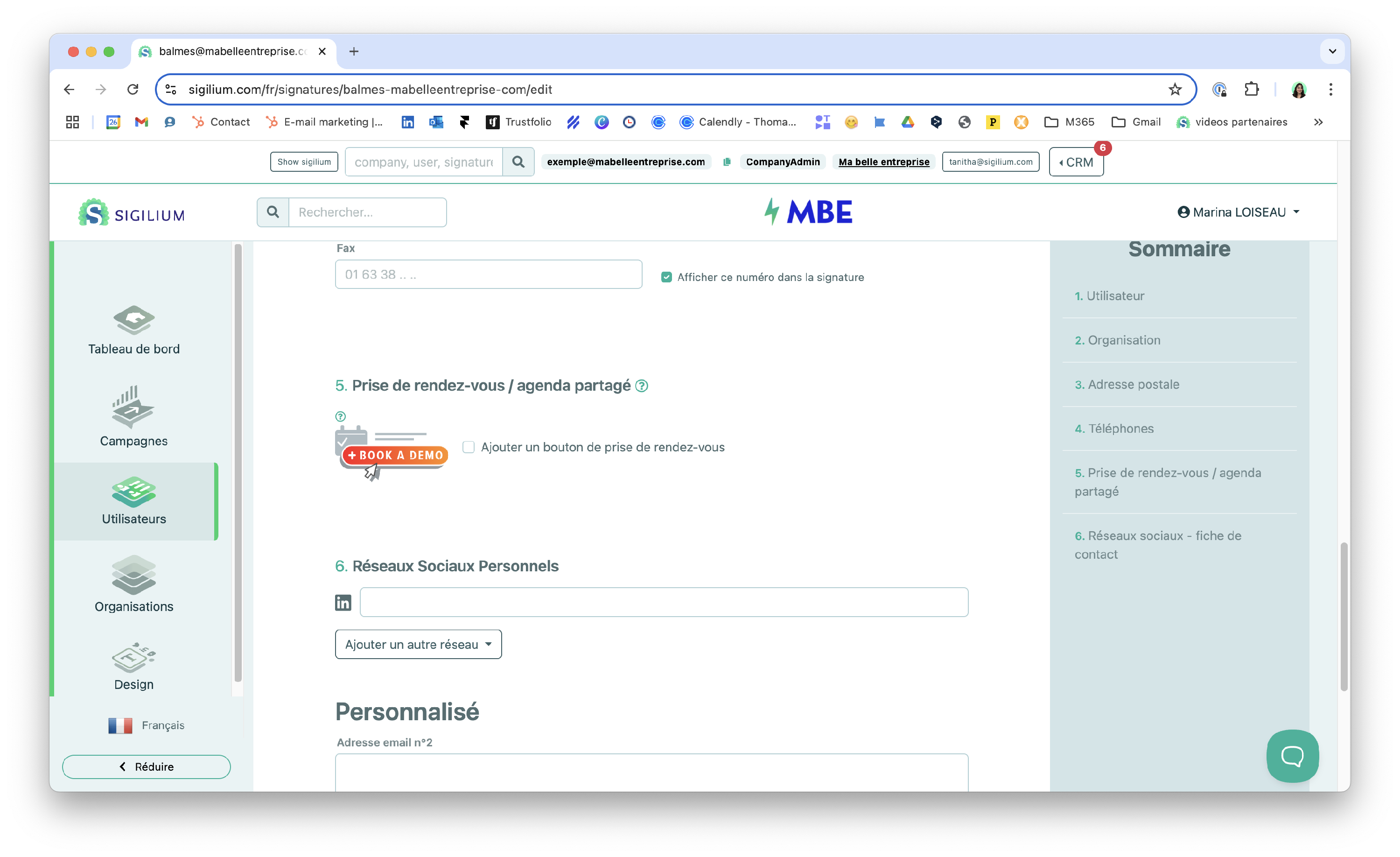
2/ Scroll down the form to find section 5. Appointment button.
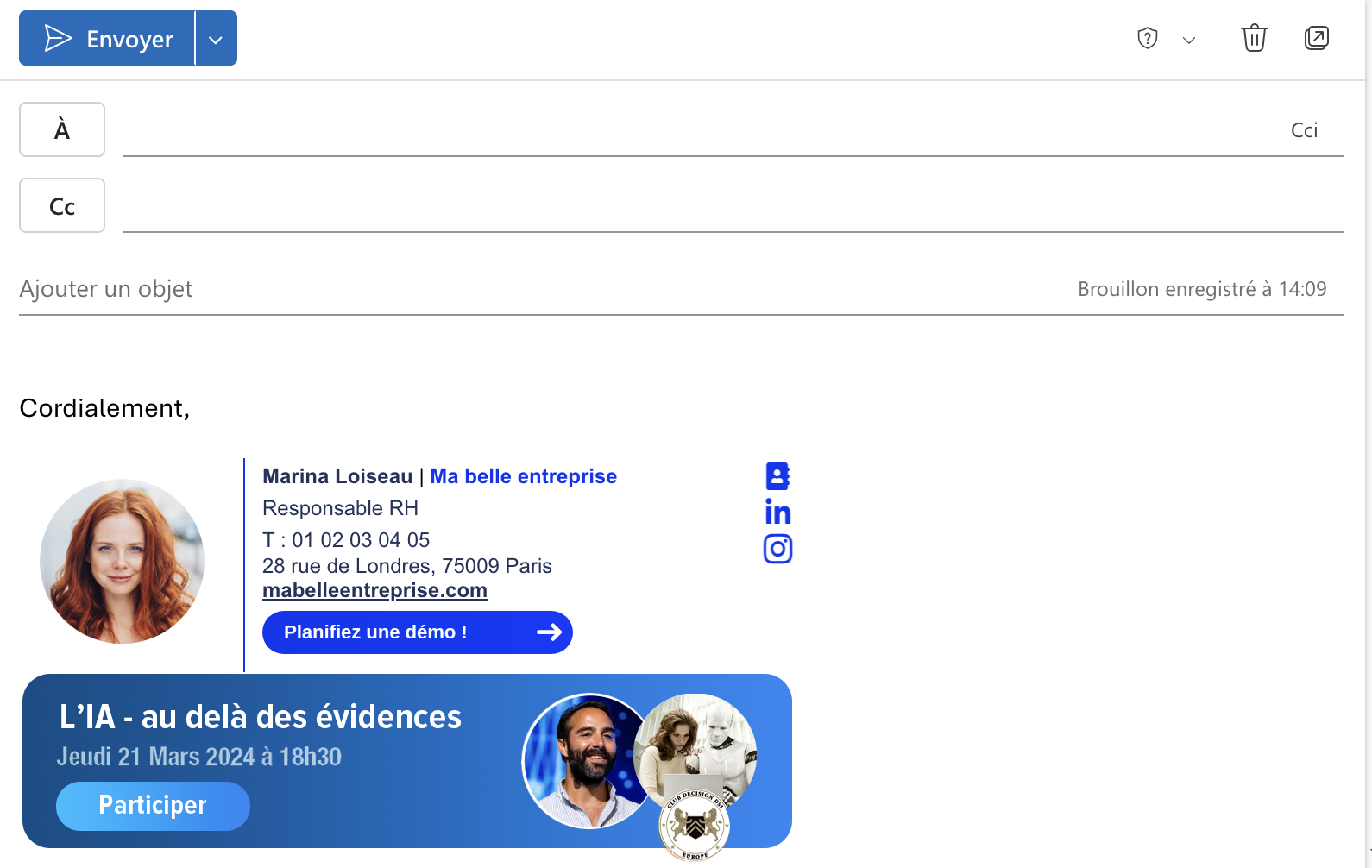
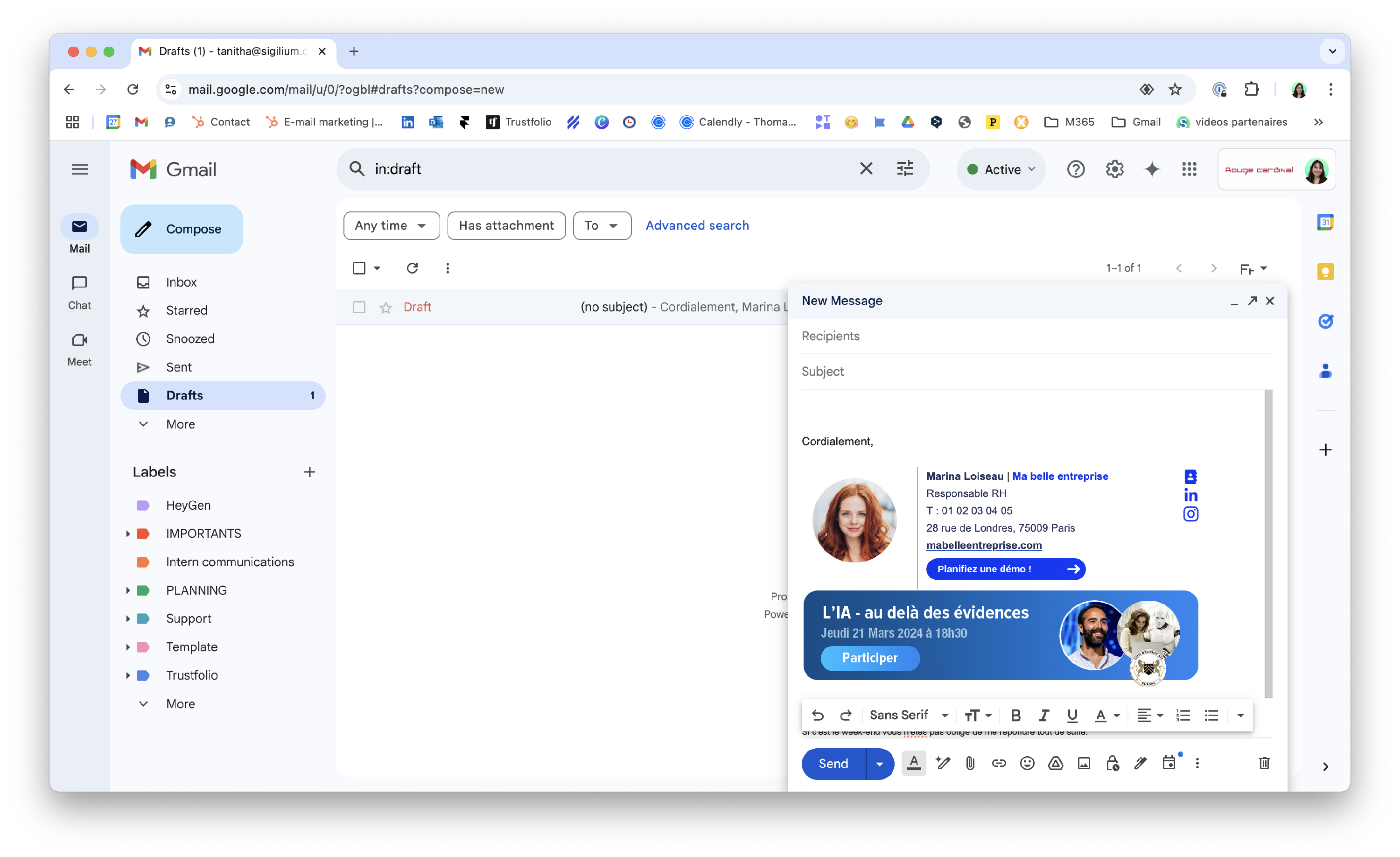
3 / Result !
The default color for the button is your organization's Pop Color.

How to set up a custom button in the email signature
Including a call to action in your signature's contact details allows you to communicate about two different topics effectively!
Any questions ?
You can describe your problem orally in a few seconds leaving a message on the
+33 1 83 64 02 13
You would rather write it down? We are happy to help in response to your email at
