By default in the available templates, a function calls up social networks and displays the icon and its associated link when this is entered at the organization level.
<table>
<tbody>
<tr>
{% assign social_network_index = 0 %}
{% for social_network in social_networks %}
{% if social_network_index == max_social_networks %}
{% break %}{% endif %}
{% if social_urls[social_network]
{% assign social_network_index = social_network_index | plus: 1 %}
<td style='padding-left: 5px;'>
{% social_icon social_network, inline: true, circle_width: 1, color: colors.base, inverse: true, size: 20 %}</td>{% endif %}
{% endfor %}
</tr>
</tbody>
</table>
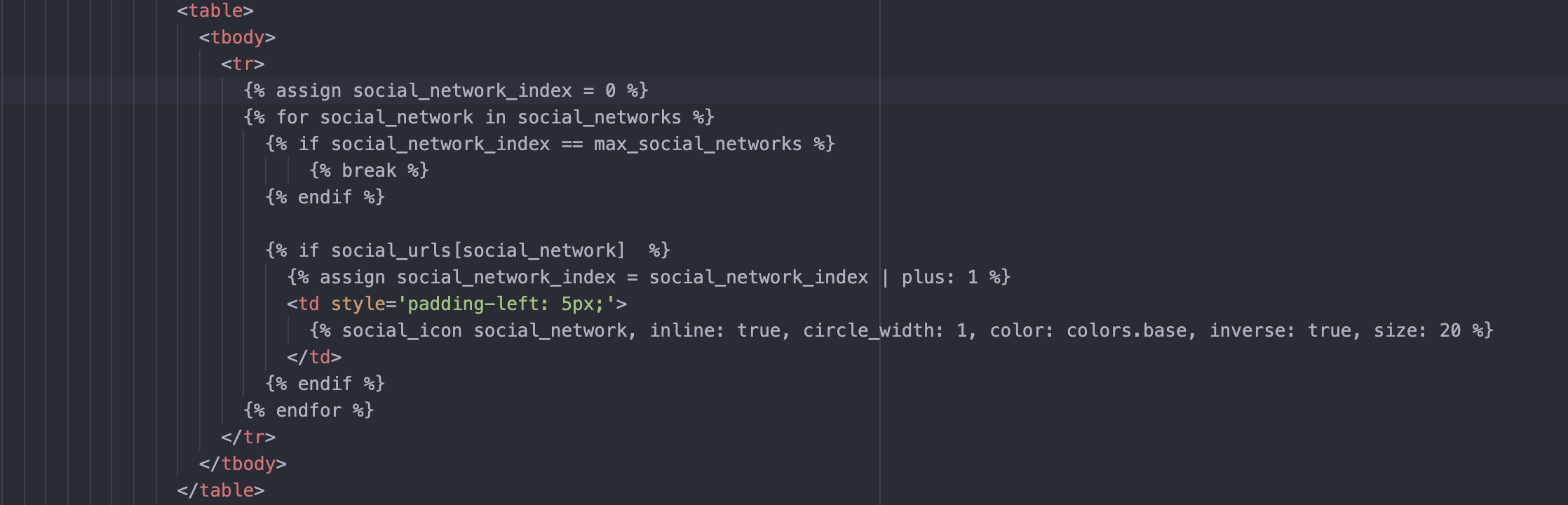
To display other custom icons, it is possible to call only certain social networks, as follows:
Example for a website:
<tr>
  <td style="padding: 3px;">
     <a href="{{ social_urls.website }}">{% custom_image "(nom de l'image)", width: "18", height: "18" %}</a>
  </td>
</tr>
Variables for organizations:
organization.facebook
organization.twitter
organization.instagram
organization.twitch
organization.linkedin
organization.xing
organization.viadeo
organization.youtube
organization.dailymotion
organization.tumblr
organization.mastodon
organization.houzz
organization.tiktok
organization.mastodon
organization.pinterest
organization.telegram
organization.discord
organization.medium
organization.vkontakte
organization.whatsapp
organization.wechat
organization.vimeo
Social media variables, at the user level:
signature.linkedin
...
example :
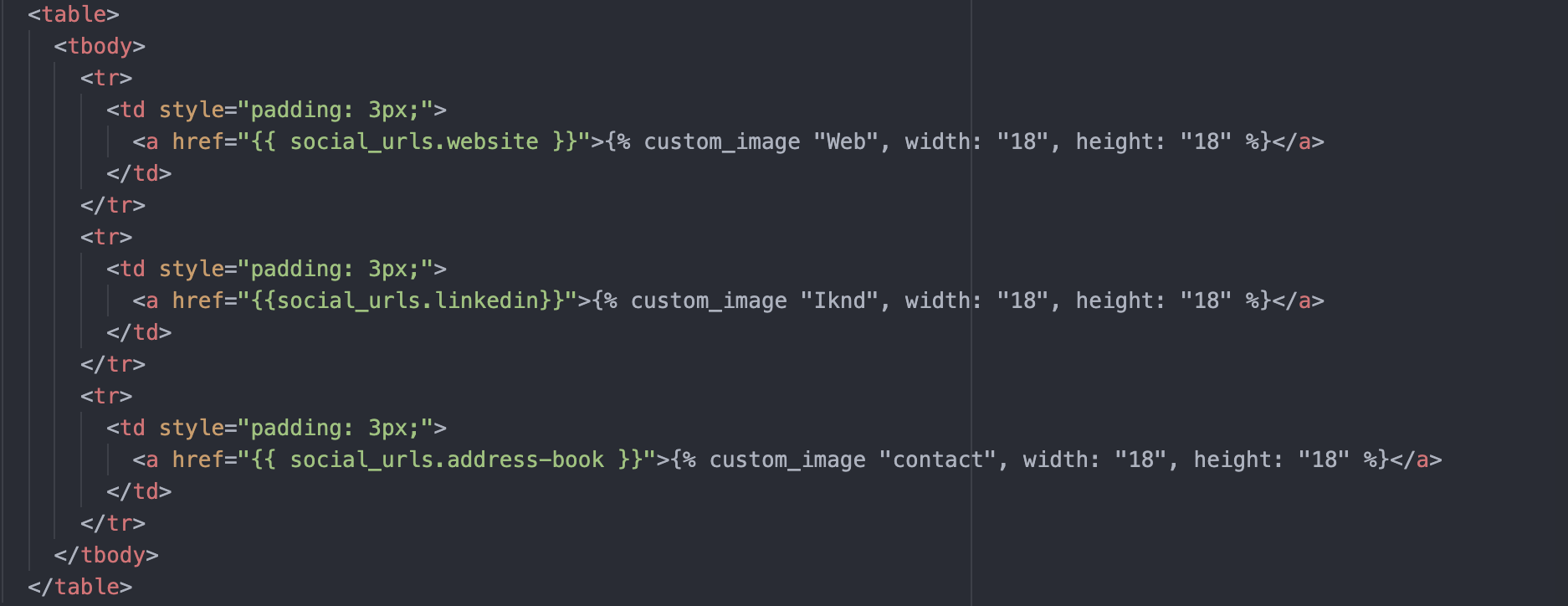
Please note,
the RS image was downloaded beforehand to Sigilium
here, social networks are displayed directly. Conditions can be added.
Any questions ?
You can describe your problem orally in a few seconds leaving a message on the
+33 1 83 64 02 13
You would rather write it down? We are happy to help in response to your email at
