
The messages have to be set to the HTML format for the email signature to be displayed correctly.
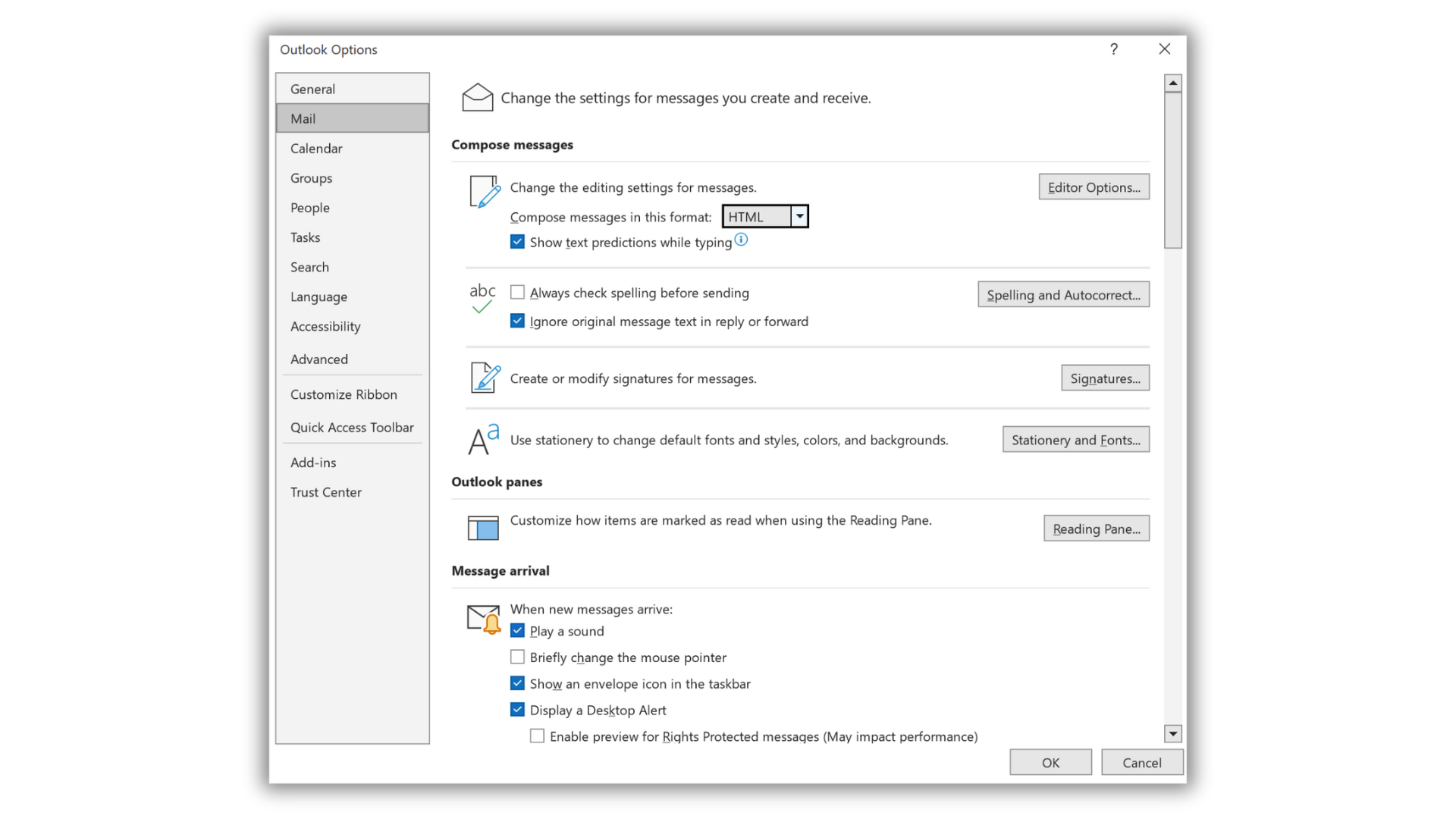
For that, in Outlook, go to the menu :
File > Options > Mail and choose the format HTML.
If a reply is set to Plain Text format, you have to go to Format Text and select HTML.

Any question?
Describe your problem leaving a message on the +33 1 83 64 02 13
You would rather write it down? send us an email at [email protected]