
To know the version of MacOS in use :
From the Apple menu in the upper-left corner of your screen
Choose About This Mac
A window opens, informations includes the macOS name followed by its version number.
Depending on your MacOS version, Sigilium syncs email signatures differently.
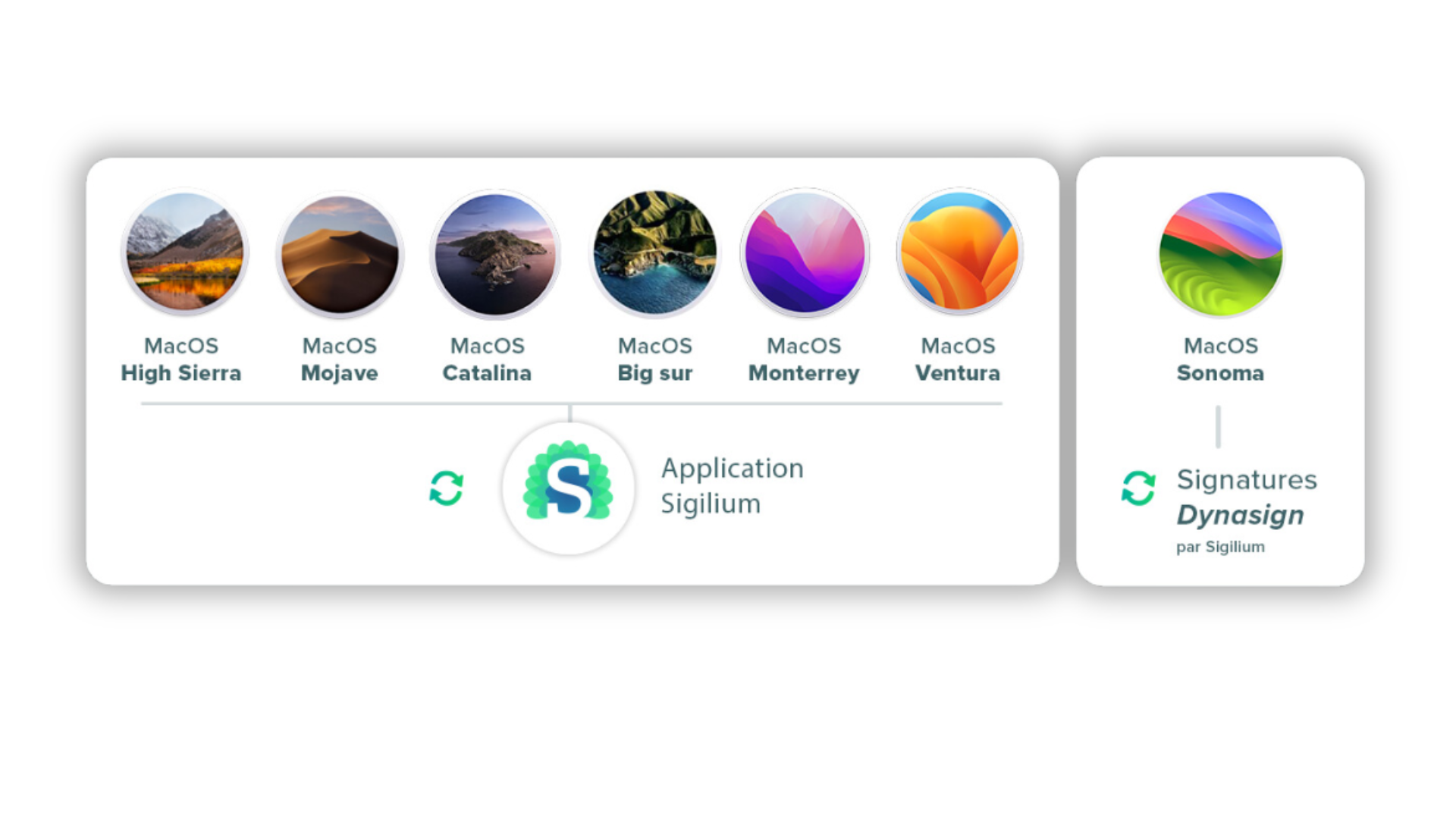
For MacOS versions older than Sonoma, you can use Sigilium's application. It syncs email signatures email in Apple Mail automatically.
For MacOS Sonoma, the plugin's architecture for Apple Mail is totally renewed by Apple teams. Sigilium propose a new approach to sync email signatures: DynaSign. The old application is no more needed. Follow instructions described on your account.
Any questions ?
You can describe your problem orally in a few seconds leaving a message on the
+33 1 83 64 02 13
You would rather write it down? We are happy to help in response to your email at