Since 2023, Outlook has been promoting the new Outlook.
What changes with the New Outlook
The new Outlook is available as an option for users with a recent version of Outlook. This new version does not support your Sigilium "classic" email signature. It is closer to the web version of Outlook.
The new Outlook version is compatible with the Sigilium add-in, if you are using a Microsoft 365 license. However, it is not compatible with the Sigilium application installed on your PC or Mac.
If you upgraded to the new version of Outlook without a Microsoft 365 license, the Sigilium signature will no longer be displayed.
Therefore, you need to:
First, upgrade to the Microsoft 365 version of Outlook.
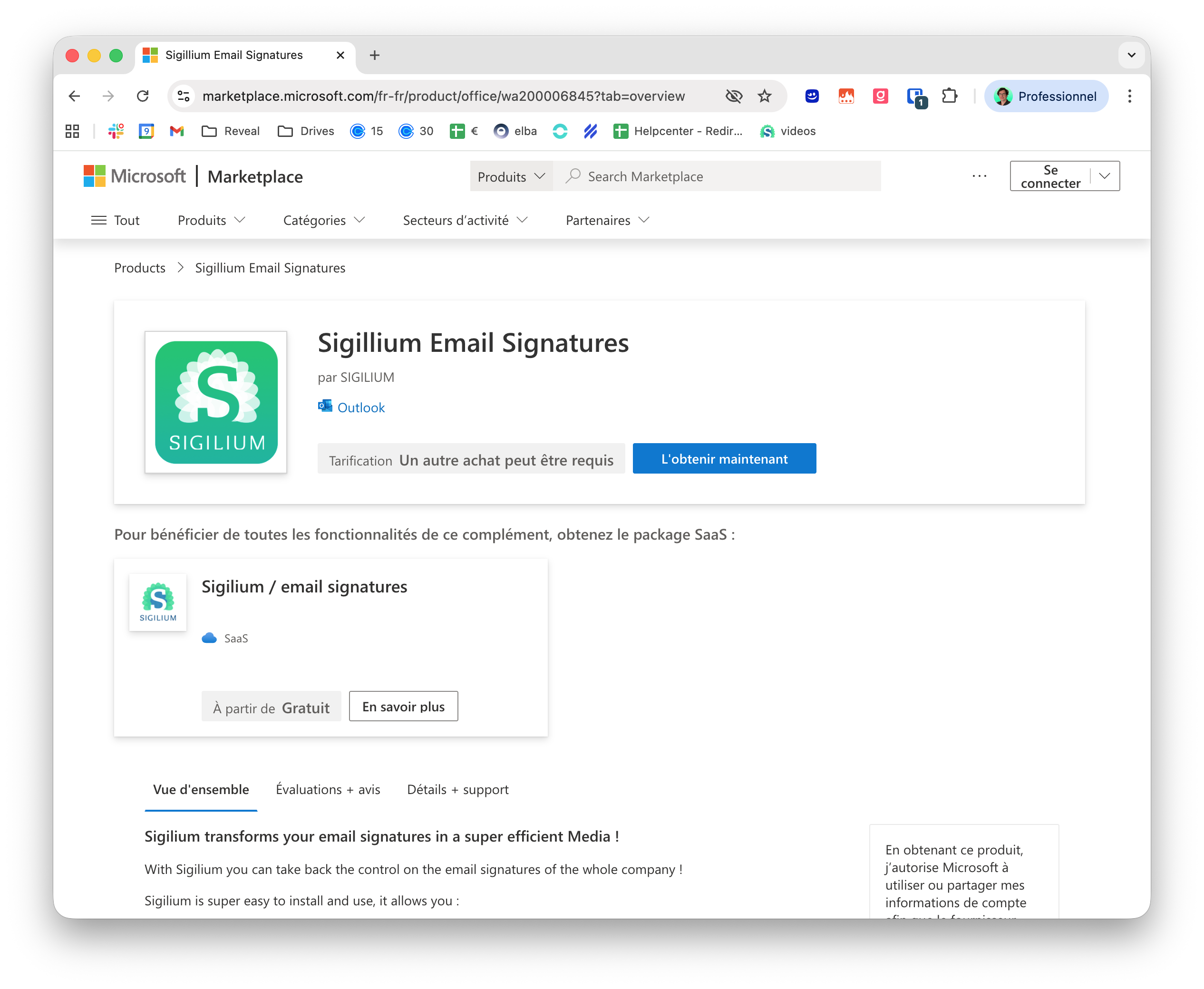
Then, install the Sigilium add-in from the Microsoft Store.
Here is the direct link to install the Sigilium addin:
https://appsource.microsoft.com/fr-fr/product/office/wa200006845?tab=overview