
If you have issues with your email signature in macOS, we recommand you to disable "iCloud data for Mail" which only purpose is to sync a few settings between two macs and is quite buggy
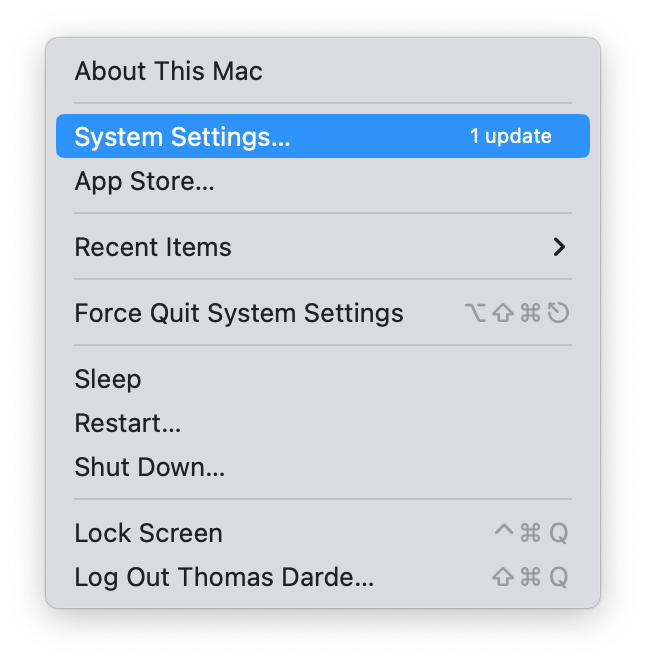
Go to "Apple Menu > System Settings > Click on your name at the top of the list > iCloud Drive > Apps using iCloud"
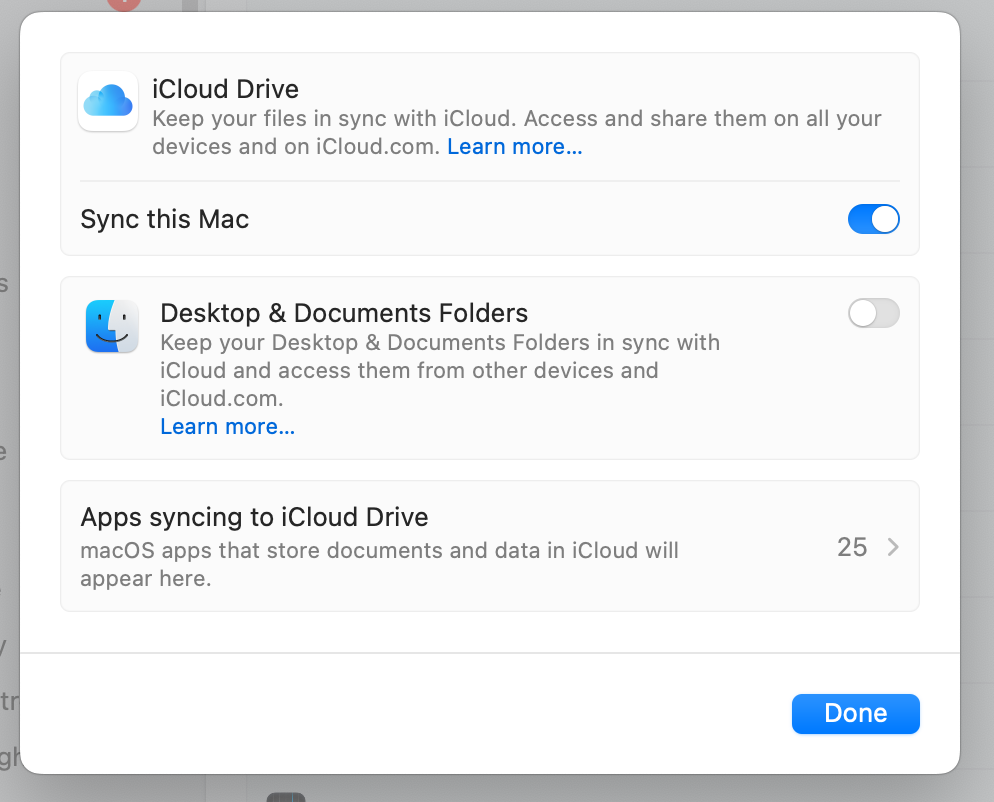
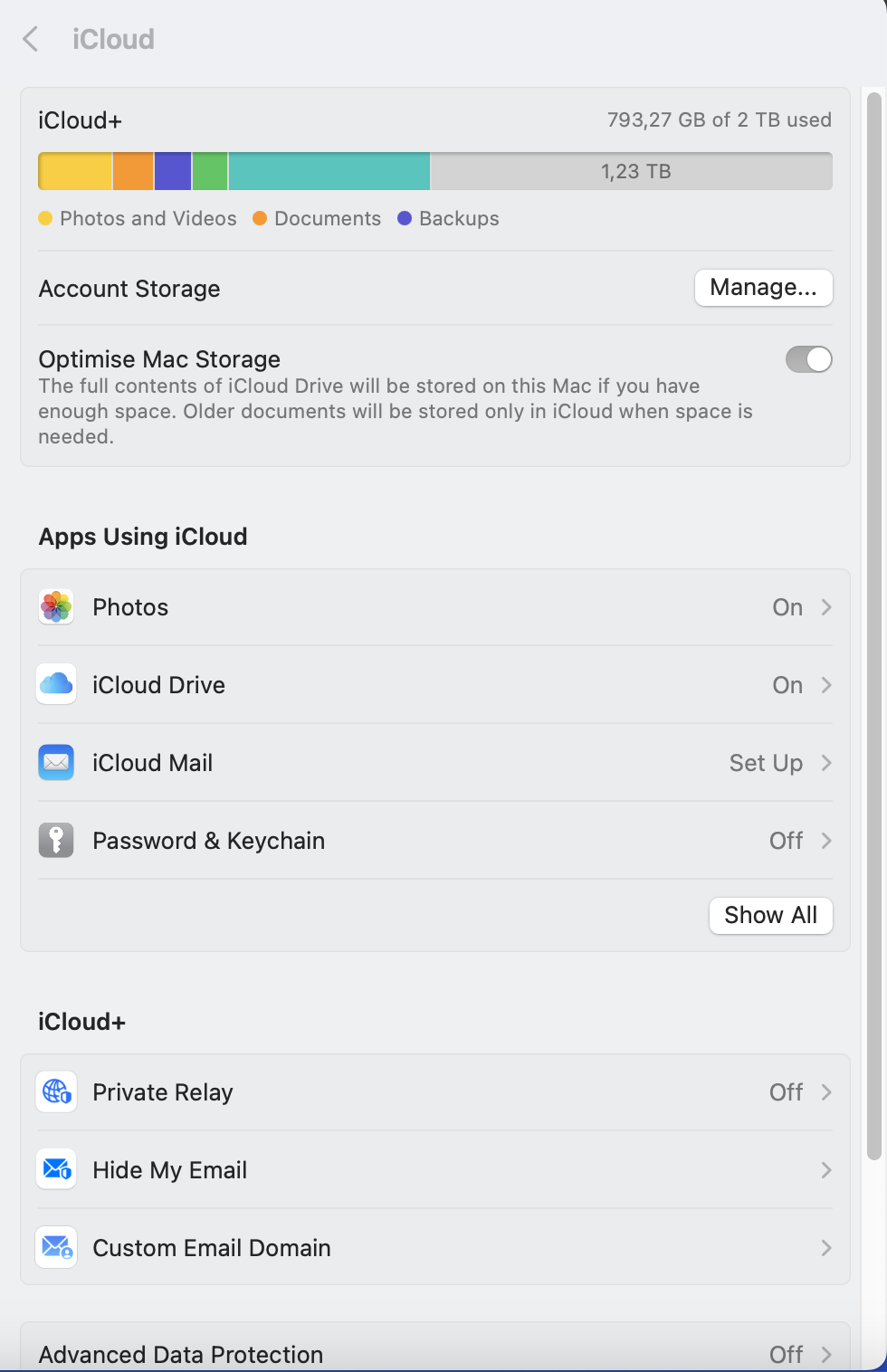
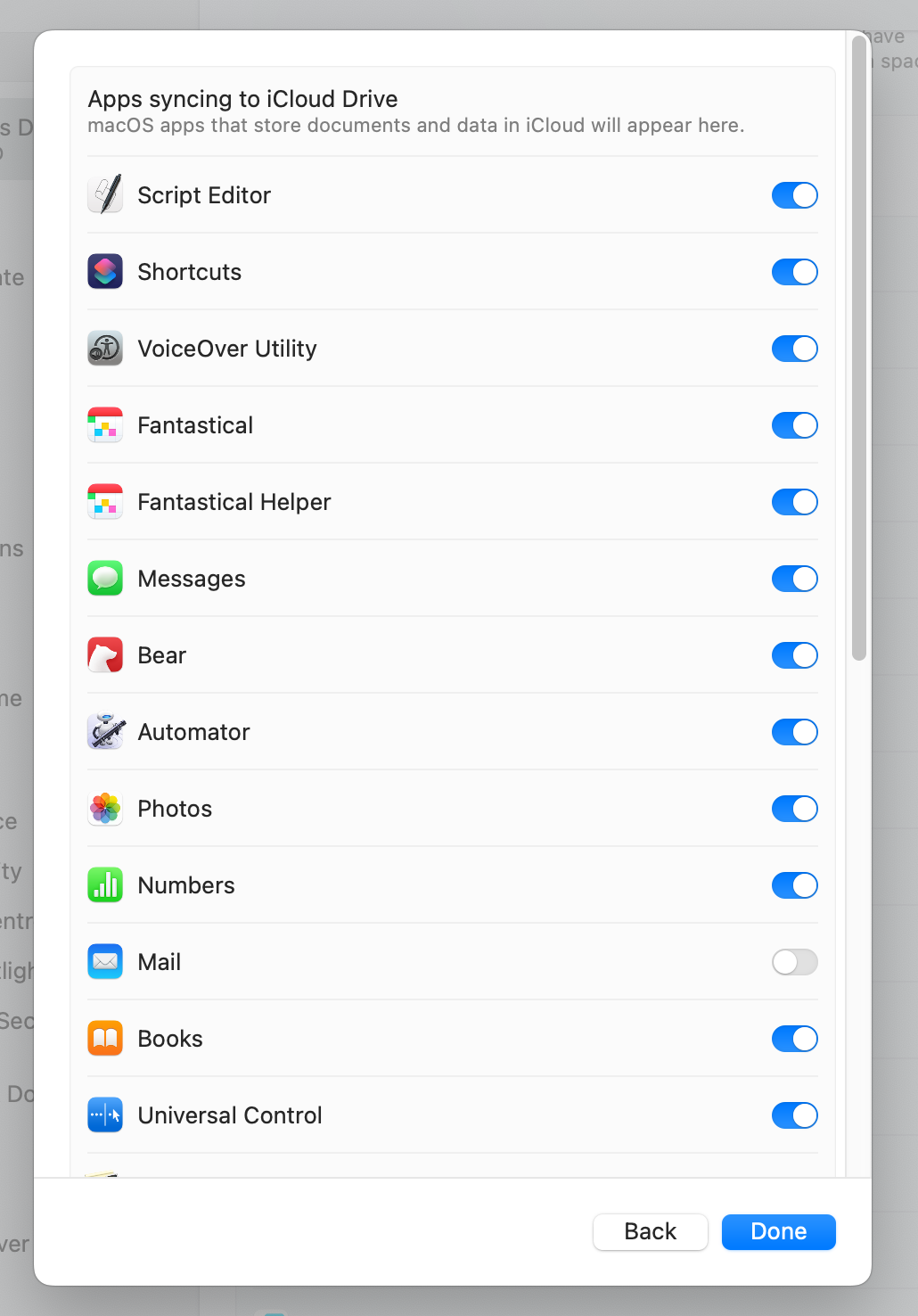
In the list of Apps using iCloud , disable "Mail" , restart the Mail App
Any questions ?
You can describe your problem orally in a few seconds leaving a message on the
+33 1 83 64 02 13
You would rather write it down? We are happy to help in response to your email at