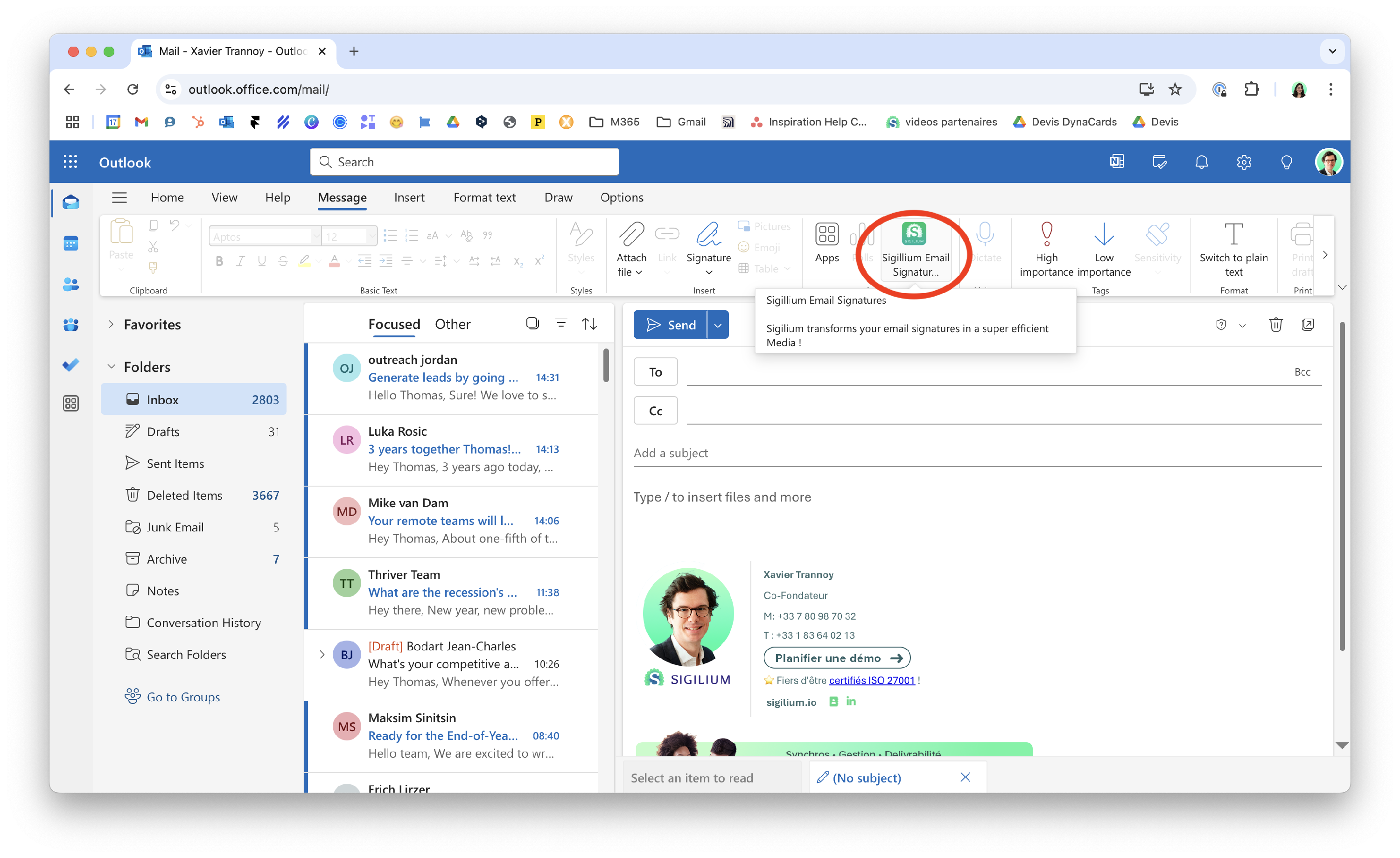
1 - Click on the icon Sigilium on the menu bar of a New Message
2 - Choose from a selection of available email signatures
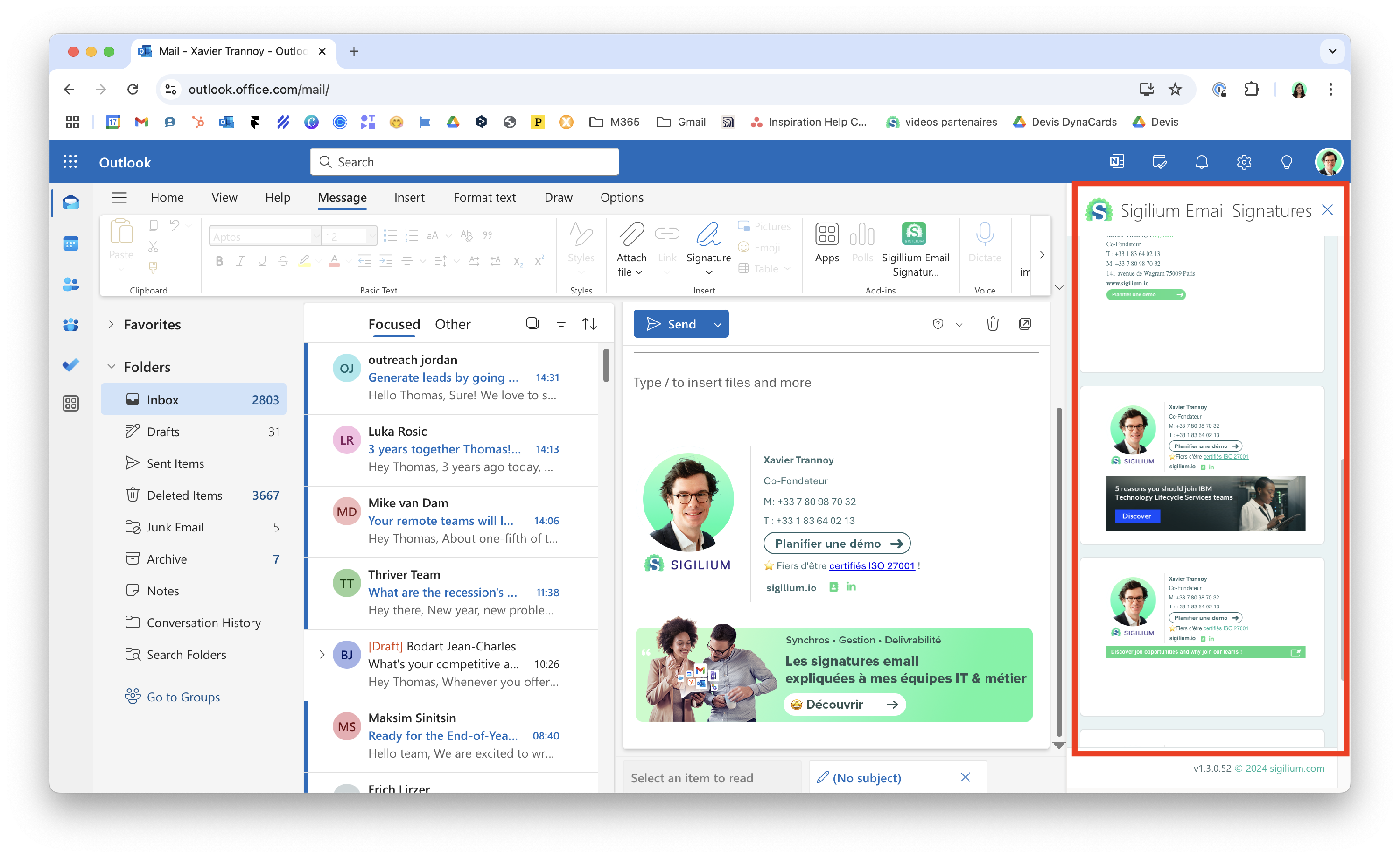
3 - Confirm and it is now directly updated on your Outlook.
You can refresh the page or the message to check

Any questions ?
You can describe your problem orally in a few seconds leaving a message on the
+33 1 83 64 02 13
You would rather write it down? We are happy to help in response to your email at
