
If your signature does not appear correctly in Gmail, it may be because the message you are writing is in text format.
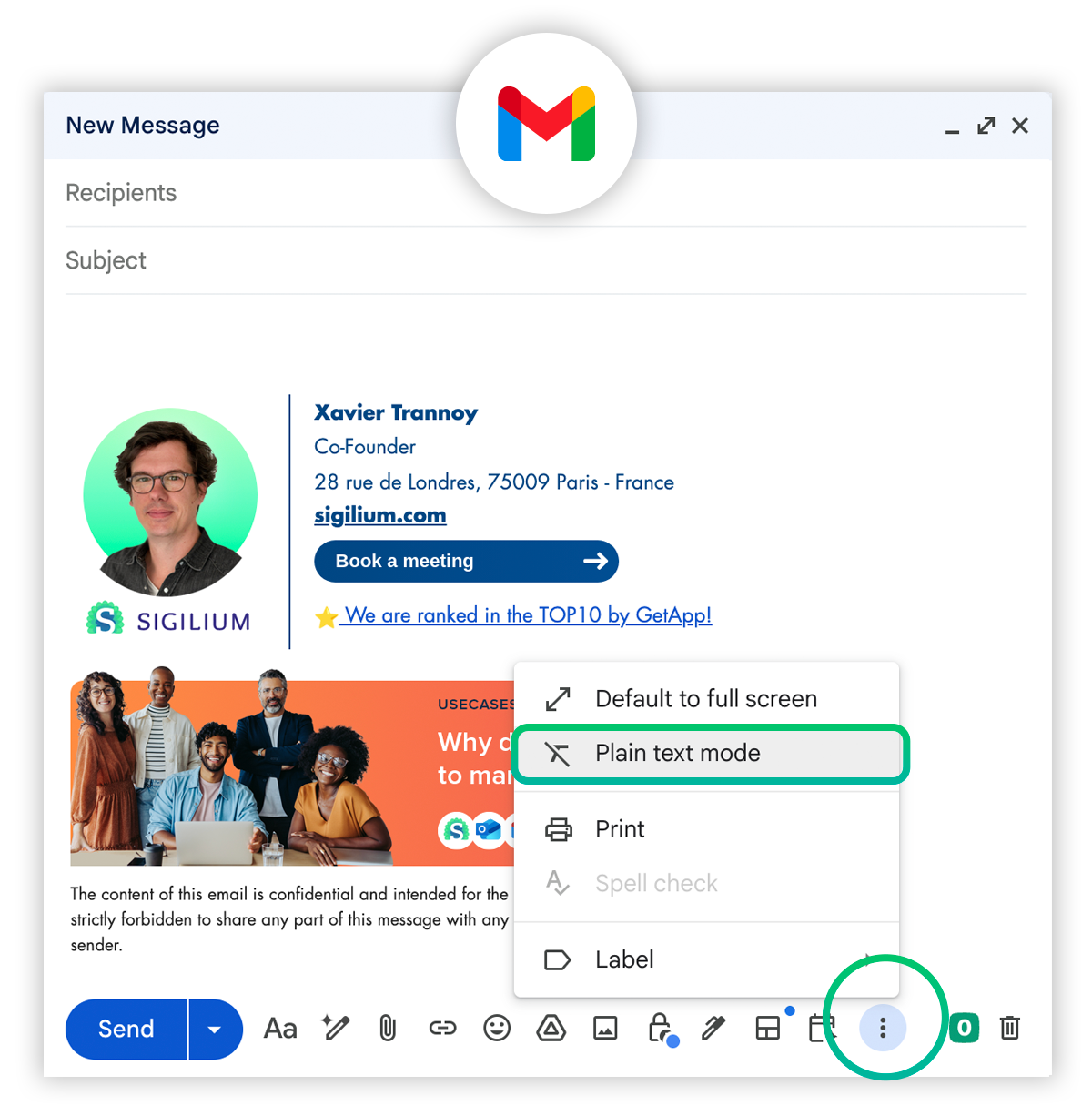
To check, click on the three small dots at the bottom of the message and make sure : “Plain text mode” appear.
It is not obvious, but : “Plain text mode” must appear to be in HTML format. Else, it means in you’re already in Plain text and HMTL format is proposed, so click on it.
Still curious ?
Describe your problem leaving a message on the +33 1 83 64 02 13
You would rather write it down? send us an email at [email protected]