
You can integrate the signature into Microsoft Dynamics:
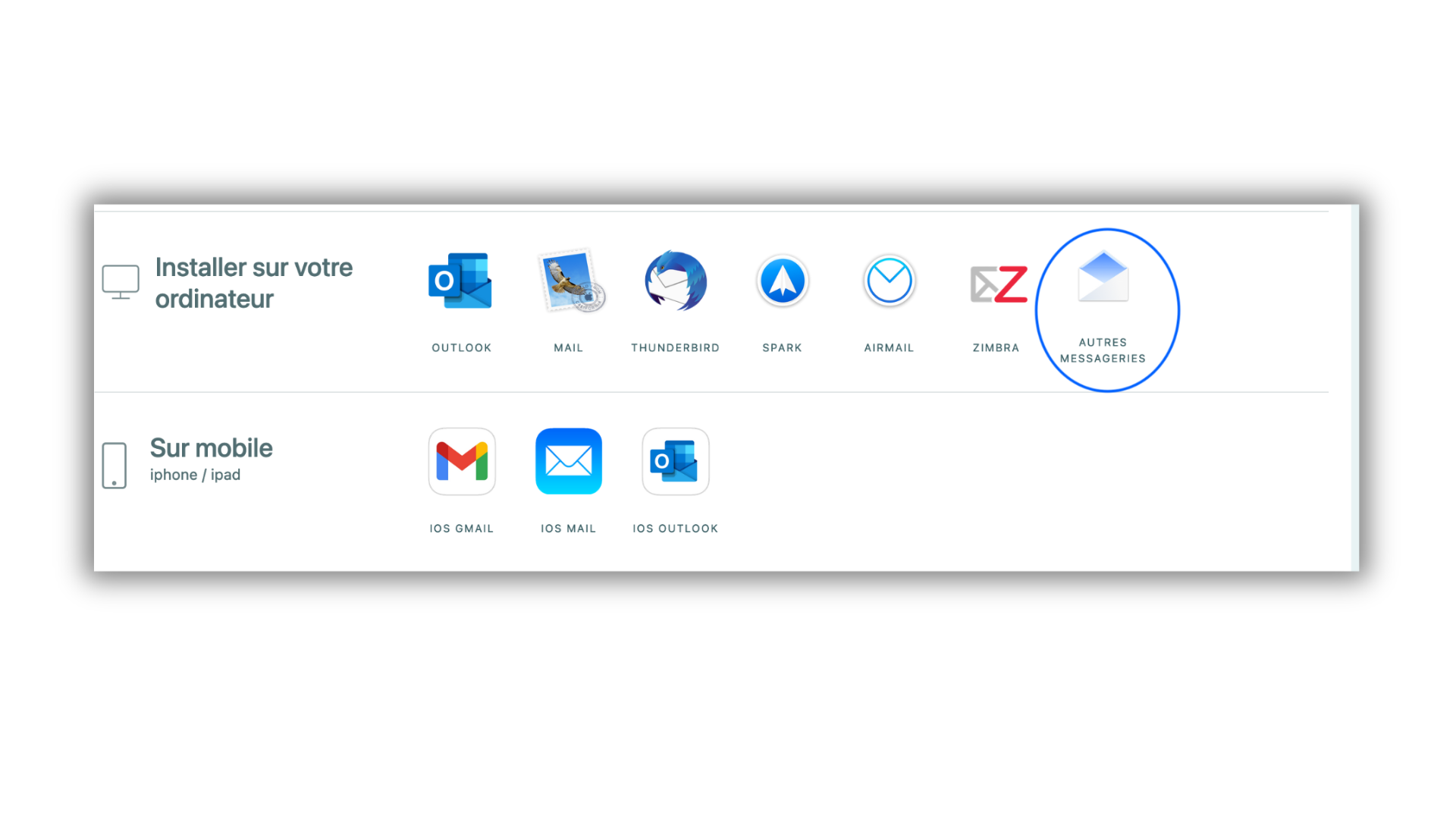
From the signature page click on "Other email client"
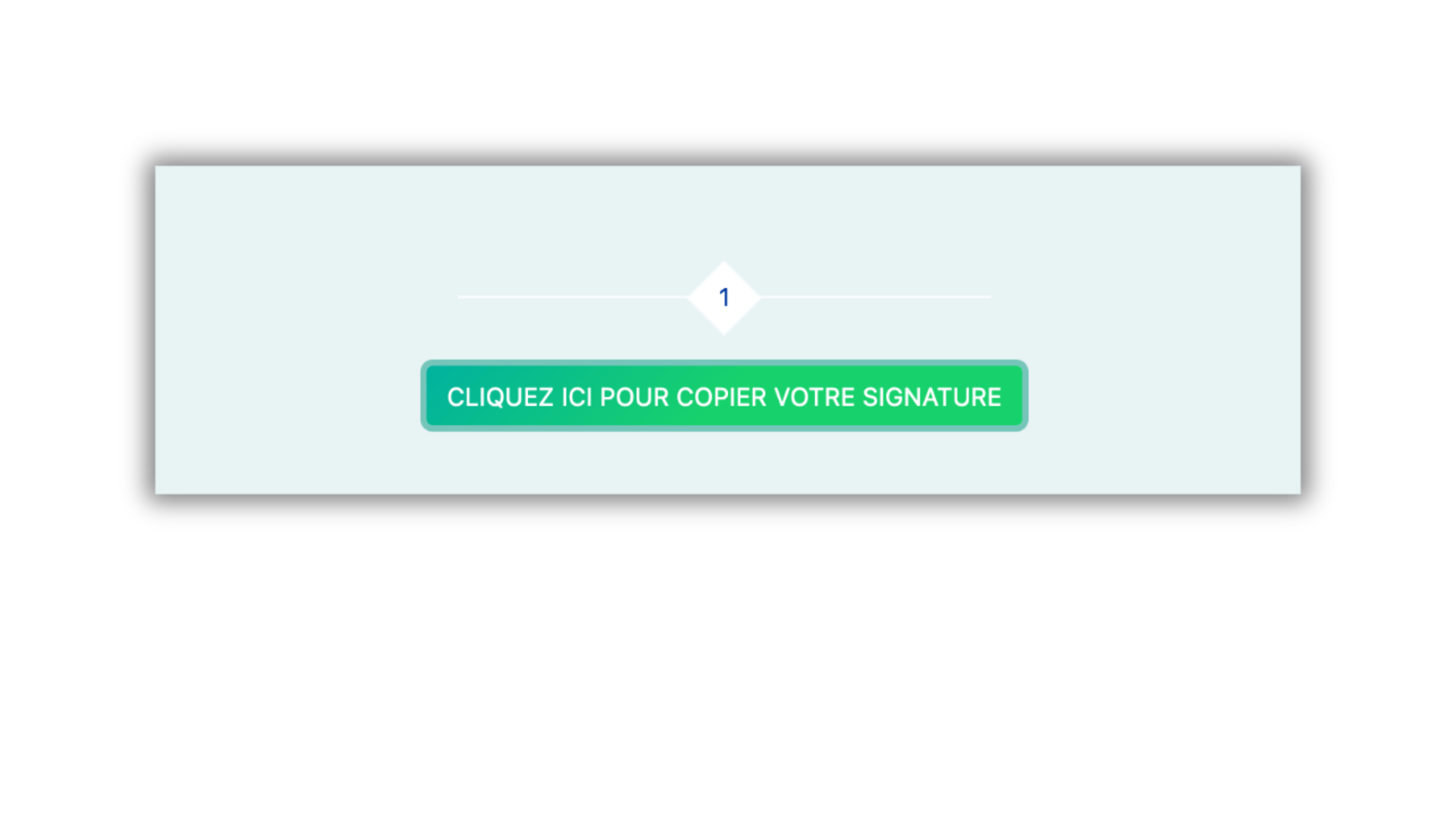
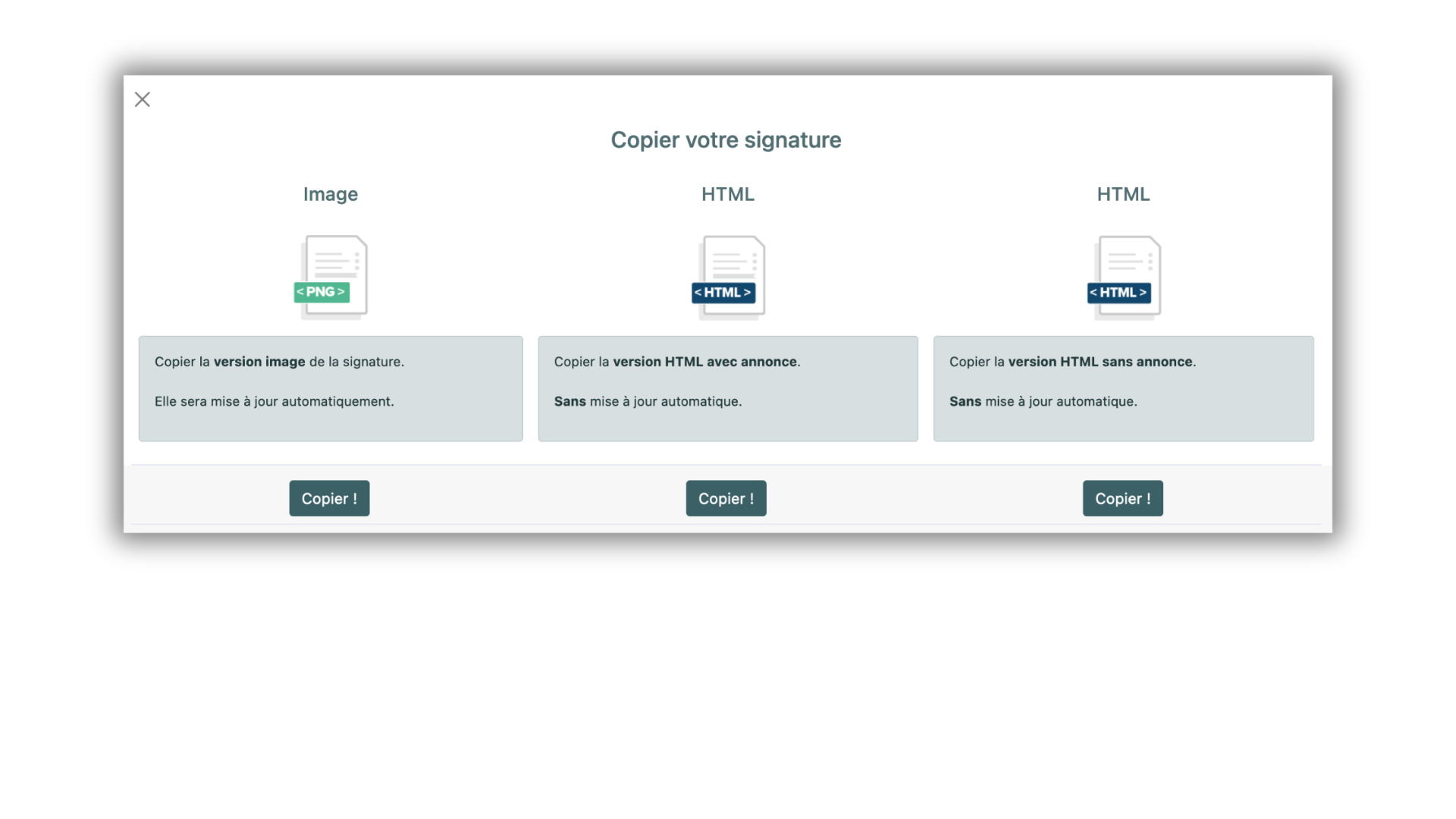
Click on copy your signature
=> Click on "Signature Image"
In Dynamics
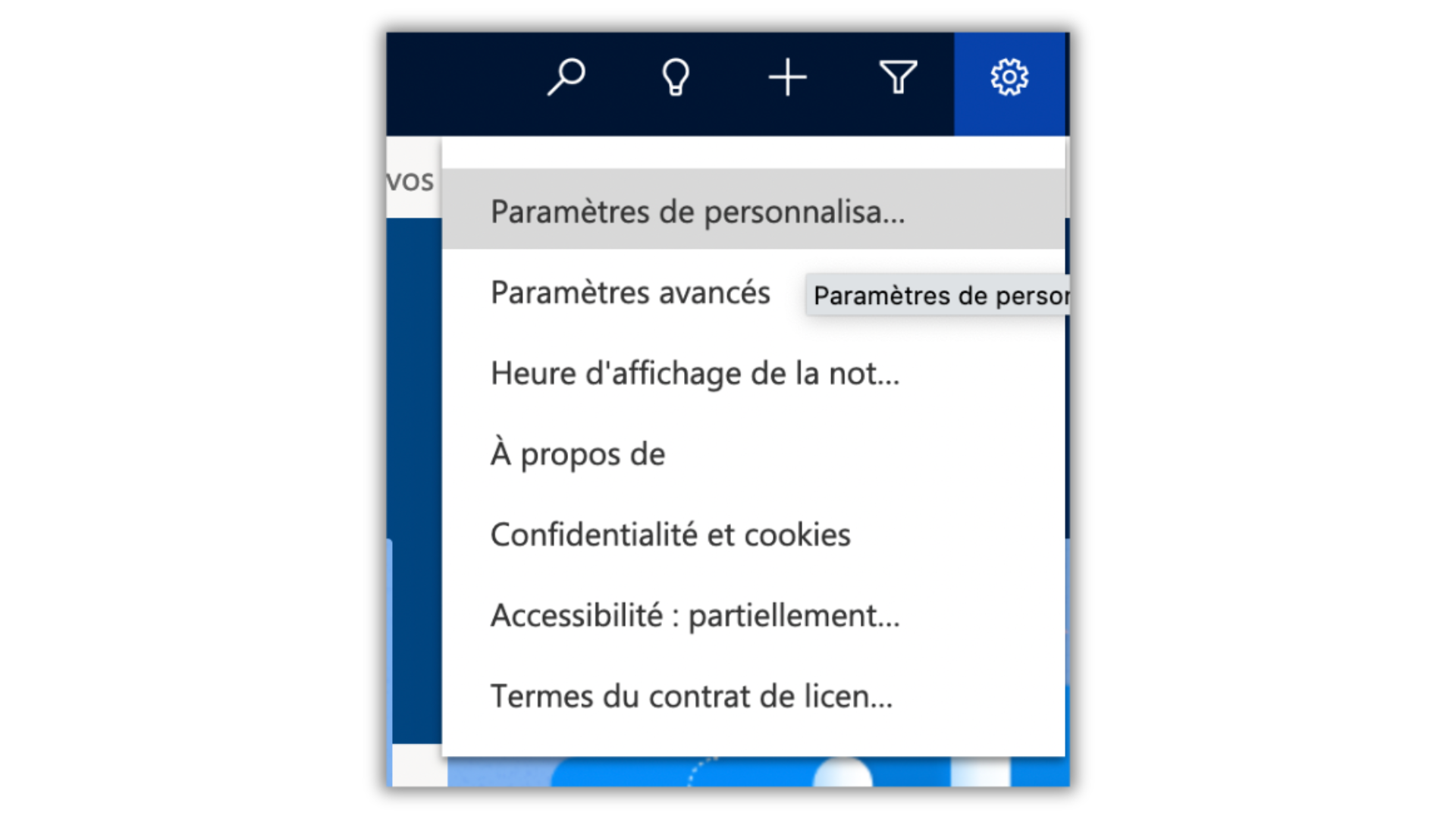
=> Click on the gear icon. Then on Personalization settings
Click on "New", give the signature a name and in the editor paste the signature (ctrl-v or cmd-v)
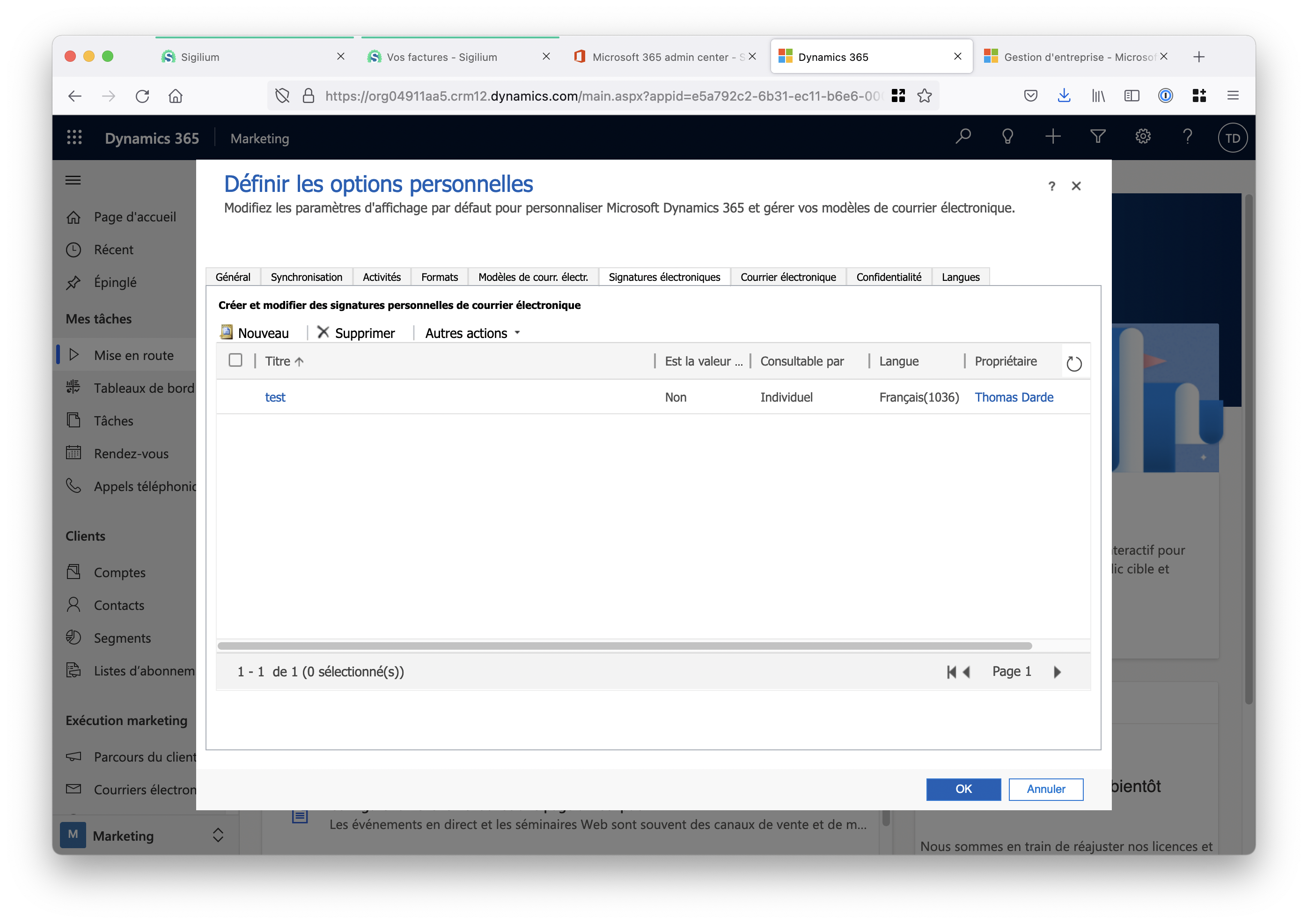
Your signature is ready!
A doubt, a question?
You can describe your problem out loud in a few seconds by leaving a message at
+33 1 83 64 02 13
Do you prefer writing? We’re happy to help by replying to your email at