
If necessary, update the last update here
https://sigilium.com/apps/sigilium.pkg
Once installed, you have to activate the synchronisation from the app.
To do so :
1 - Click on the Sigilium icon in the menu bar
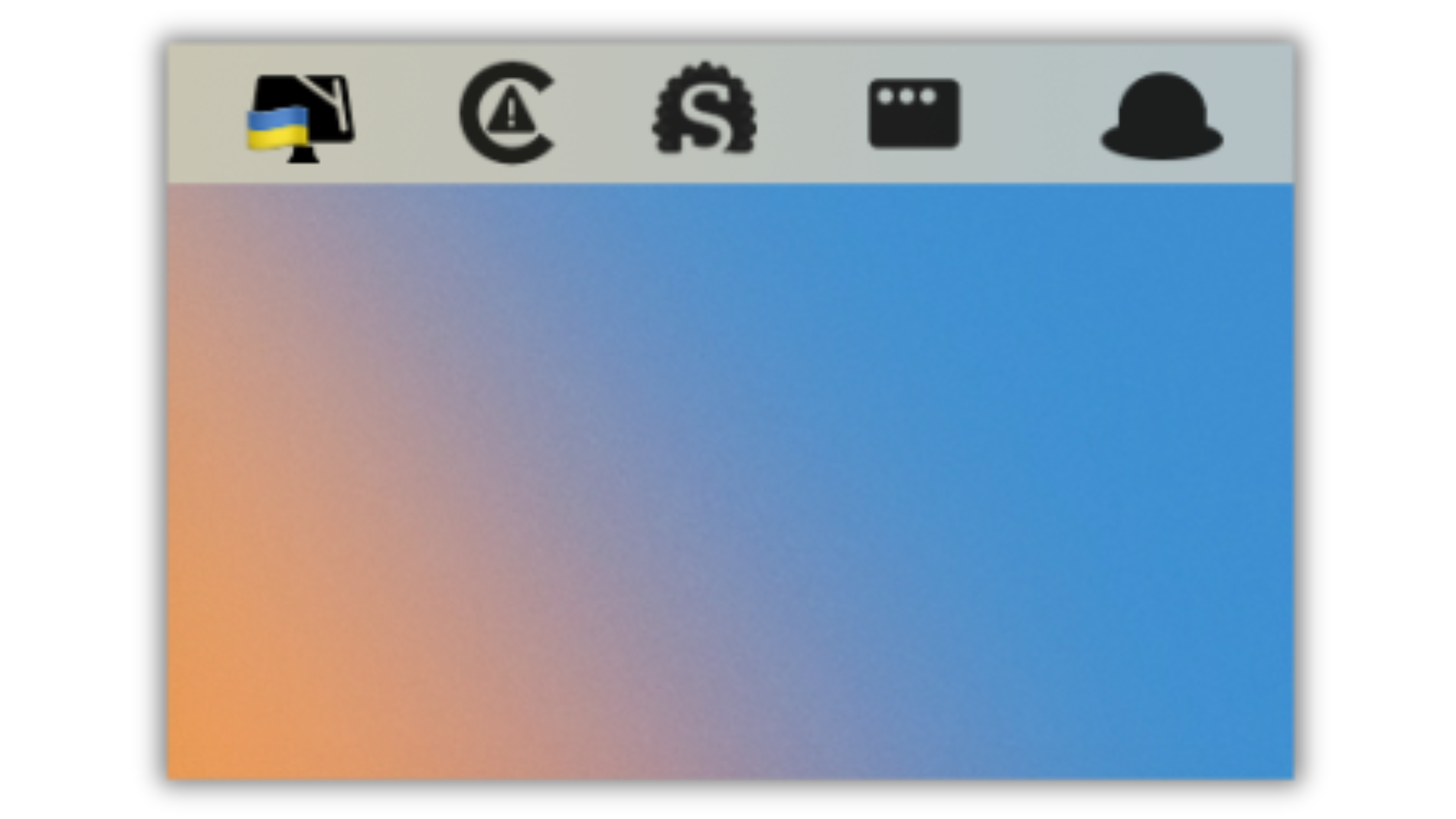
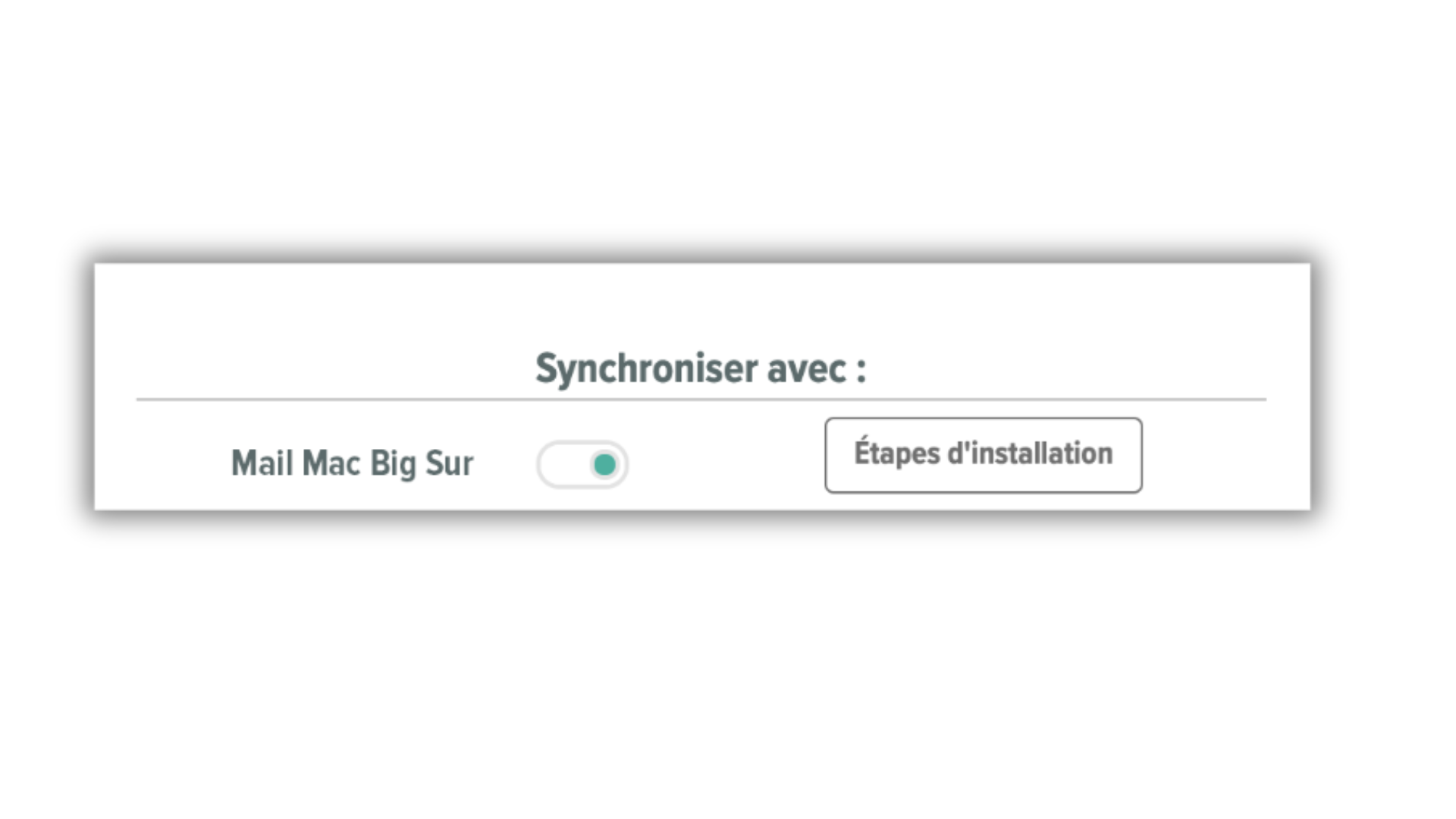
2 - Tick the "Mail Mac Ventura" in the list, and follow the instructions
Any questions ?
You can describe your problem orally in a few seconds leaving a message on the
+33 1 83 64 02 13
You would rather write it down? We are happy to help in response to your email at