In this article, we will look at how to create and convey an effective message in your company or organization's email signatures. There are two aspects to consider: content and form.
If you want your professional contacts to click on your messages, the value you offer must be immediately apparent, allowing them to discover interesting information or solve a problem. Put your message in this context, putting yourself in their shoes:
Am I providing them with relevant information or a practical solution that can be implemented immediately?
Am I helping them move forward in their customer journey?
Sigilium allows you to either create a text message or upload a banner that you have prepared.
To be effective, your message must be simple and clear to the recipient. It must be accompanied by a direct call to action (CTA): for example, a button that encourages the recipient to click to find out more. And it must allow the recipient to know where they will be taken and what content they will discover.
If you don't have a banner image on hand, or any internal or external resources to create one, you can create your banner directly from platforms such as Canva or Crello, then download it into Sigilium to deploy it in the relevant email signatures.
As effective as an image in terms of results, if your message is short and easy to understand, it will be very effective. Example: “How to set up an effective automation scenario?” with a link to the page on your website that deals with this topic.
Note:
questions and prompts are more effective than descriptive messages.
Using a verb encourages action.
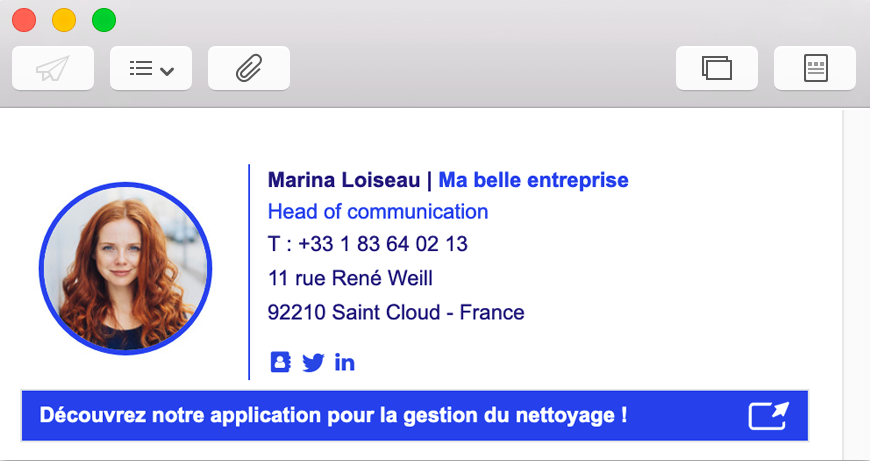
Format : You can use a still image in .jpg or .png format, or an animated image in .gif format.
Here are some recommendations regarding GIFs :
How to get ready to set .gif banner in an email signature
Discover all our best practices and the weight recommendations for your animations in your email signatures.
Image’s size : For optimal viewing on mobile, tablet, and desktop devices, we use templates that are 450px wide. We also recommend preparing your banners at 900 pixels wide for optimal viewing on retina displays, which are now the standard. There are no restrictions on the height of your banner, but we recommend using a height of 250px or 300px. This means preparing your banner with a size of 900 x 250 pixels.
In all cases, you can preview the result on the platform before deploying your banners.
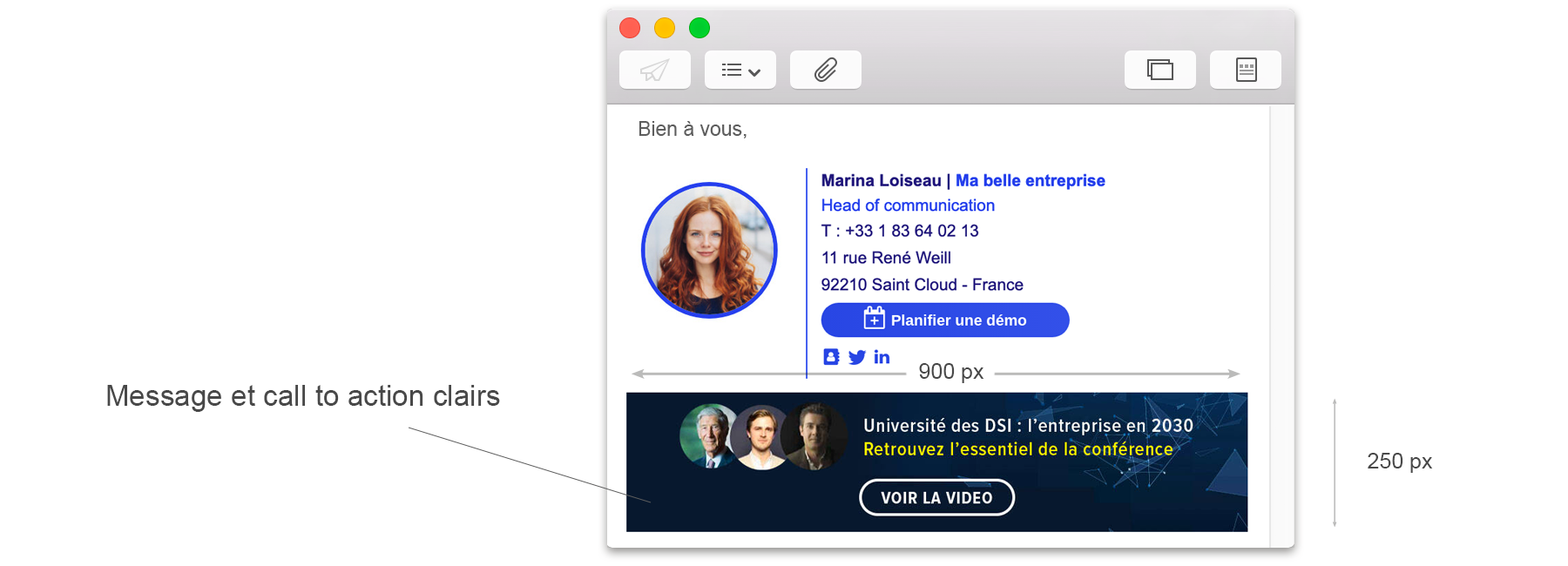
Please note: include a button or clear call to action in your image to encourage people to find out more by taking concrete action. E.g.: “Discover,” “Sign up,” “Find out more,” “Download.”
Any questions ?
You can describe your problem orally in a few seconds leaving a message on the
+33 1 83 64 02 13
You would rather write it down? We are happy to help in response to your email at
