Gmail has recently been updated and now allows you to have multiple signatures and differentiate between those for new messages and those for replies and forwards.
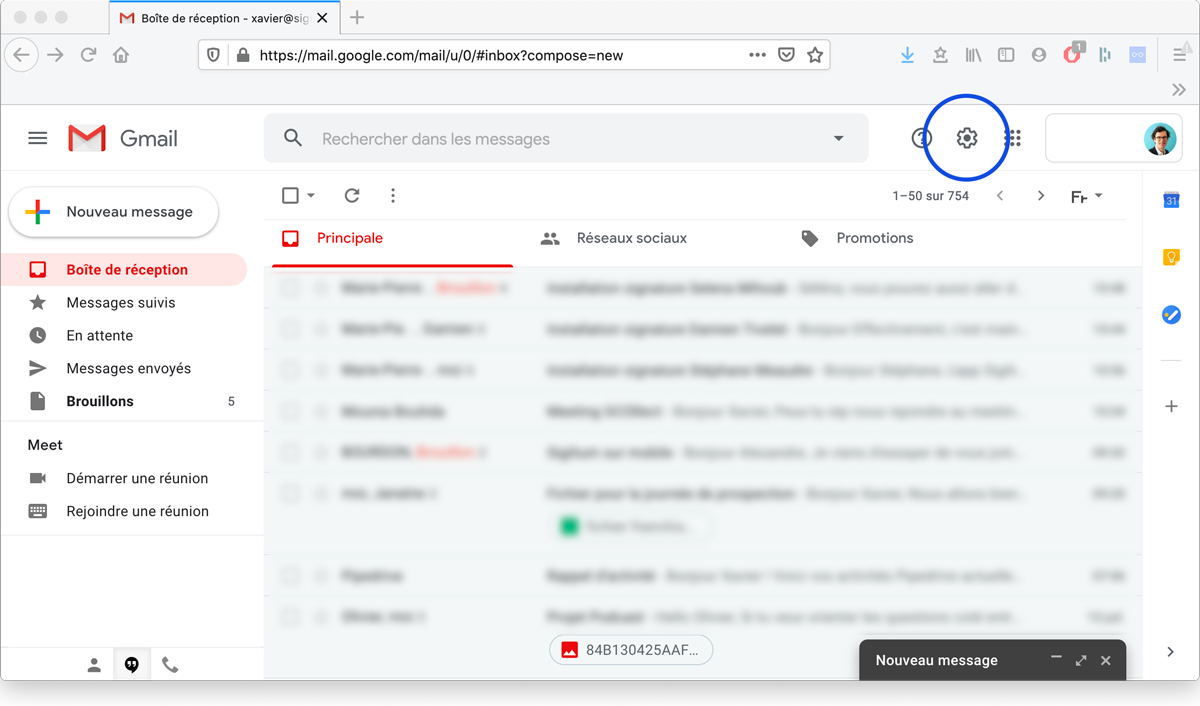
1. At the top right of your Gmail page, go to Settings > scroll down to the Signatures section.
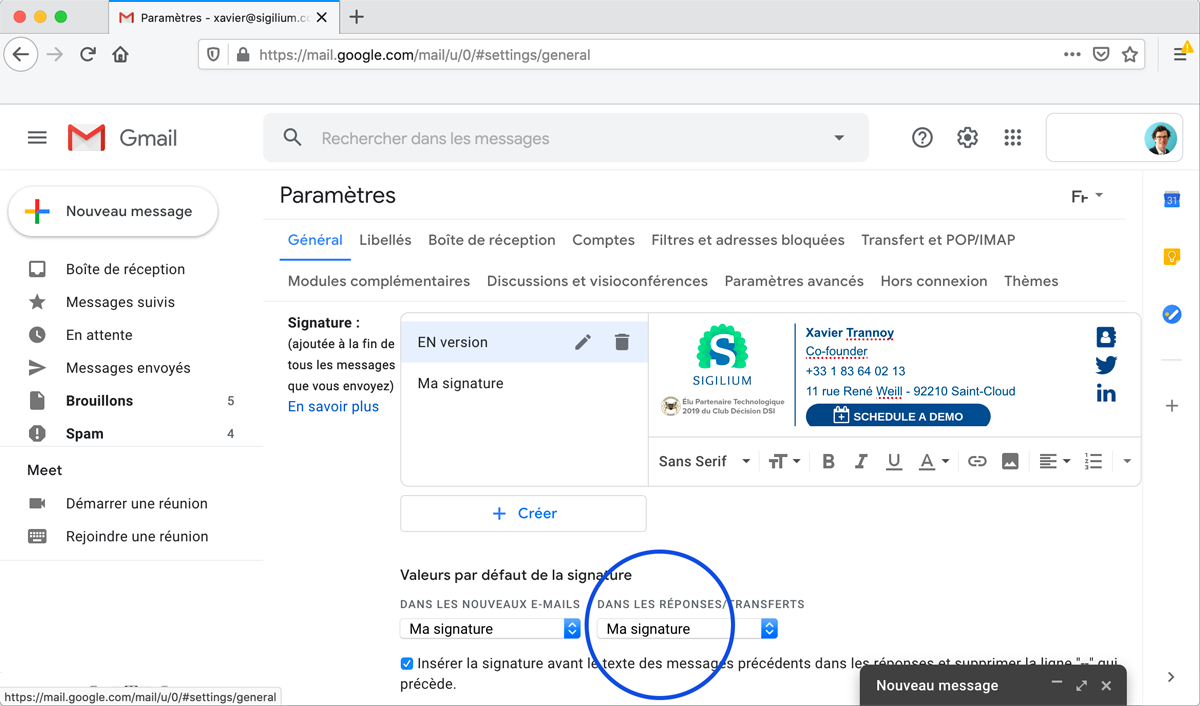
2. Select your new signature as the default signature for forwarded replies.
3. Confirm changes at the bottom of the page.
Bravo, it’s done !
Any questions ?
You can describe your problem orally in a few seconds leaving a message on the
+33 1 83 64 02 13
You would rather write it down? We are happy to help in response to your email at
