
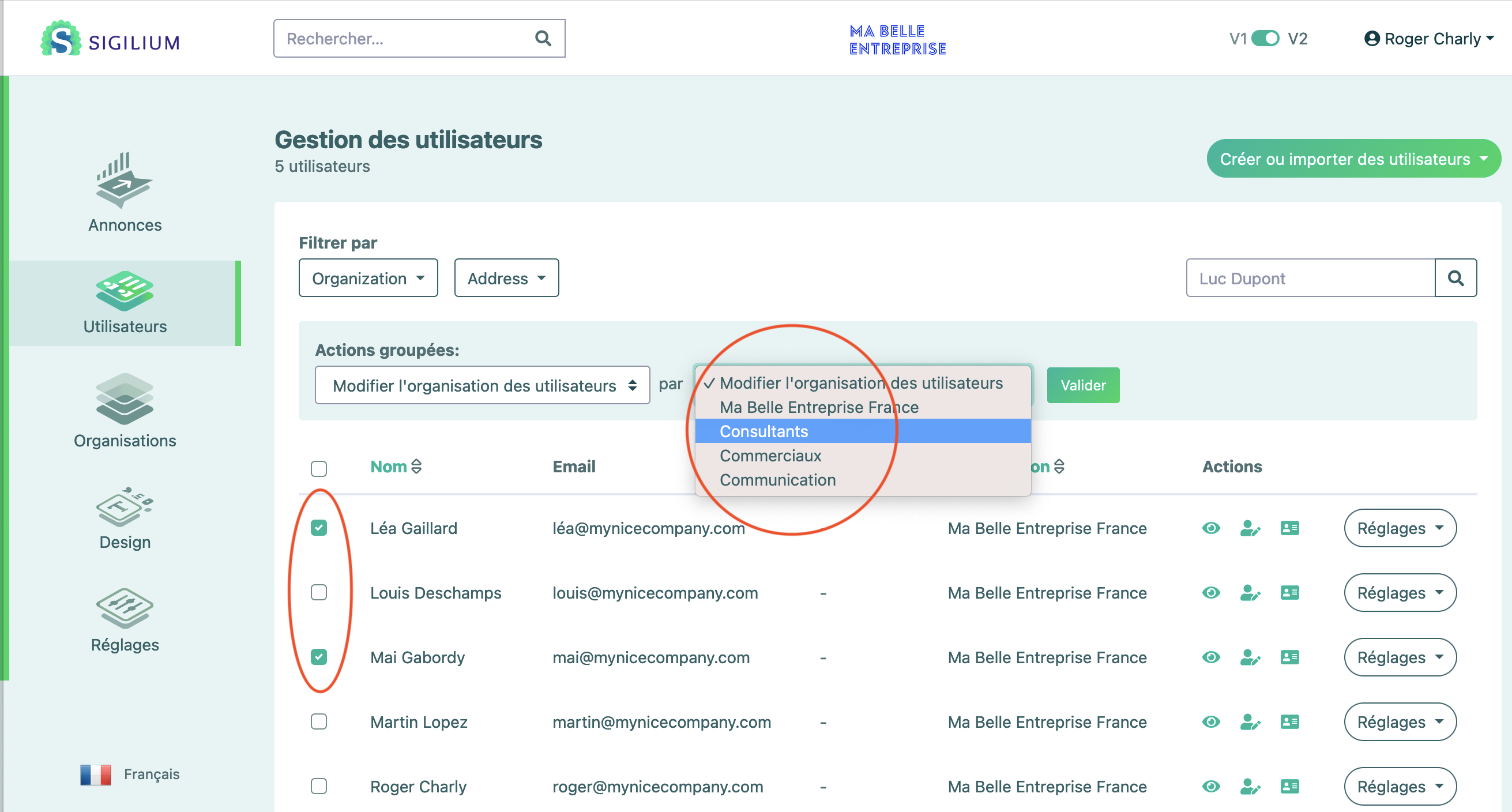
Here's how to change the organization of multiple users at once:
In the Users section,
Check the relevant people, and a Bulk Actions menu will appear at the top of the list.
Click on Change User Organization.
Select the destination organization and confirm.
Any questions ?
You can describe your problem orally in a few seconds leaving a message on the
+33 1 83 64 02 13
You would rather write it down? We are happy to help in response to your email at