Sigilium's uses Google's official API to update email signatures in Gmail.
As a super administrator, you now have an option in your GSuite Dashboard to explicitly trust our Software. You need to follow these steps (3 minutes) for Sigilium to continue working as usual.
A- Go to https://admin.google.com
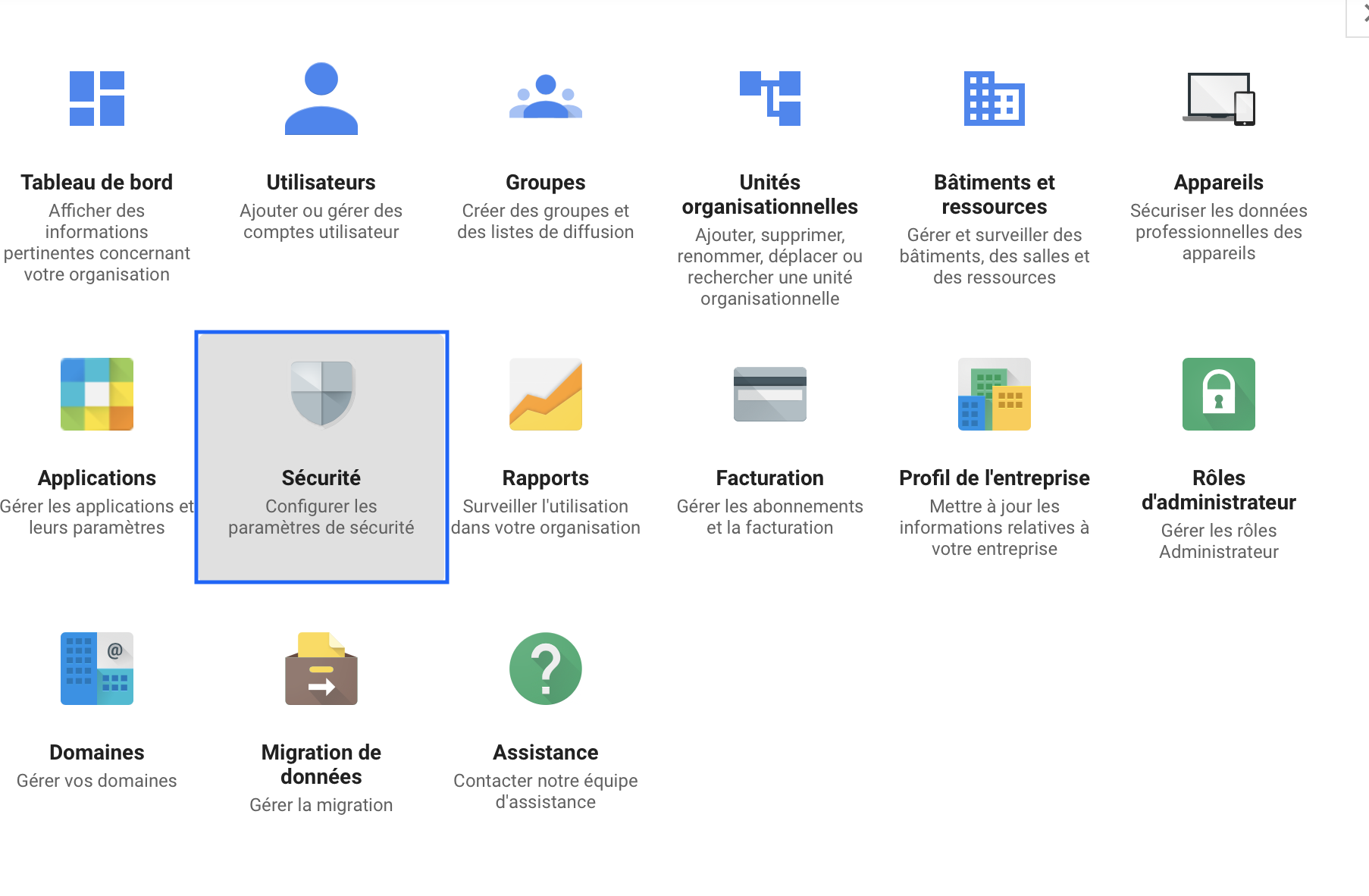
B- Click on "Security"
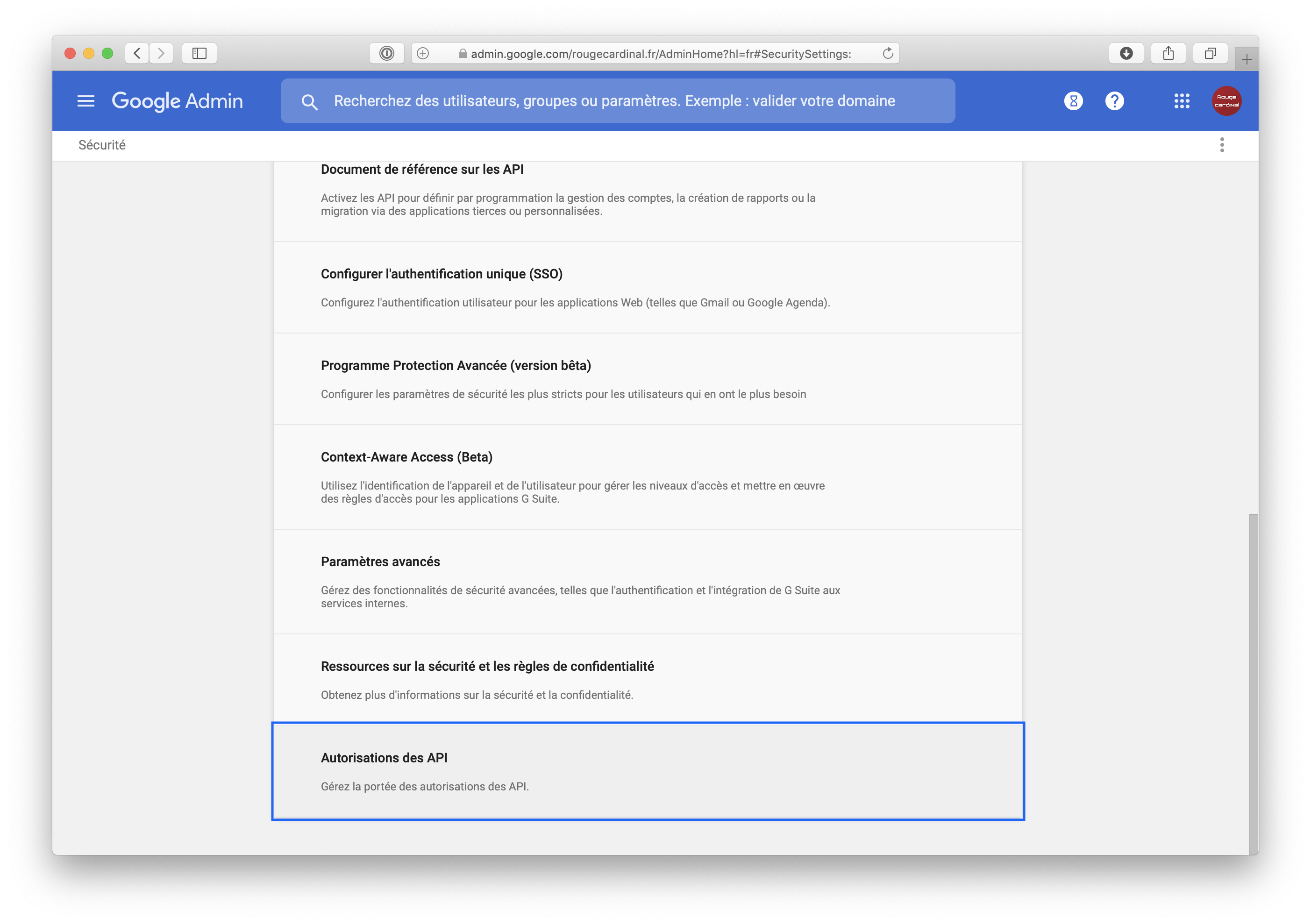
Scroll to the bottom of the list and click API Autorisations
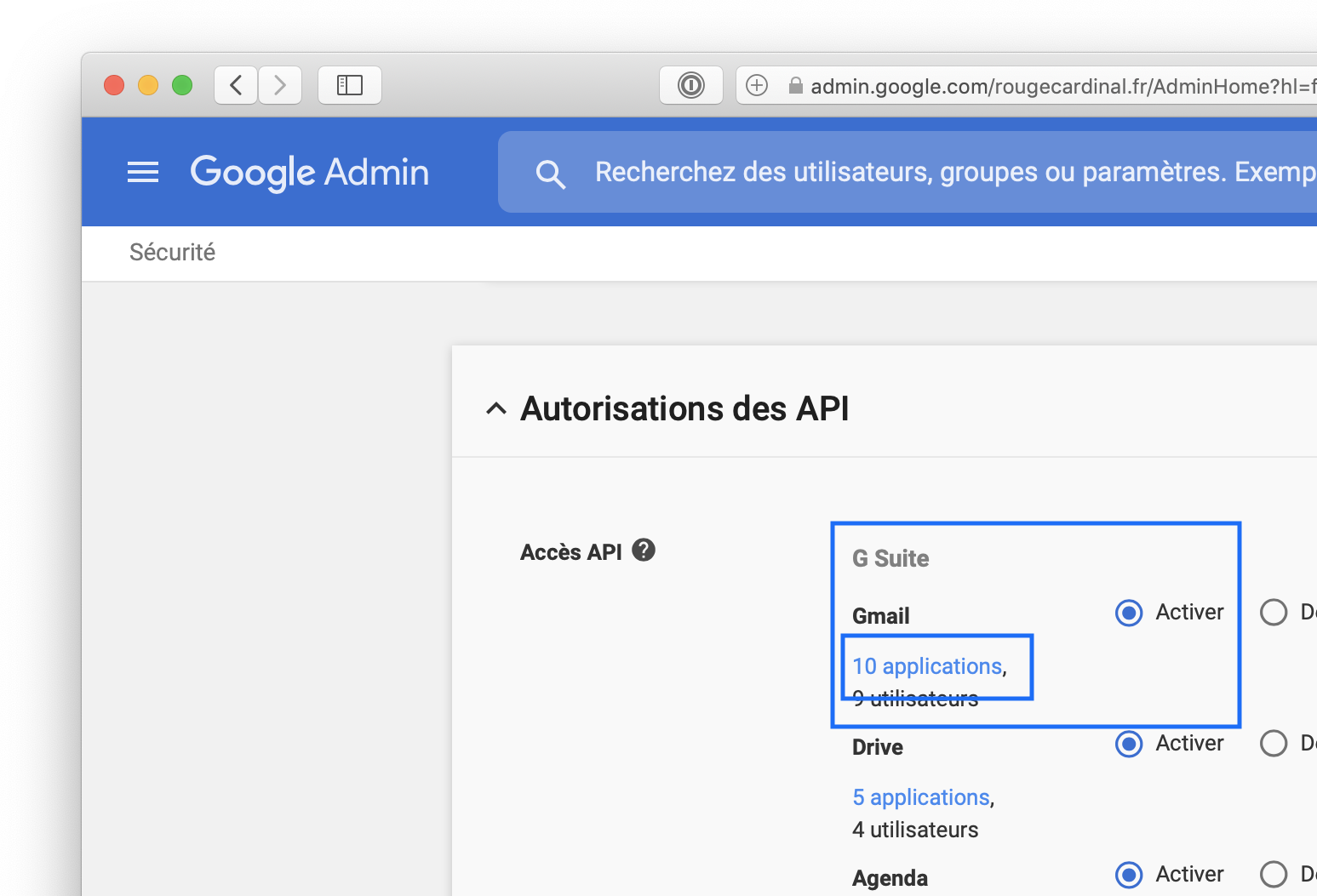
In the Gsuite/Gmail list, click on the "X applications" link.
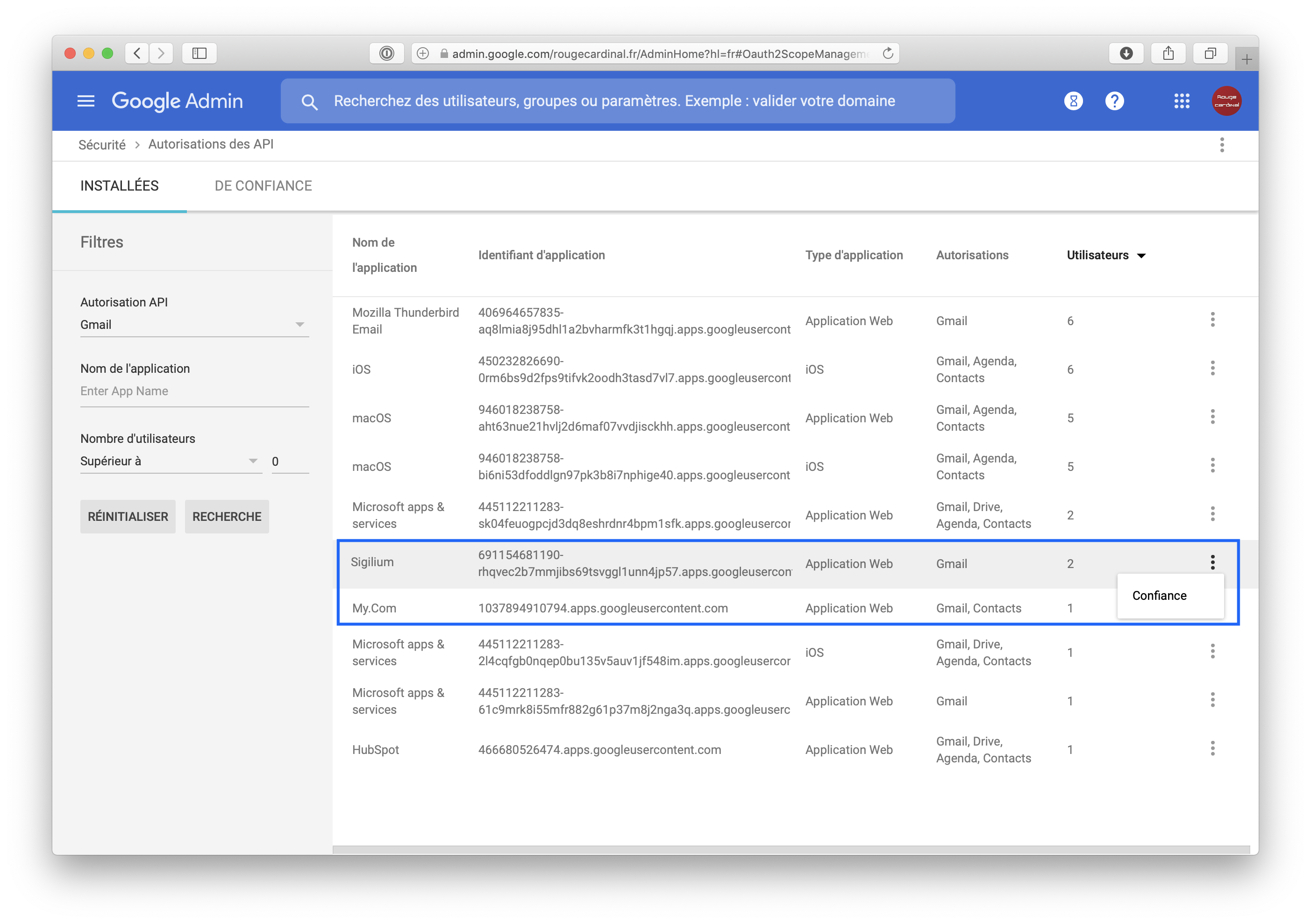
Find Sigilium in the list, at the extreme right of the screen, click on the 3 vertical dots and click on Trust